Current Task and Critical Tracks
Establish immediate clarity across heavy production sessions by anchoring active focus lanes while delegating background layers to structured containers.
Establishing the Active Work Axis
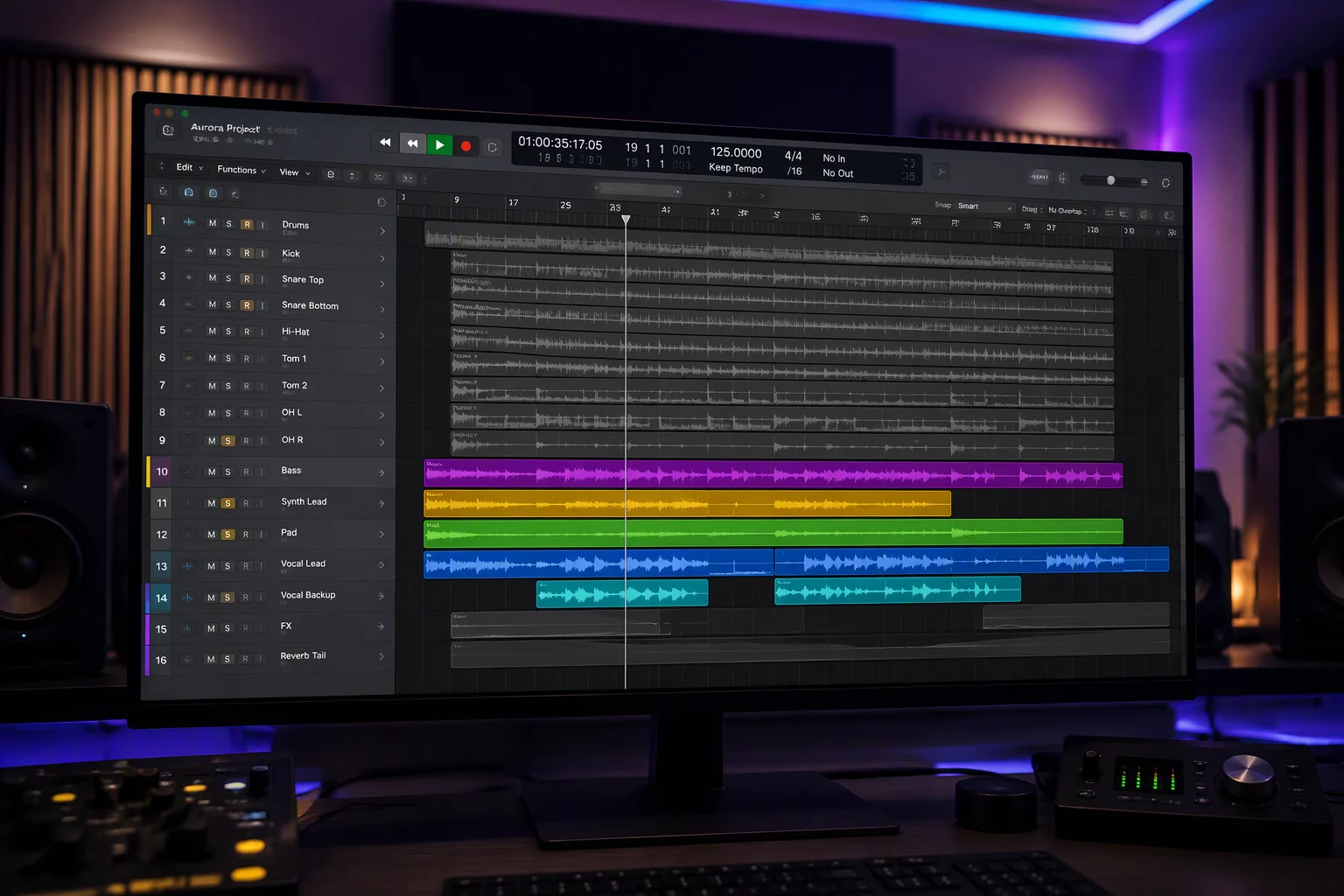
When mixing or editing complex multi-mic arrangements, visual clutter routinely drains mental stamina. Navigating vertical track stacks across one hundred channels forces the brain to constantly relocate active elements rather than evaluating musical relationships. To effectively organize large session timelines, engineers must separate momentary attention from persistent reference points. By prioritizing only the channels required for the immediate task, the workspace instantly transforms into an ergonomic command center.
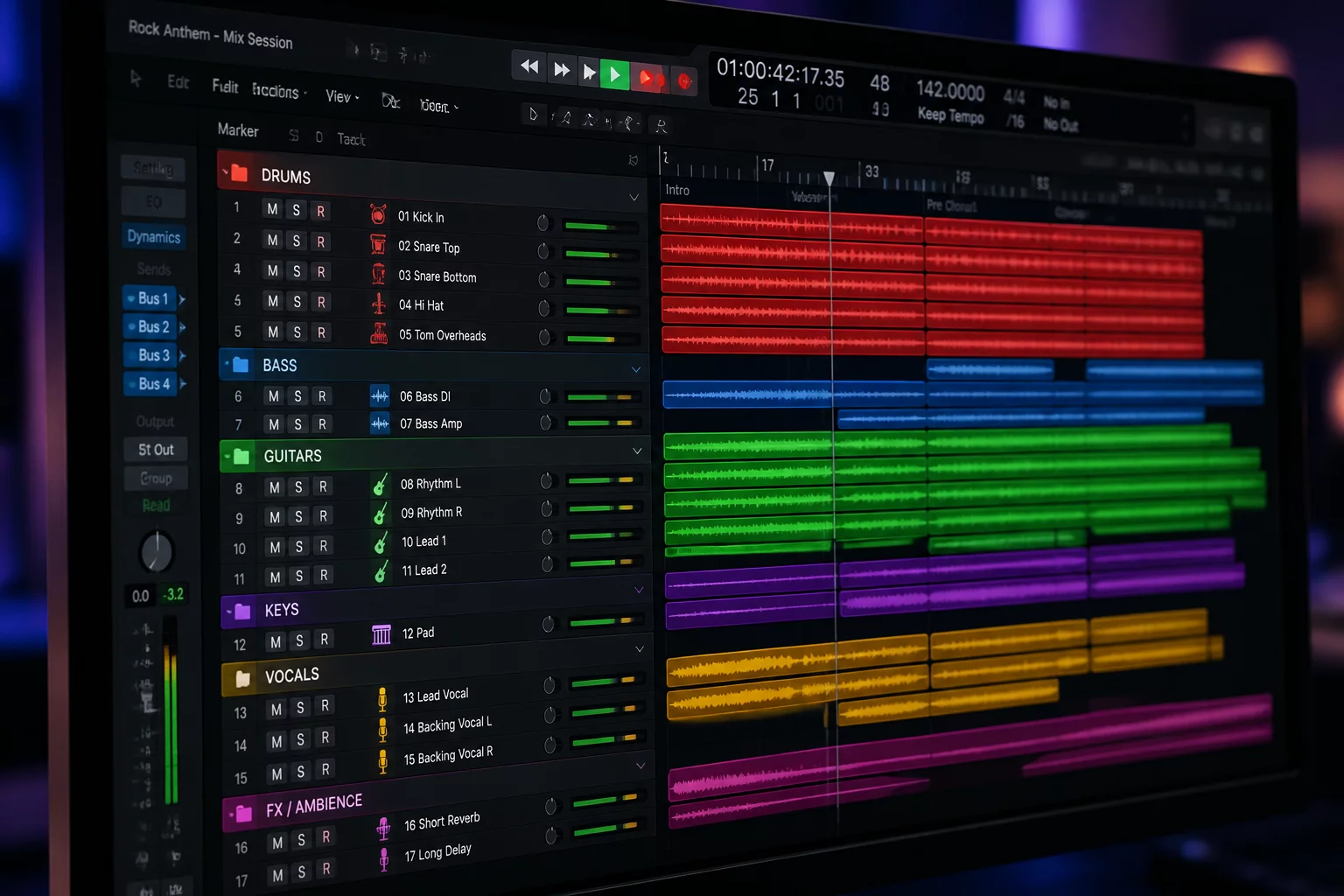
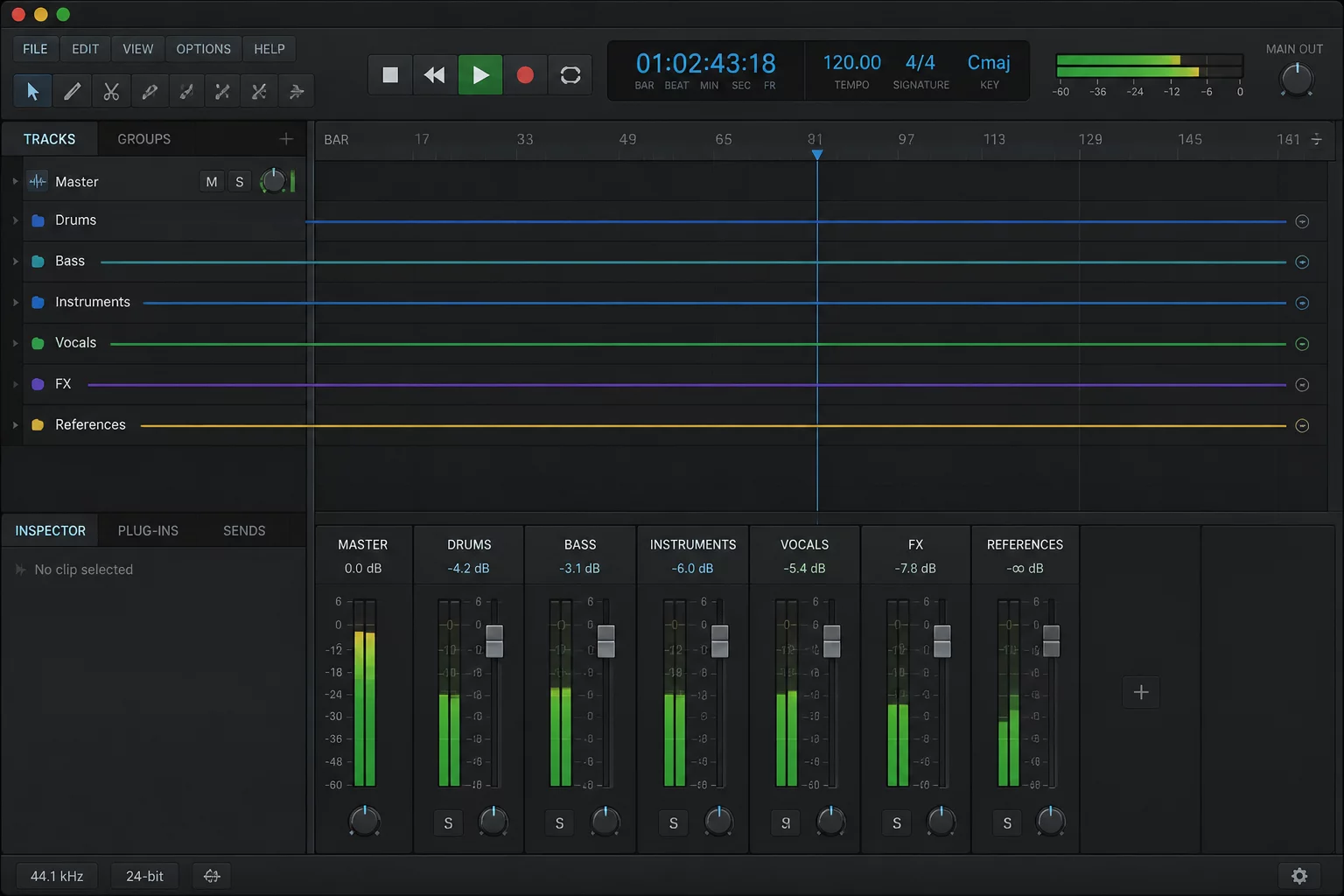
Modern workflows leverage Pro Tools folder tracks to group sub-elements like double-tracked guitars, drum overheads, or room microphones into concise visual summaries. Instead of leaving eighty individual channels exposed across the edit window, these folders can be tucked away without interrupting audio signal routing or VCA control. Combining this grouping strategy with a persistent track pin ensures that essential dialogue guides, click meters, or lead vocal references never scroll out of view when diving into micro-edits.
Maintaining this division between active work lanes and background assets prevents disorientation when jumping between different passes. A vocal tuning pass demands instant access to pitch-correction tracks and key references, while drum phase alignment requires an entirely distinct subset of audio stems. Structuring the session so that current task tracks stay front and center while background groups remain neatly parked inside folder tracks preserves creative momentum throughout long studio days.
Core Principles of Critical Track Isolation
Determining which channels earn uninterrupted visual presence requires clear operational rules. Not every prominent element needs permanent visibility, but every active task requires immediate physical anchoring.
Primary Reference Anchor
The definitive mix guide or master stem must remain persistently pinned so balance comparisons happen in real time without searching the mixer.
Dynamic Task Isolation
Temporary edit channels expand only while active adjustments occur, collapsing back into neat containers once the pass concludes.
Dedicated Cue & Sync Lanes
Tempo maps, dialogue guide tracks, and video references hold top priority positions to prevent timeline desynchronization during detailed scrubbing.
Folder Container Containment
Secondary layers, effect returns, and multi-mic splits reside within routing folders, keeping fader clutter away from the primary editing window.
Systematic Configuration Checklist
Pin Primary Work Reference Channels
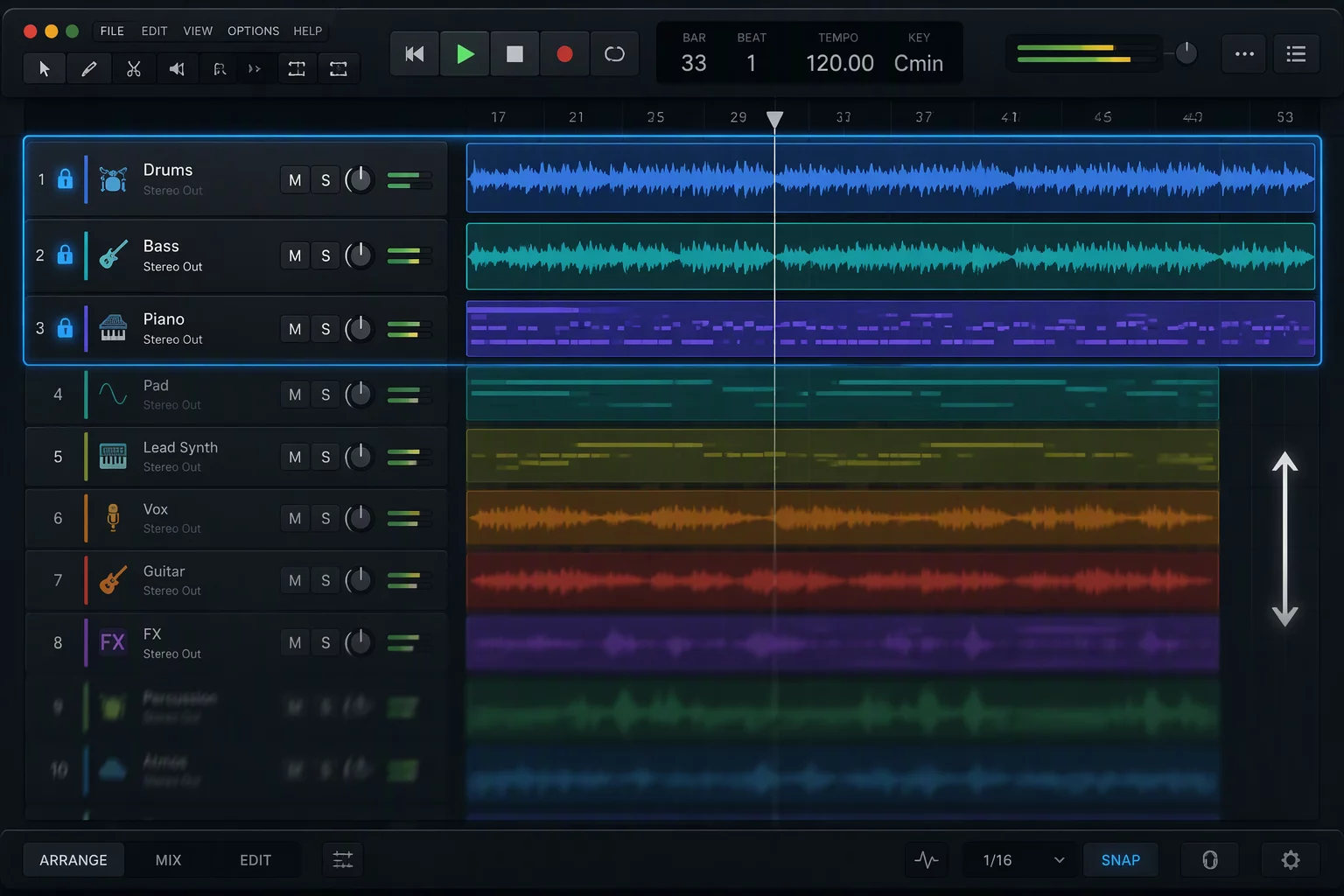
Lock your lead guide track or primary mix bus to the uppermost visible boundary so scrolling down through nested takes never obscures your target.
Group Subordinate Stems into Folder Tracks
Pack rhythm sections, layered strings, and backing vocal stacks into closed Pro Tools folder tracks to reclaim vertical screen height.
Assign Task-Specific Color Codes
Apply high-contrast palette tags exclusively to tracks involved in the active editing run, leaving background channels muted in tone.
Verify Routing Integrity Before Collapsing
Ensure all sidechain sends and automation lanes within collapsed folders remain armed and calibrated prior to locking the display layout.
Request Session Architecture Blueprint
Submit your session parameters to receive a customized routing guide and track visibility template configured for your DAW setup.
Engineer Inquiries & Discussions
0 CommentsShare Session Insight
Related Focus Maps
No comments yet. Be the first to leave a comment.