What Must Stay Visible
Visual anchors prevent disorientation when navigating multi-layered stems, folded groups, and complex routing paths in expansive audio sessions.
The Anchor Principle: Keeping Core References in Sight
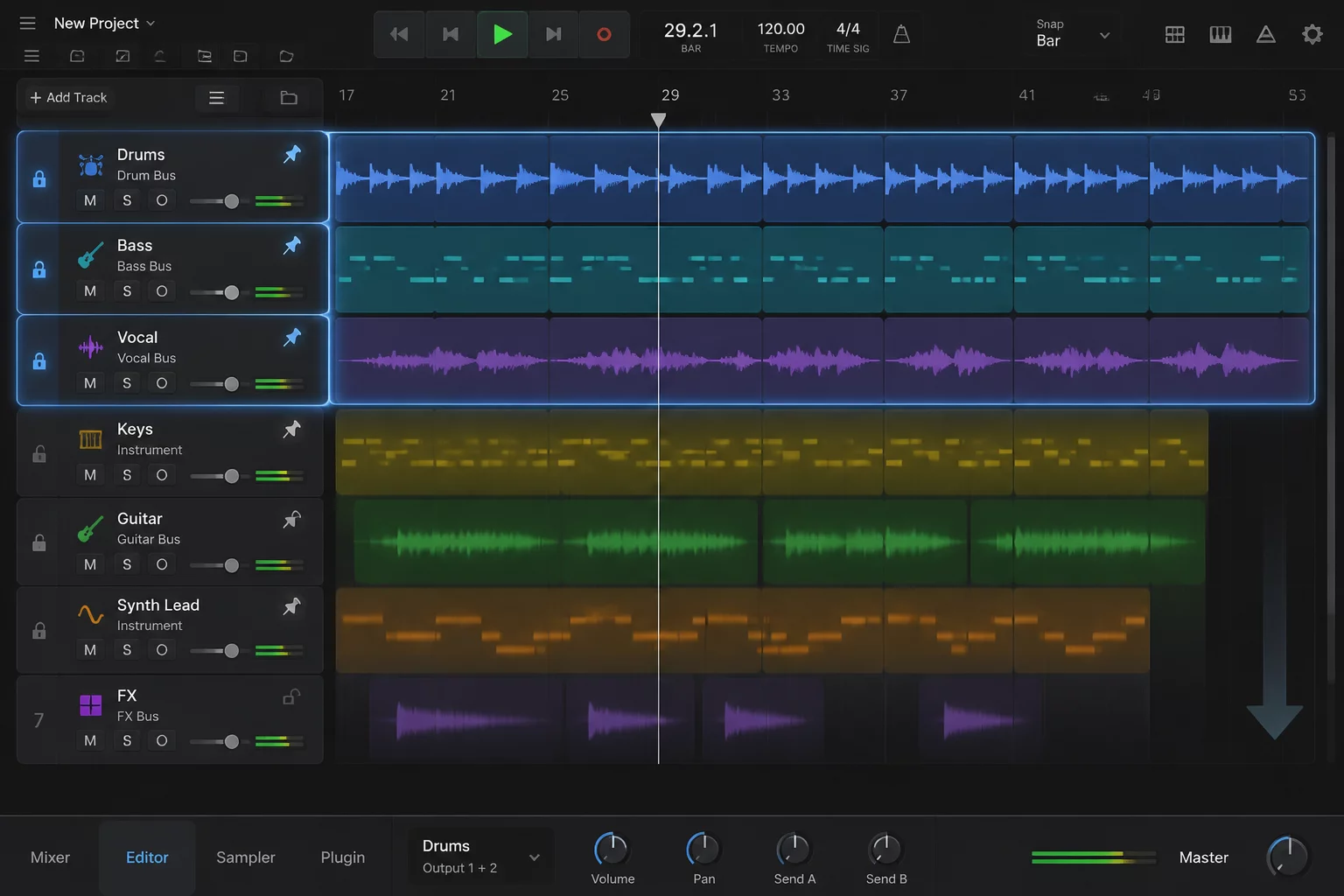
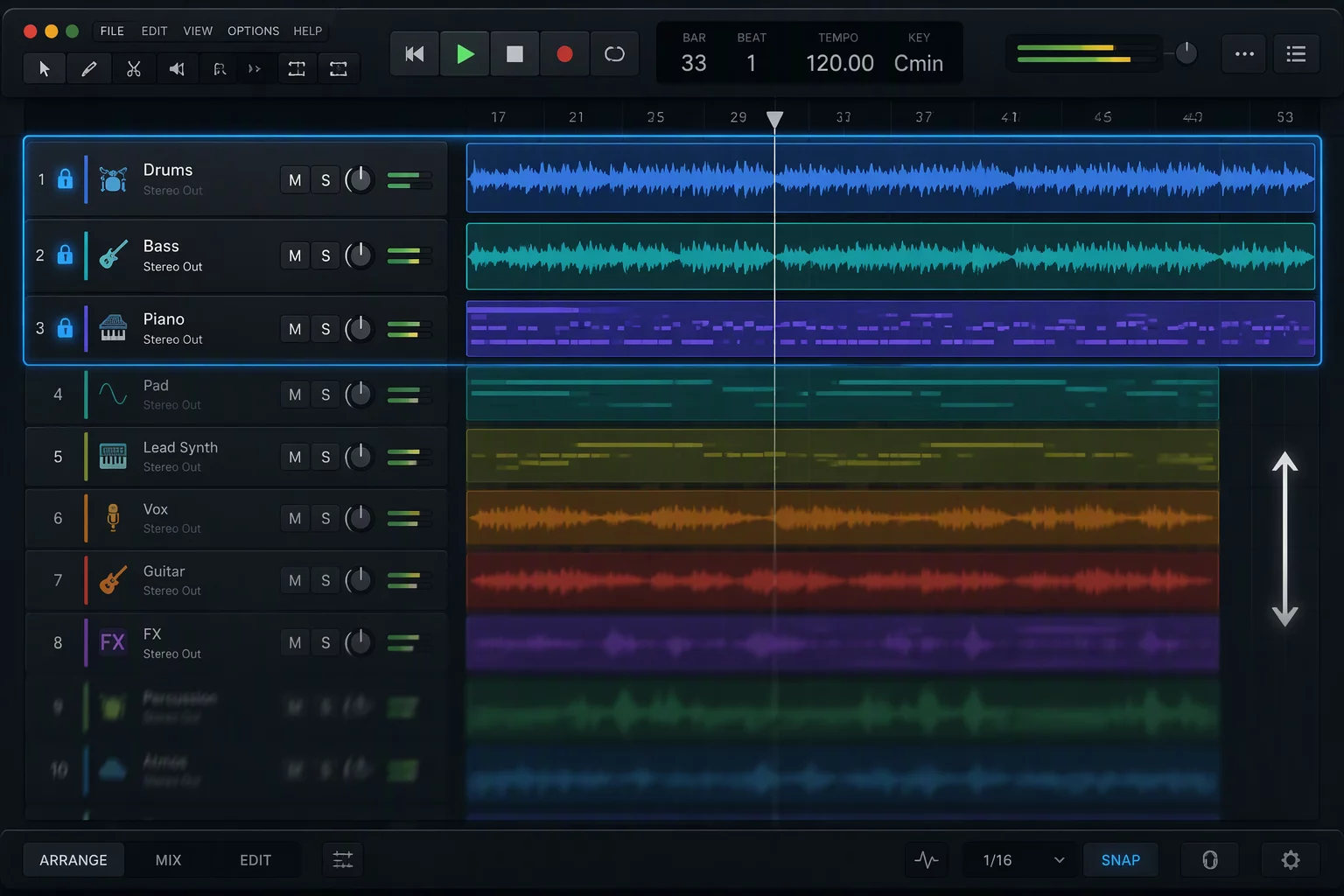
When mixing or editing sprawling productions exceeding one hundred lanes, vertical displacement quickly degrades critical context. Engineers frequently lose immediate visual contact with the primary rhythmic pulse, the foundational lead vocal, or the calibrated loudness meter when diving into background percussion or dense string layers. Establishing dedicated pinned tracks at the summit of your timeline guarantees that essential comparative material never scrolls off-screen. By utilizing Pro Tools folder tracks in tandem with deliberate track pin assignments, your reference material stays permanently locked into place.
Navigating through endless track lists introduces cognitive fatigue. Every time an engineer has to pause, scroll up sixty tracks to verify a vocal phrase, and scroll back down to tweak a synth pad, valuable momentum evaporates. A persistent visual anchor acts as a navigational North Star. Whether aligning vocal harmonies against the raw lead take, phase-checking overheads against the snare top, or monitoring dialogue intelligibility against an active music submix, keeping the guide track locked eliminates guesswork and repetitive mouse travel.
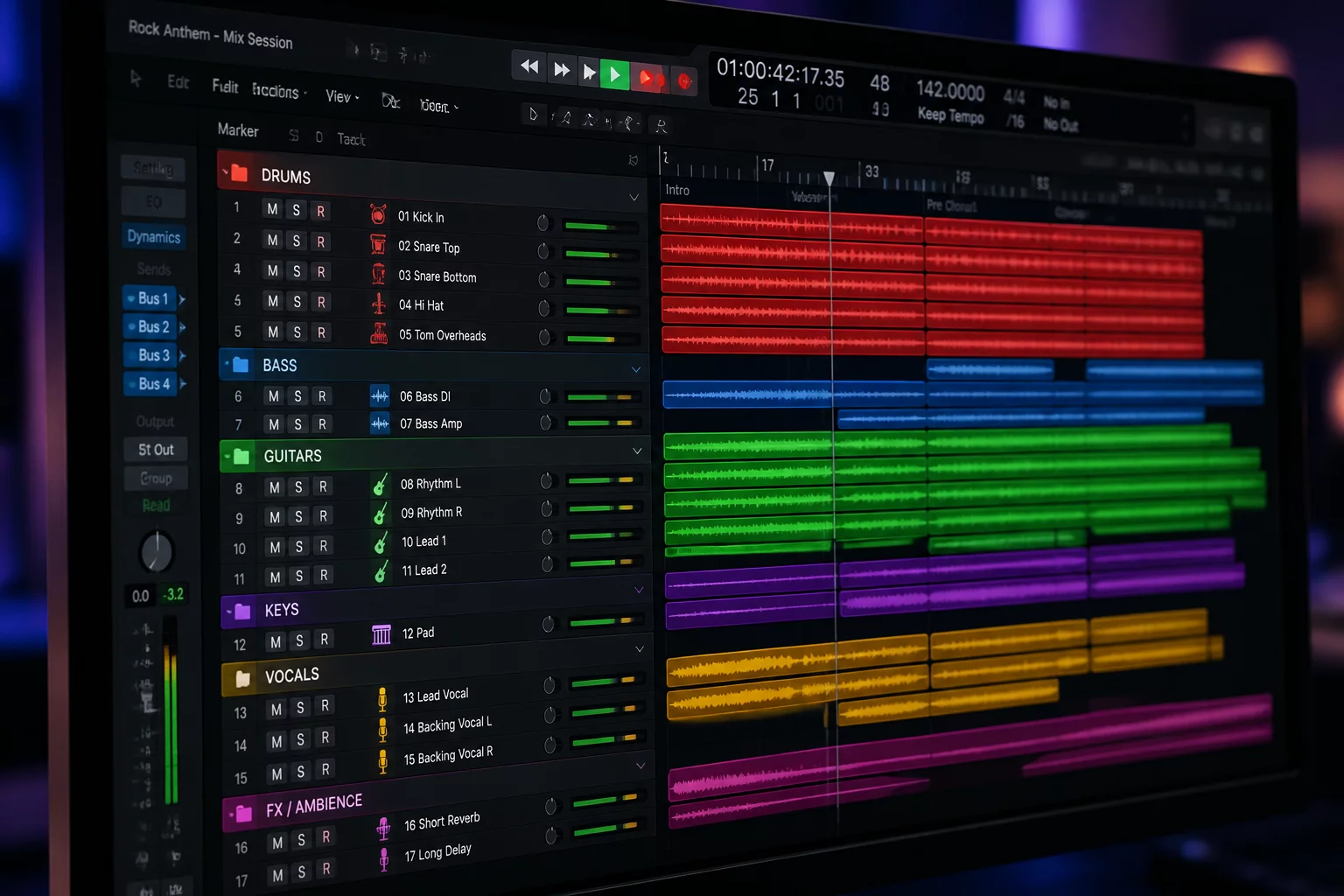
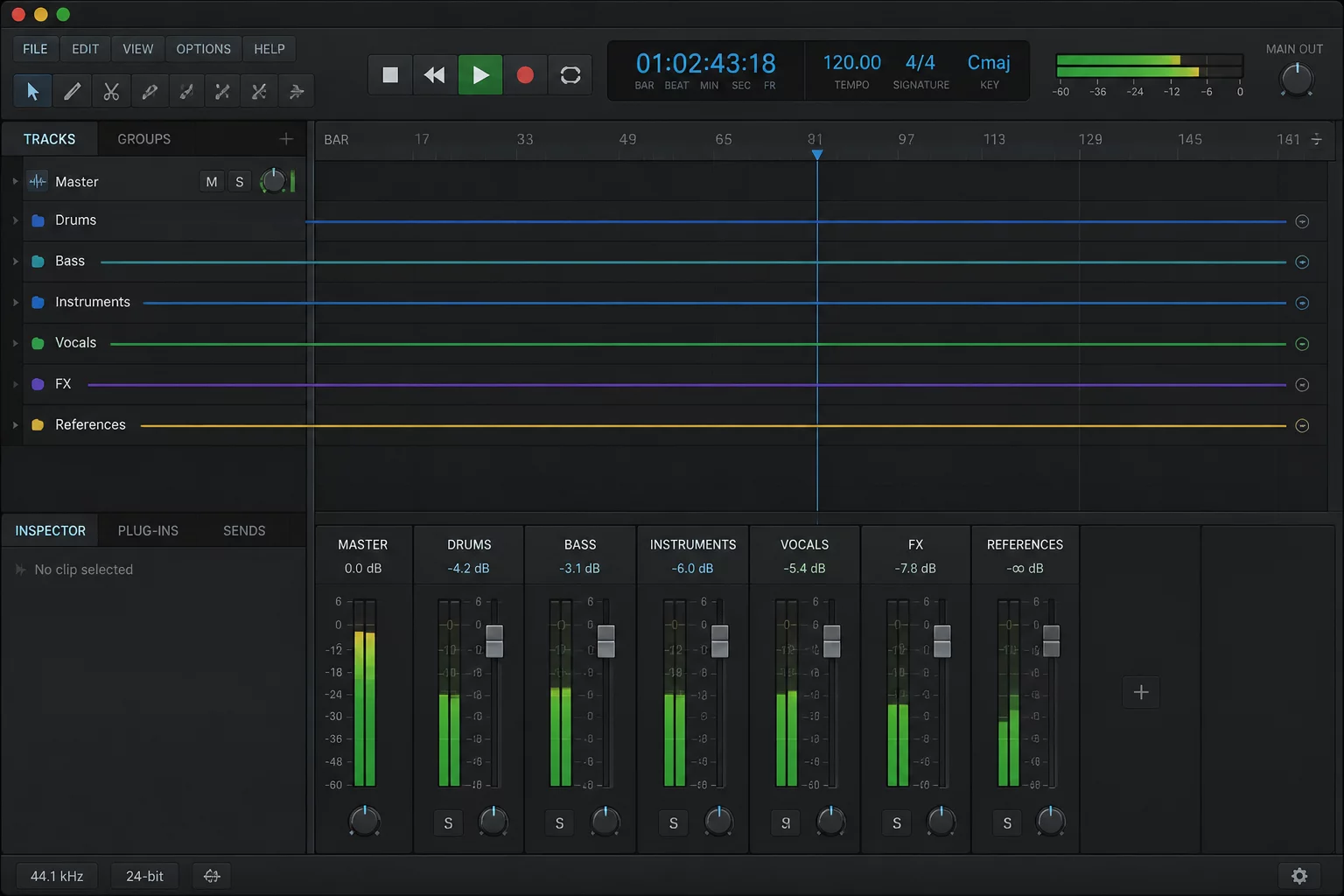
Implementing this workflow transforms how you organize large session projects. By segregating background textures into collapsible groups while anchoring master routing and focal stems in frozen rows, the workstation remains uncluttered yet responsive. You maintain absolute acoustic and visual oversight across every playback pass without sacrificing instant access to sub-tier arrangement details.
Essential Elements That Demand Continuous Presence
Not every track deserves permanent screen presence. Reserving anchor lanes for high-priority references keeps your workspace functional without occupying excess vertical resolution.
Master Print & Reference Mixes
Commercial target references and master faders must stay anchored at the top of the timeline. Having immediate waveform and level visibility prevents uncalibrated clipping and guarantees direct A/B comparative integrity throughout all mix revisions.
Primary Narrative or Lead Vocal
In song arrangements or dialogue reels, the lead performance provides the timing anchor. Pinning this single track enables accurate phase correlation, consonant alignment, and pocket editing across doubles and background ad-libs without losing baseline context.
Rhythmic Anchor / Click Track
The primary kick transient or meter click provides the groove grid. Pinning rhythm guides ensures that transient alignment for bass guitars, synths, and transient layers occurs with zero visual offset, avoiding drift during complex section edits.
Critical Stem VCAs & Submaster Auxes
Top-level summing busses show overall dynamic movement across families. Keeping stem meters in continuous line of sight ensures balance consistency even while deep inside isolated nested folders.
Rules of Engagement for Pinned Layouts
Limit Pinned Lanes to Four Tracks Maximum
Screen estate is finite on single-monitor systems. Pinning more than four tracks restricts working room for active editing lanes and causes unnecessary vertical crowding.
Color-Code Permanent Anchors with High Contrast
Assign distinct, luminous color bars to pinned lanes so peripheral vision instantly separates fixed structural elements from moving arrangement tracks.
Route Anchors Directly to Dedicated Master Auxiliaries
Ensure pinned guide tracks bypass subgroup processing chains to avoid accidental cumulative coloration or delay compensation discrepancies during active comparison.
Toggle Pin State Based on Current Production Stage
Switch pinned focus when transitioning from tracking to vocal tuning and master balancing. Adapting your pin configuration to the task preserves workflow agility.
Request a Custom Session Architecture Audit
Struggling with bloated track counts and disorienting navigation? Submit your session layout profile below to receive tailored folder configurations and track-pinning strategies.
Engineer Inquiries & Discussions
0 CommentsShare Session Insight
Related Focus Maps
No comments yet. Be the first to leave a comment.