Supporting Tracks and Background Groups
Structure secondary audio beds, auxiliary stems, and background groups to preserve mixing perspective while keeping essential context instantly accessible.
Principles of Secondary Layer Management
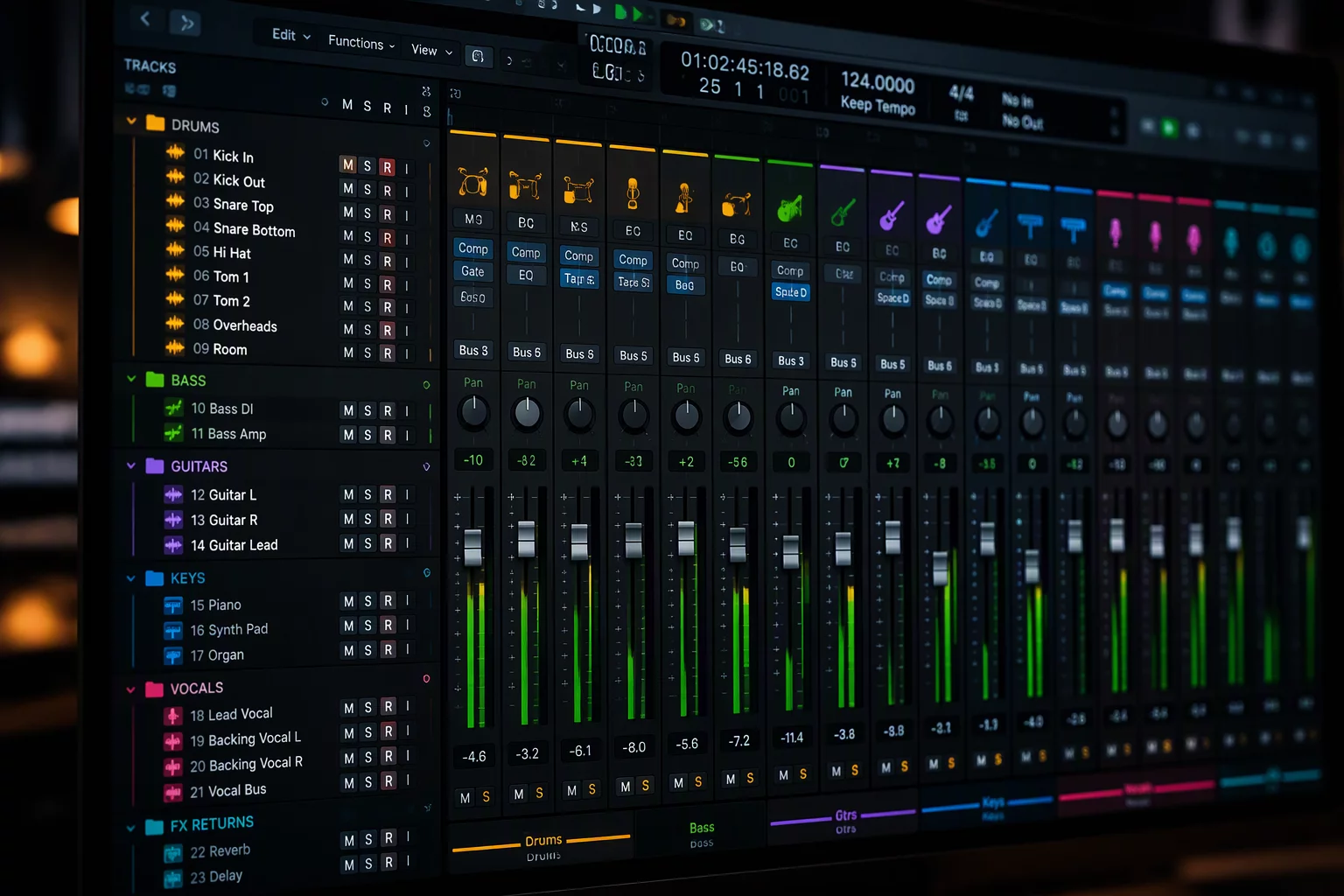
In any elaborate production or dense post-production timeline, secondary elements such as texture pads, doubling beds, and background effects can quickly consume visual space. When you organize large session structures, the objective is to establish an intuitive visual hierarchy where subordinate layers sit quietly until specific adjustments are required. Rather than allowing dozens of supplementary channels to sprawl across the timeline, skilled engineers compartmentalize them into dedicated summing folders that isolate secondary tasks from core mix decisions.
Modern mixing workflows rely heavily on Pro Tools folder tracks to group complex arrangements into compact, unified control strips. Routing diverse rhythm beds, harmony clusters, or incidental sound design into basic or routing folders provides instant gain trims and single-click collapse functionality. This grouping architecture ensures that secondary tracks continue processing their audio seamlessly while freeing up vertical display real estate for primary leads and critical rhythm anchors.
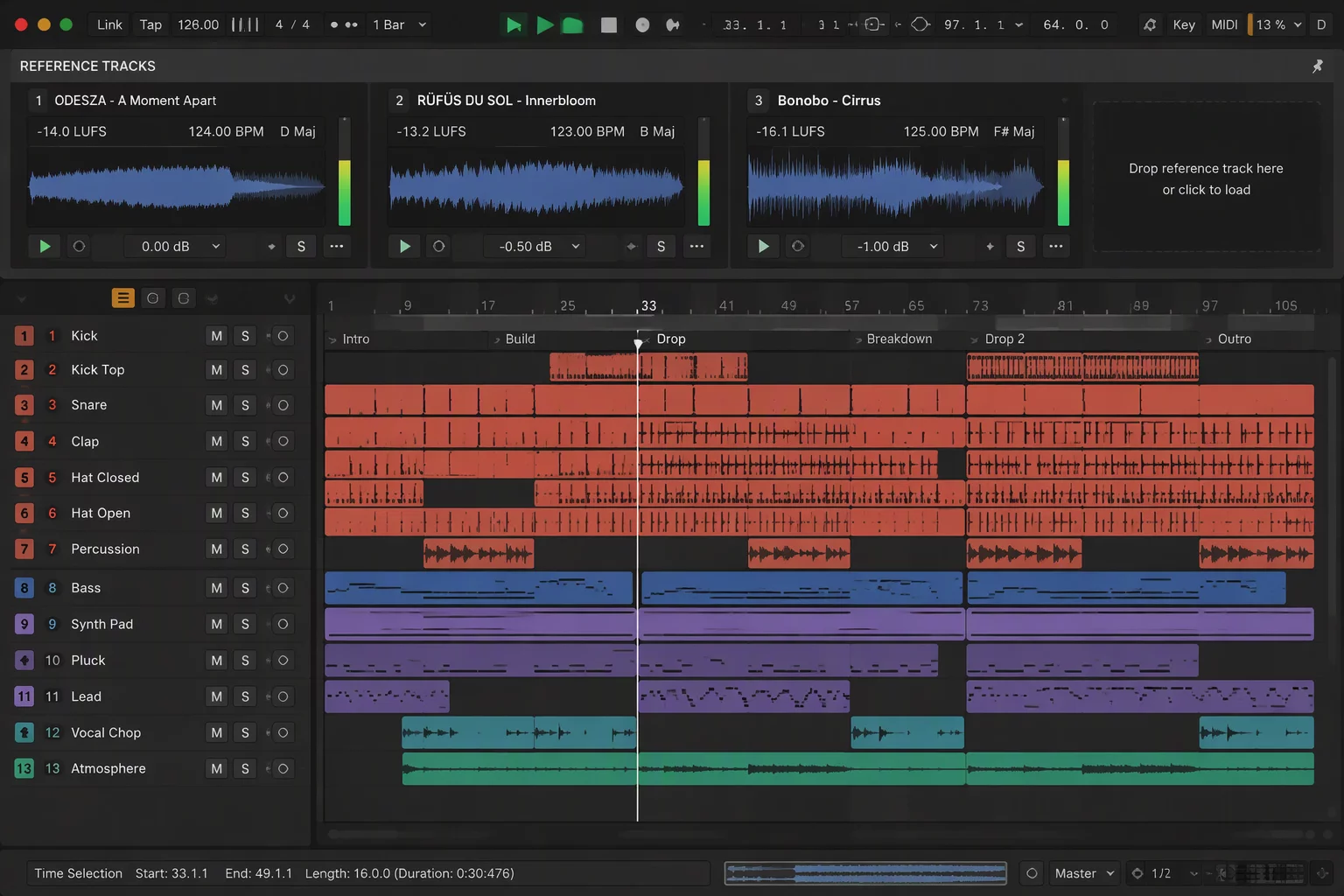
Maintaining global perspective during surgical editing demands intentional visibility decisions. When navigating deeply nested stems, using a track pin on reference elements or the main master print keeps the overarching musical context anchored at the top of your workspace. By isolating background groups beneath securely anchored references, engineers eliminate disorienting vertical scrolling and sustain high-speed mixing decisions throughout complex sessions.
Functional Staging for Subordinate Audio Groups
Secondary audio groups require systematic organization so they remain accessible for detailed balancing without intruding upon active primary lanes.
Summing Folder Allocation
Consolidate harmony stacks and secondary Foley into color-coded summing folders that present a unified stereo metering channel.
Selective Workspace Pinning
Unpin background groups while locking vital guide audio so scrolling through hundreds of secondary stems never loses sight of the target balance.
Dynamic Height Tiering
Assign micro or mini track heights to non-critical background layers and expand them to medium view only when editing micro-fades or automation points.
Bus Routing and Stem Isolation
Route grouped background stems to dedicated sub-masters to allow quick mute, solo-safe monitoring, and stem bouncing without opening nested tracks.
Operational Rules for Background Track Layouts
Standardize Group Color Coding
Apply cooler, lower-saturation hues like navy, slate, or olive to background groups so the eye instinctively navigates toward high-contrast primary elements.
Establish Pre-Bus Summing
Route all supporting tracks through parent auxiliary or routing folder busses before hitting the mix bus to maintain balanced subgroup compression.
Consolidate Inactive Automation
Hide static automation playlists on background layers to prevent accidental edits while scrubbing through rhythm or dialogue tracks.
Reserve Folder Collapse Shortcuts
Assign ergonomic key commands to toggle folder collapse states instantly, switching between microscopic stem balancing and broad mix evaluation.
Request a Session Focus Architecture Audit
Evaluate your studio's track management methodology. Submit your project scope to receive customized recommendations on folder nesting, track pinning, and visual workflow refinement.
Engineer Inquiries & Discussions
0 CommentsShare Session Insight
Related Focus Maps
No comments yet. Be the first to leave a comment.