Task-Specific Visibility Frameworks for Audio Engineers
When you organize large session projects, visual clutter directly impedes critical listening. Focus maps provide standardized configurations to isolate active elements, leverage Pro Tools folder tracks, and implement track pin strategies so you can work with surgical speed and complete composure.
Which tracks matter for the task you are doing right now?
Every case on SessionFocus Atlas starts from that question. Name the task first, then sort the session by how much each track matters to it, not by where the track happens to sit in the folder tree.
- 01 Current Task The one job on screen right now: a dialogue edit, a harmony comp, a review pass.
- 02 Critical Tracks The tracks the task cannot be done without. Full height, in the middle of the screen.
- 03 Supporting Tracks Tracks you check against while you work. Close by, at a smaller track height.
- 04 Background Groups Everything else. Grouped in folders, still playing, out of the way.
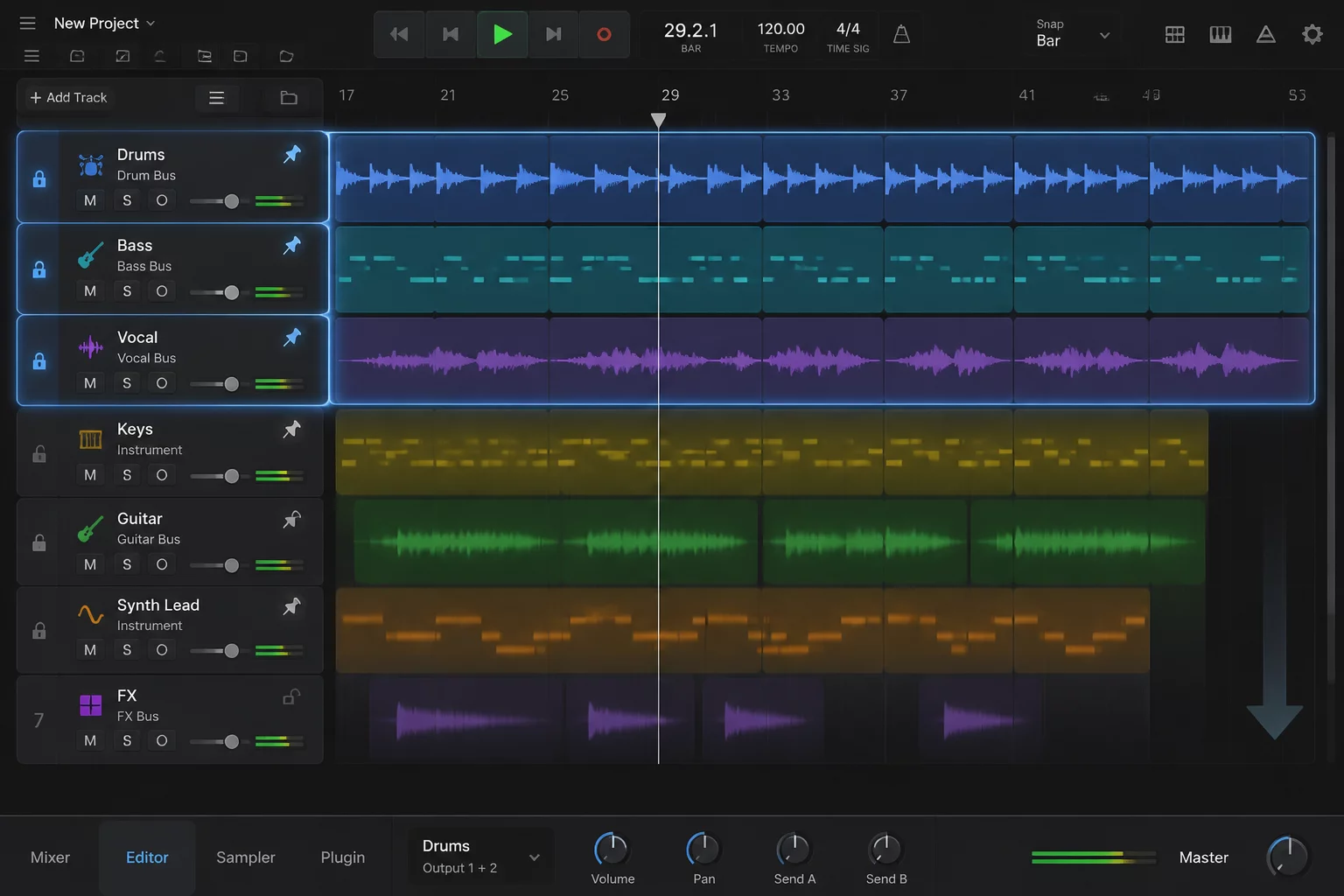
- 05 What Must Stay Visible References that cannot scroll away: a guide, picture, notes. Pin them.
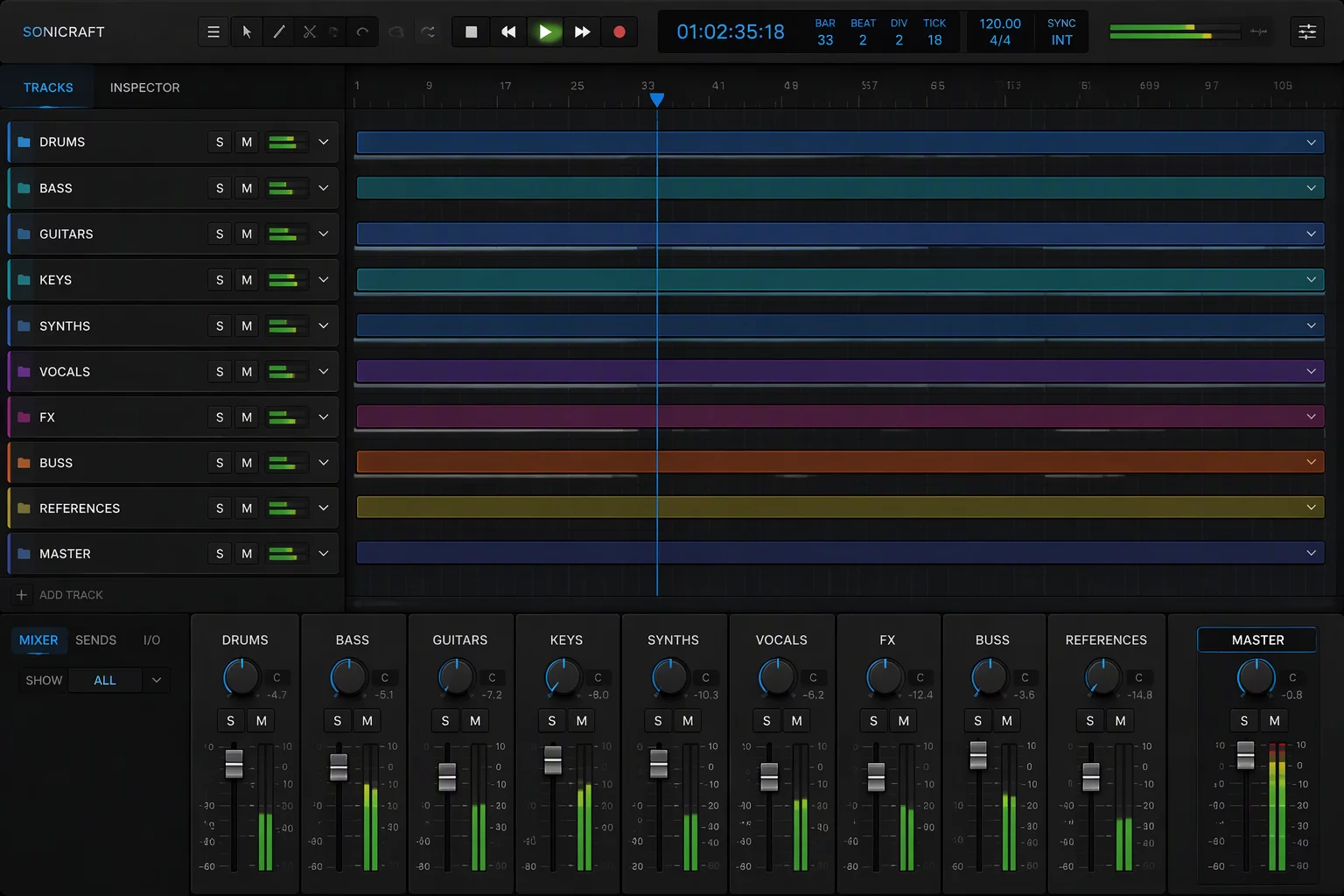
- 06 What Can Collapse Folders the task never touches. Collapse them until the focus shifts.
Essential Track Hierarchy & Visibility Views
Six blueprints, one for each step of the Focus Map.
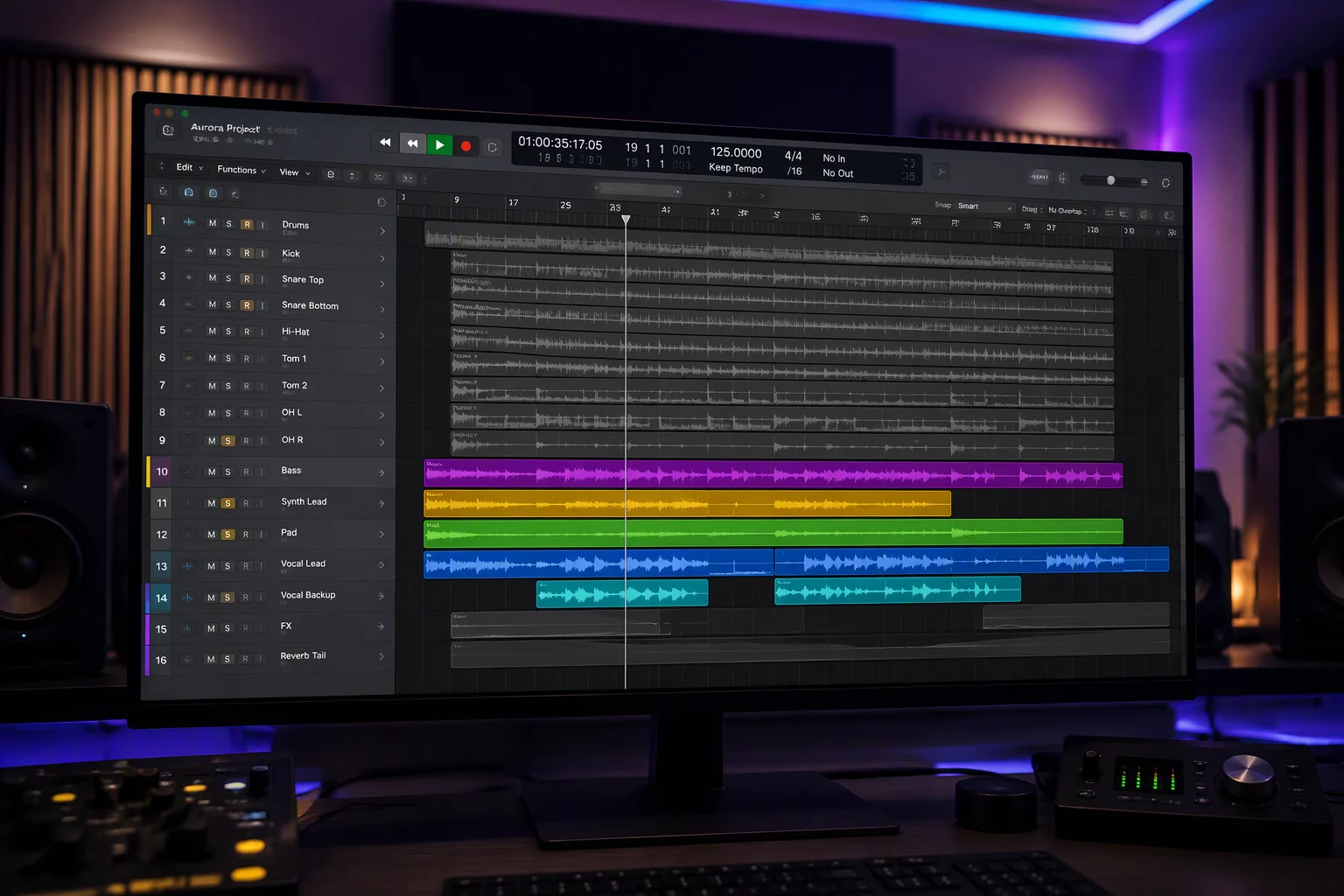
Current Task
Name the one job on screen before you change the layout: a dialogue edit, a harmony comp, a review pass.
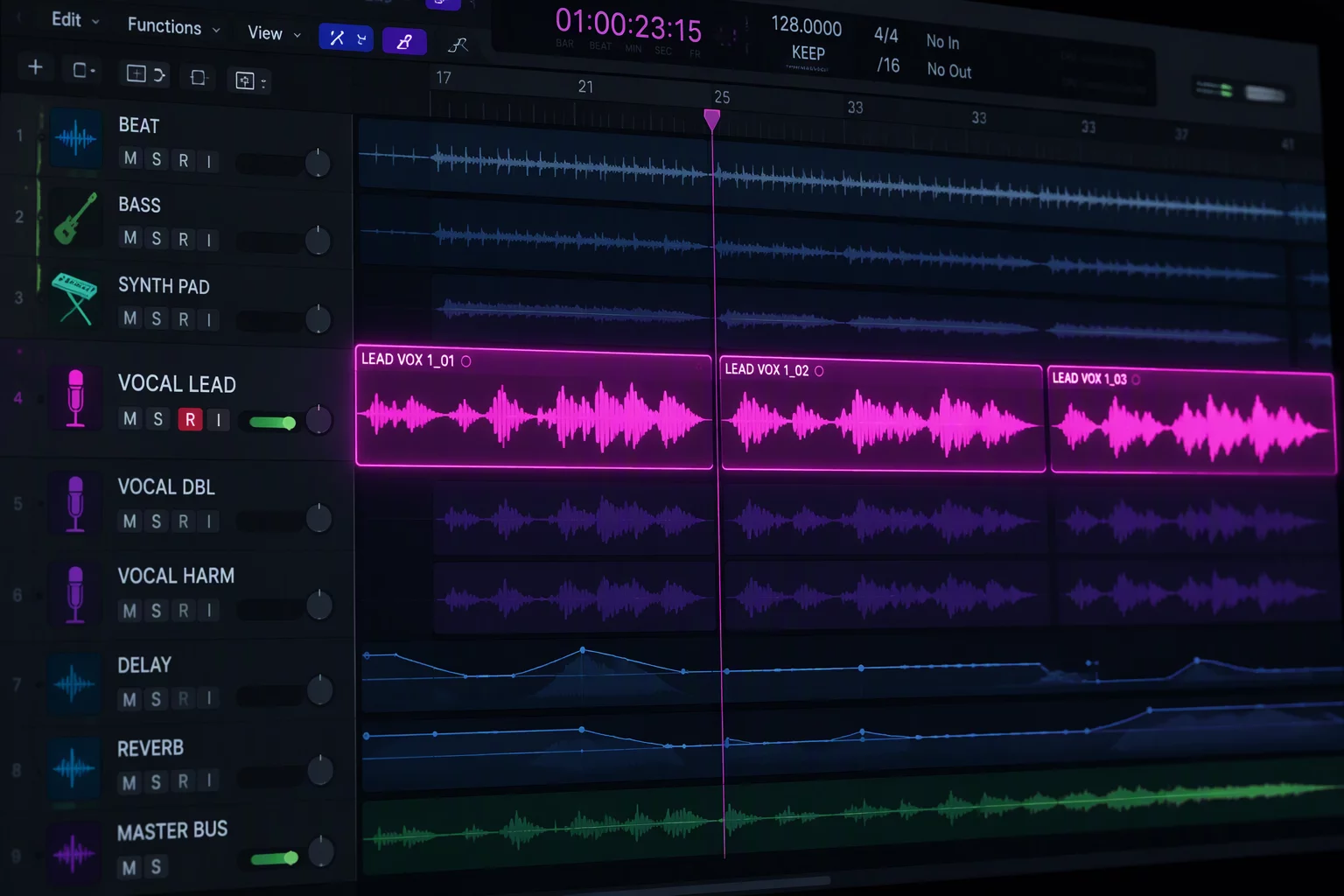
Critical Tracks
The few tracks the task cannot be done without. Give them full height and keep them together in the middle of the screen.
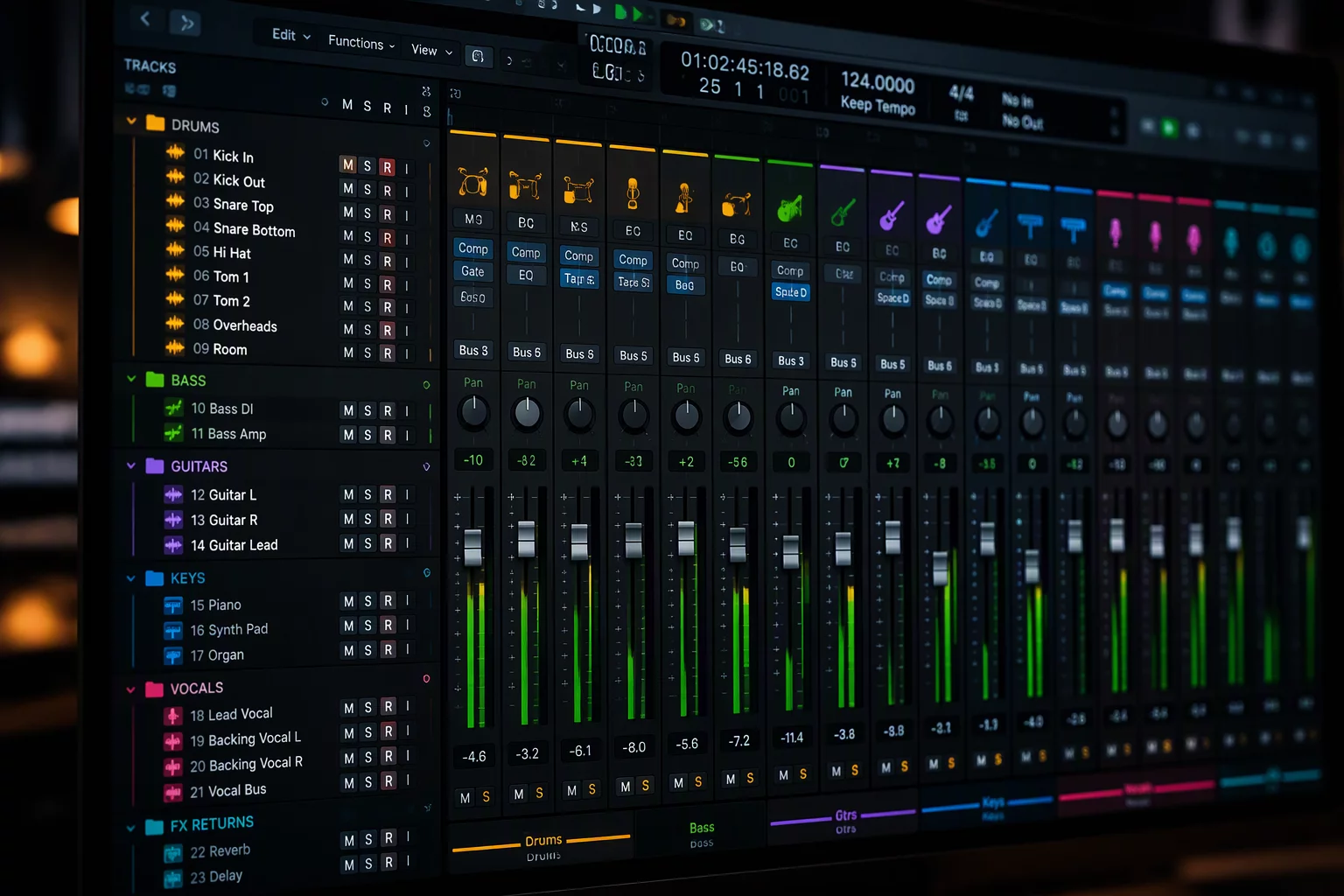
Supporting Tracks
Tracks you check against while you work, such as room tone or doubles. Keep them close, at a smaller track height.
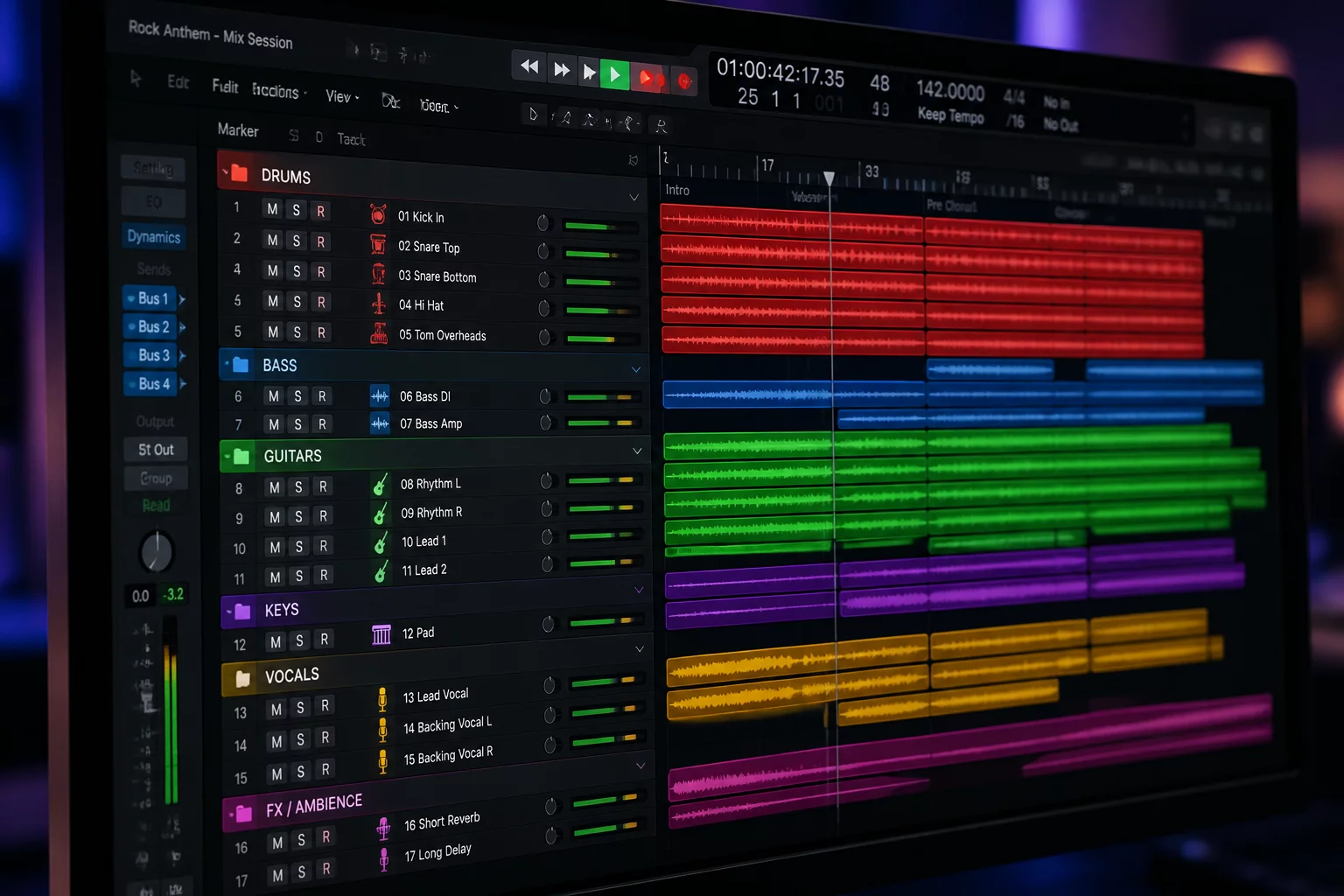
Background Groups
Everything else in the session, grouped in folders so it keeps playing without taking space on screen.
What Must Stay Visible
References that cannot scroll away, such as a guide, a picture reference, or the lead vocal. Pin them.
What Can Collapse
Folders the task never touches. Collapse them until the focus shifts, and check that no reference sits inside.
Request a Focus Map Configuration
Get tailor-made track routing and folder arrangements configured for your tracking or mixing rig.