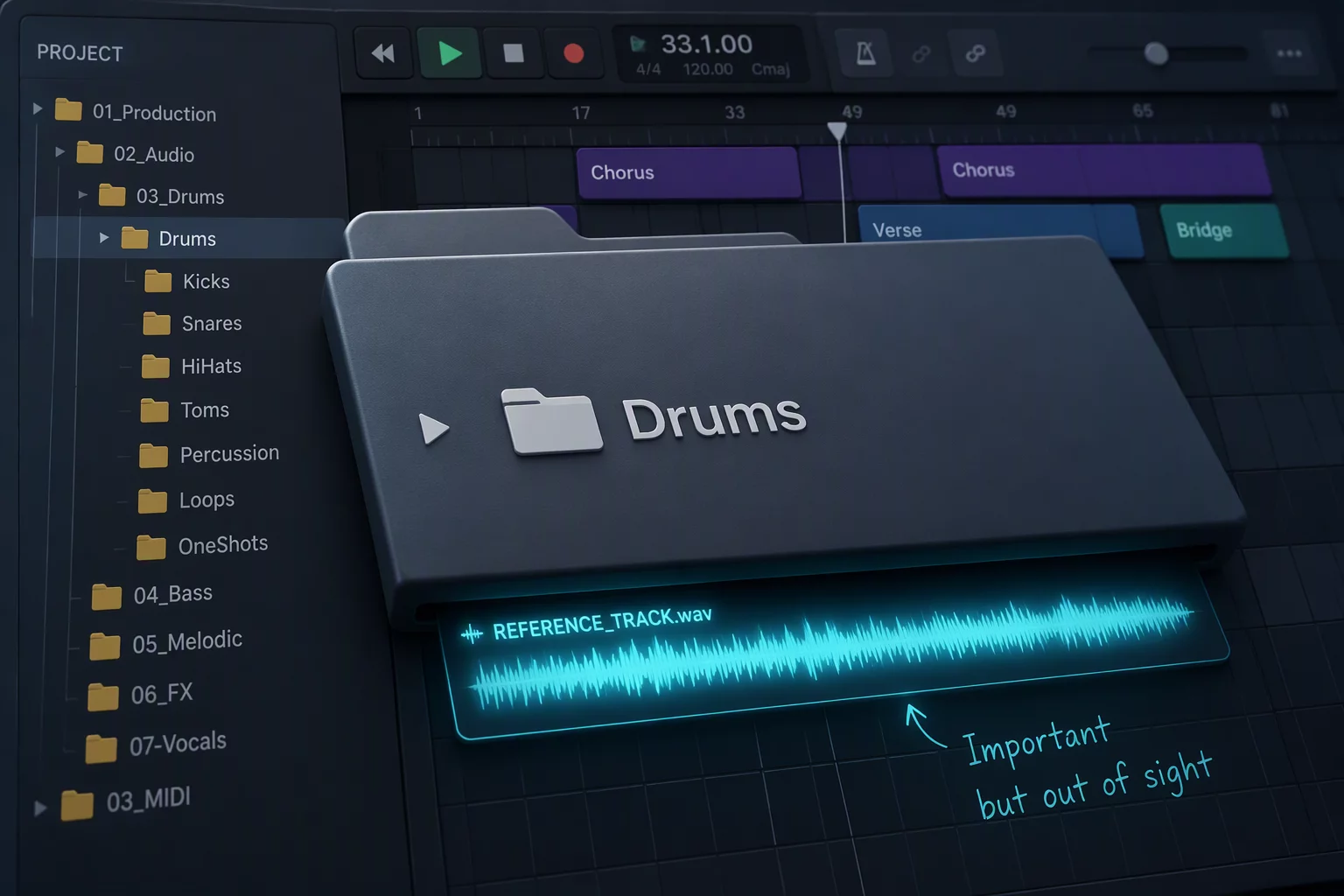
The Drum Folder Paradox: Clean Screen vs. Context Loss
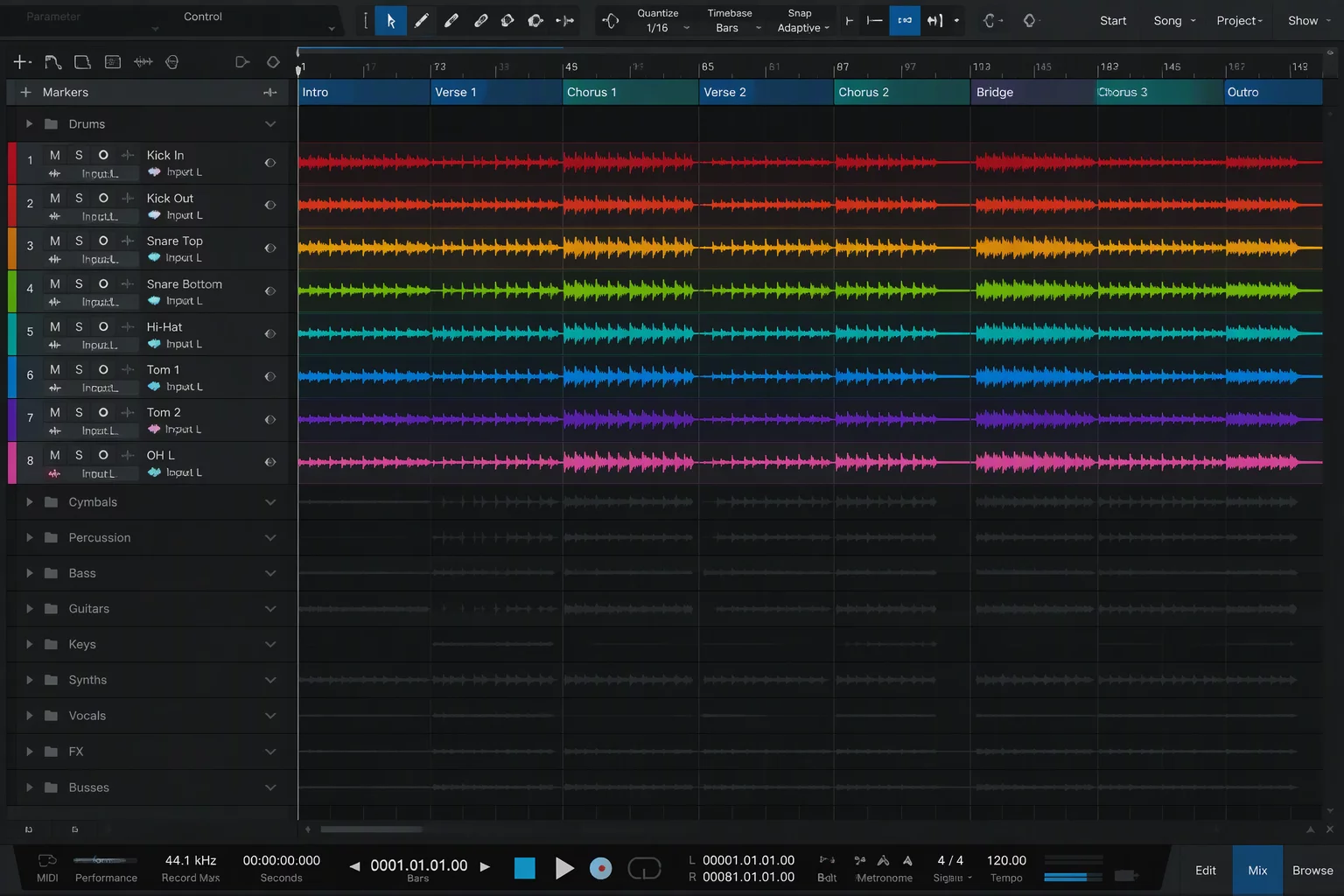
Multi-microphone acoustic drum sessions routinely arrive with twenty-two to thirty distinct lanes. Between kick inside, kick outside, sub kick, snare top, snare bottom, dual hi-hats, four spot toms, stereo overheads, ride spot, and multiple stereo room arrays, the kit alone monopolizes two complete vertical viewport screens. Placing these elements inside Pro Tools folder tracks feels like immediate relief. You click the folder triangle, twenty-four rows fold neatly into a single clean bus lane, and the timeline suddenly breathes.
Then the subtle structural flaw emerges during critical balance adjustments. When the mixer opens the drum folder to surgically notch an abrasive snare resonance, the entire track stack expands downwards by two thousand vertical pixels. The commercial mix reference track, originally positioned directly adjacent to the master section or the lead vocal group, is thrown far outside the display boundaries. To make a simple comparative A/B check against the commercial release, the operator must now spin the scroll wheel vigorously or minimize the folder back and forth constantly.
A clean timeline that forces repetitive scrolling destroys subconscious mixing objectivity faster than visual clutter ever could.
This dynamic creates an acute ergonomic tradeoff. Collapsing folders protects immediate workspace cleanliness, but breaking visual contact with benchmark material undermines decision speed. Whenever the mixer cannot glance across to check comparative meter activity or instantly solo the benchmark track without navigating through folder hierarchies, critical reference checks drop from once every forty seconds to once every twenty minutes.
The Hidden Tax of Intermittent Reference Listening
Human auditory perception recalibrates continuously. Without a persistent anchor, the ear adapts to whatever tonal balance plays in the monitors for more than two straight minutes. When working isolated inside an expanded drum folder, high-frequency harshness on close-mic cymbals begins to sound neutral, and excess low-mid build-up around three hundred hertz feels normal. Without an immediate reference track visible and armed for instantaneous toggling, frequency judgments drift imperceptibly.
Engineers usually attempt three ad-hoc compensations, each bringing distinct ergonomic frictions:
- Burying the reference inside the active folder: Placing the target mix inside the drum group corrupts folder-level summing processing, forcing complex pre-fader auxiliary routing exceptions.
- Relying on mental timbre memory: The operator assumes they recall the reference snare snap accurately, resulting in exaggerated high-end boosts that collapse when checked later against the full mix.
- Excessive folder toggling: Constantly opening and closing the kit folder to verify tonal balance interrupts editing flow and quickly causes hand fatigue across an eight-hour session.
To eliminate these workarounds, professional workflows rely on a deliberate track pin protocol. By securing the reference channel outside collapsible track hierarchies, the benchmark remains permanently locked in place regardless of how many sub-elements expand beneath it.
Decoupling Stem Processing from Monitoring Landmarks
The primary source of confusion lies in conflating audio signal flow with visual user interface ergonomics. A folder track in modern software performs two separate tasks simultaneously: it groups audio paths for sub-mix processing, and it collapses visual real estate in the timeline view. However, mixing references do not participate in drum stem processing. Forcing both requirements into a single top-to-bottom lane order invariably produces layout collisions.
When you organize large session structures, establish clear visual boundaries between functional zones. Route audio from kick, snare, toms, and overheads through dedicated processing auxiliaries, but separate the visibility hierarchy. Keep reference channels placed at the extreme top of the session timeline, isolated above the primary drum routing container. When combined with window configuration shortcuts or dedicated layout memory locations, the reference lane never shifts position whether the drum folder contains four tracks or forty.
Operational Rules for Multi-Mic Timelines
Building a resilient multi-mic session framework requires a disciplined order of operations prior to opening plugins. Always assign reference channels to dedicated physical monitor outputs or direct monitor paths that completely bypass the master mix bus processing chain. This architectural separation guarantees that whatever master glue compression or limiting applies to the kit will never color the commercial benchmark.
Secondly, label the reference lane clearly and color-code it with high-contrast luminance. Position it immediately adjacent to your main rough mix and lead vocal guides. When deep inside twenty-four expanded drum lanes, use track pin behaviors or assign a fixed zoom toggle preset that snaps your viewport back to the dual view of Snare Top and Reference Mix with one key stroke. Treating reference placement as permanent infrastructure rather than an afterthought ensures that folder convenience never compromises sonic precision.

Marcus Vance