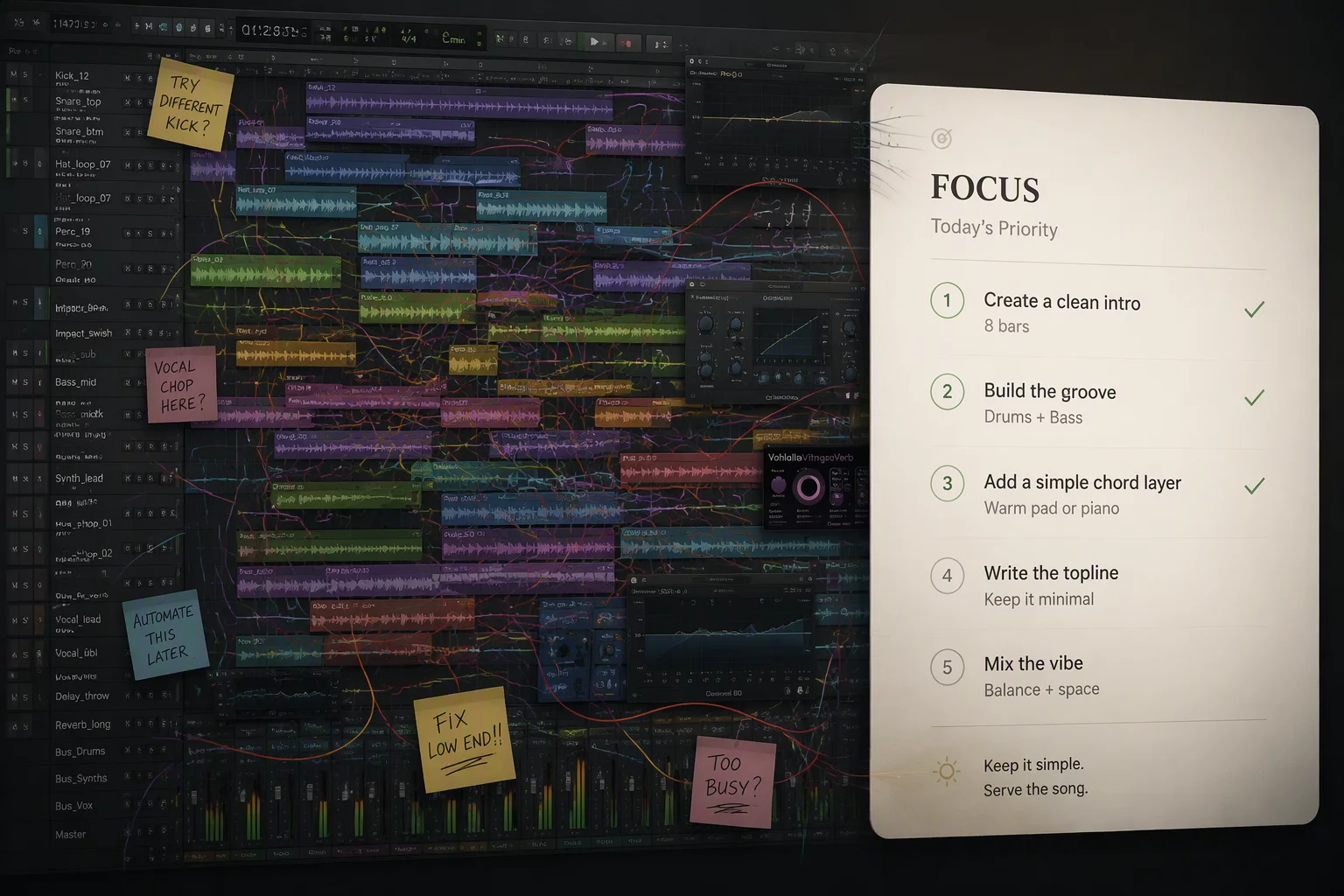
The Inevitable Friction of Static Layouts During Active Editing
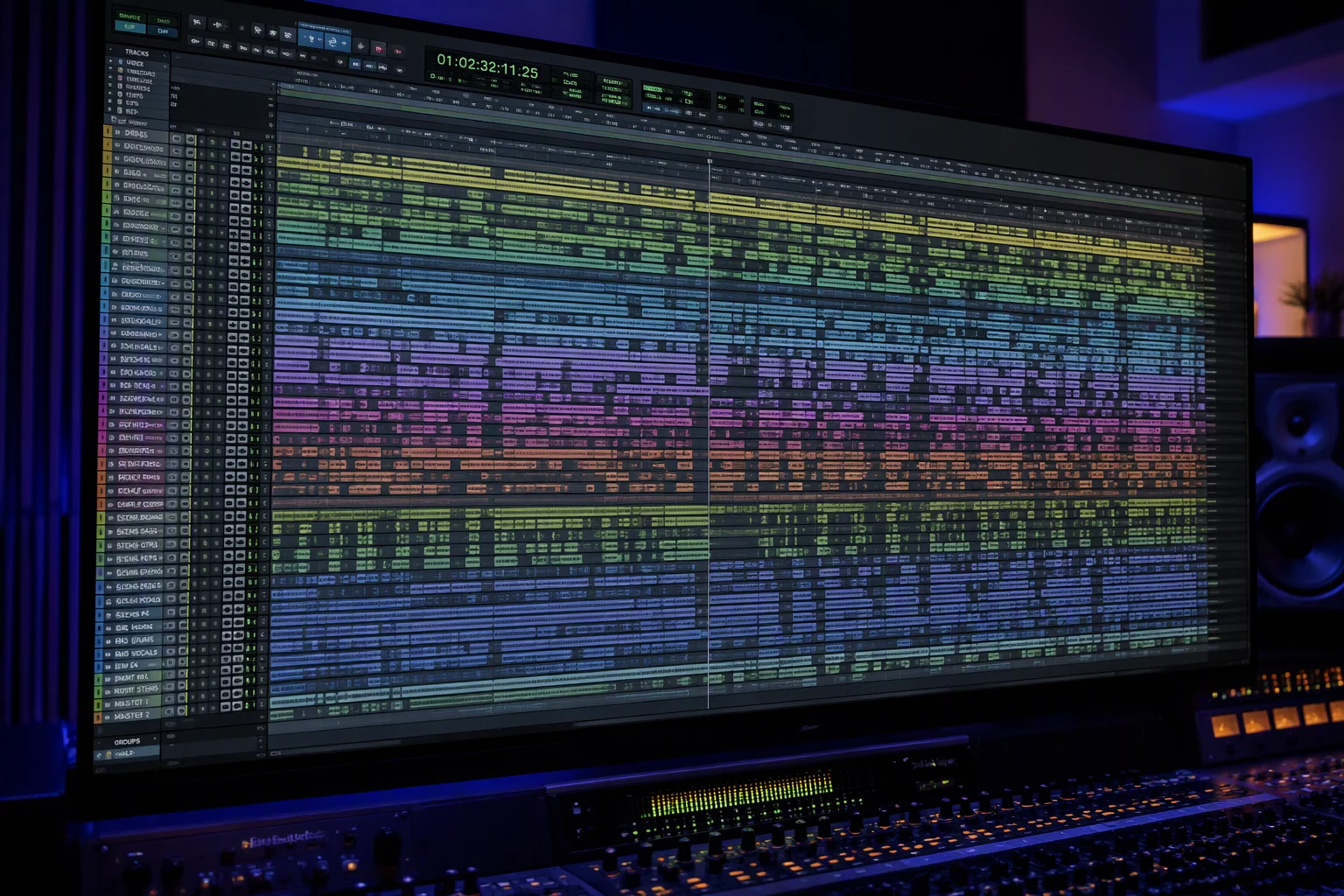
Most studio operators organize their tracks once at tracking setup and never touch the global arrangement again. Drums occupy the upper fifteen lanes, guitars and keys fill the midsection, vocals sit near the lower third, and mix stems anchor the bottom. This layout mirrors a mixer console, but during micro-editing, it generates substantial friction.
When you finish cleaning drum bleed and switch over to lead vocal tuning, your immediate reference points change completely. You no longer need sixteen expanded drum tracks showing snare ghost notes; you need the master drum bus, the guide acoustic guitar, and the vocal doubles. Leaving inactive tracks expanded forces your eyes to traverse hundreds of irrelevant vertical pixels on every single playback run.
A digital audio workstation layout is not a permanent monument to your session archive; it is a tactical lens that must re-align the moment your hands move to a different sonic decision.
This inertia creates cumulative mental fatigue. An engineer spends fifteen seconds zooming, scrolling, and repositioning the edit window simply to compare a vocal phrase against a kick transient, repeated dozens of times per hour. The session structure has remained stagnant while the active objective changed completely.
Anchor Mechanics: Preserving Context While Collapsing Clutter
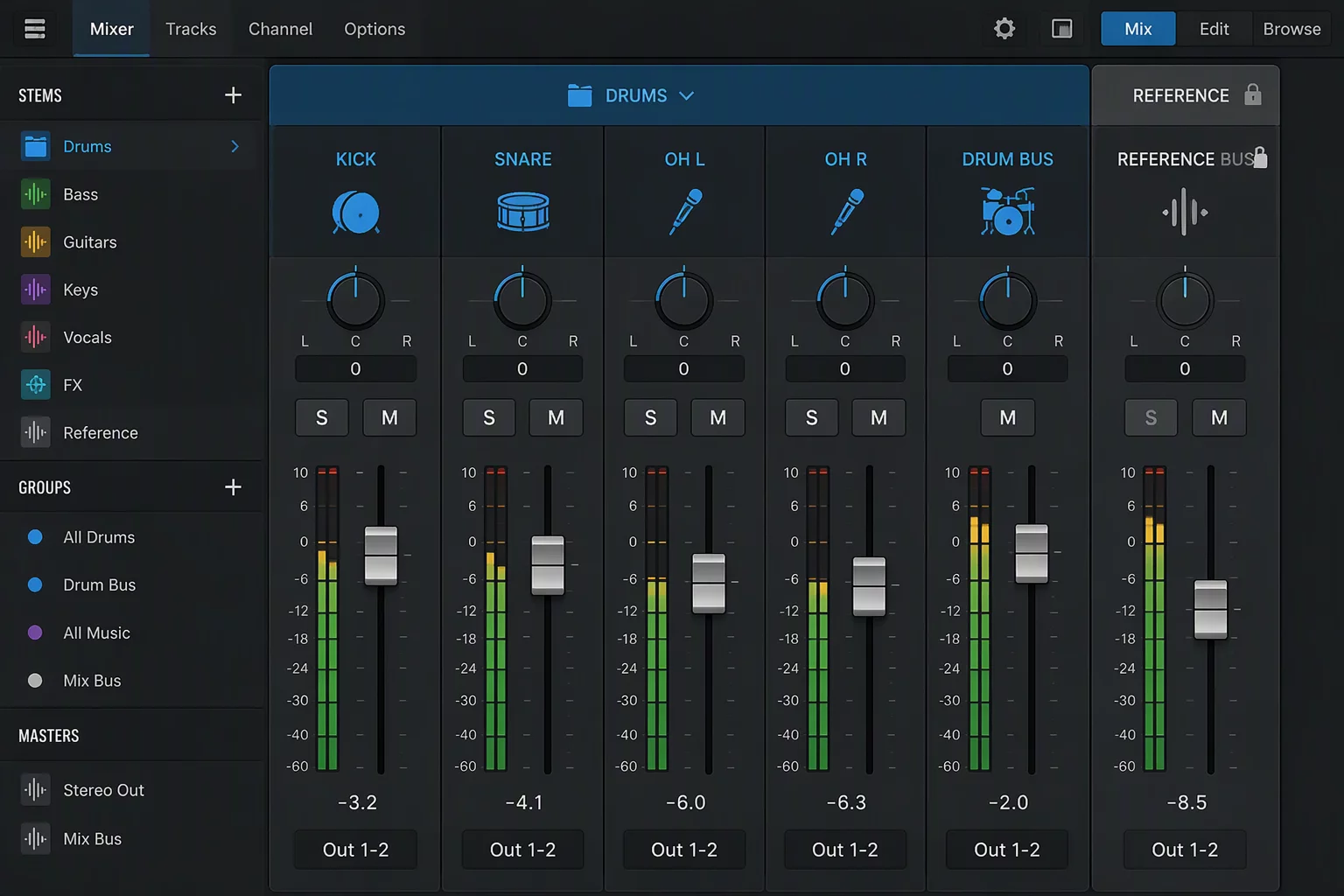
Solving layout paralysis requires establishing an intentional visual anchor. When working in complex sessions, certain guide signals must persist regardless of which instrument family is undergoing surgery. Utilizing a track pin or top-of-session lock mechanism ensures critical guide waveforms remain anchored at eye level.
By locking the primary anchor track at the upper perimeter, you can freely collapse intermediate folder trees without severing the relationship between the active edit lane and the underlying song pulse.
- Anchor The Dominant Reference: Keep the master rhythm bus or lead vocal lane visually locked at the top of the timeline regardless of which folder group is opened.
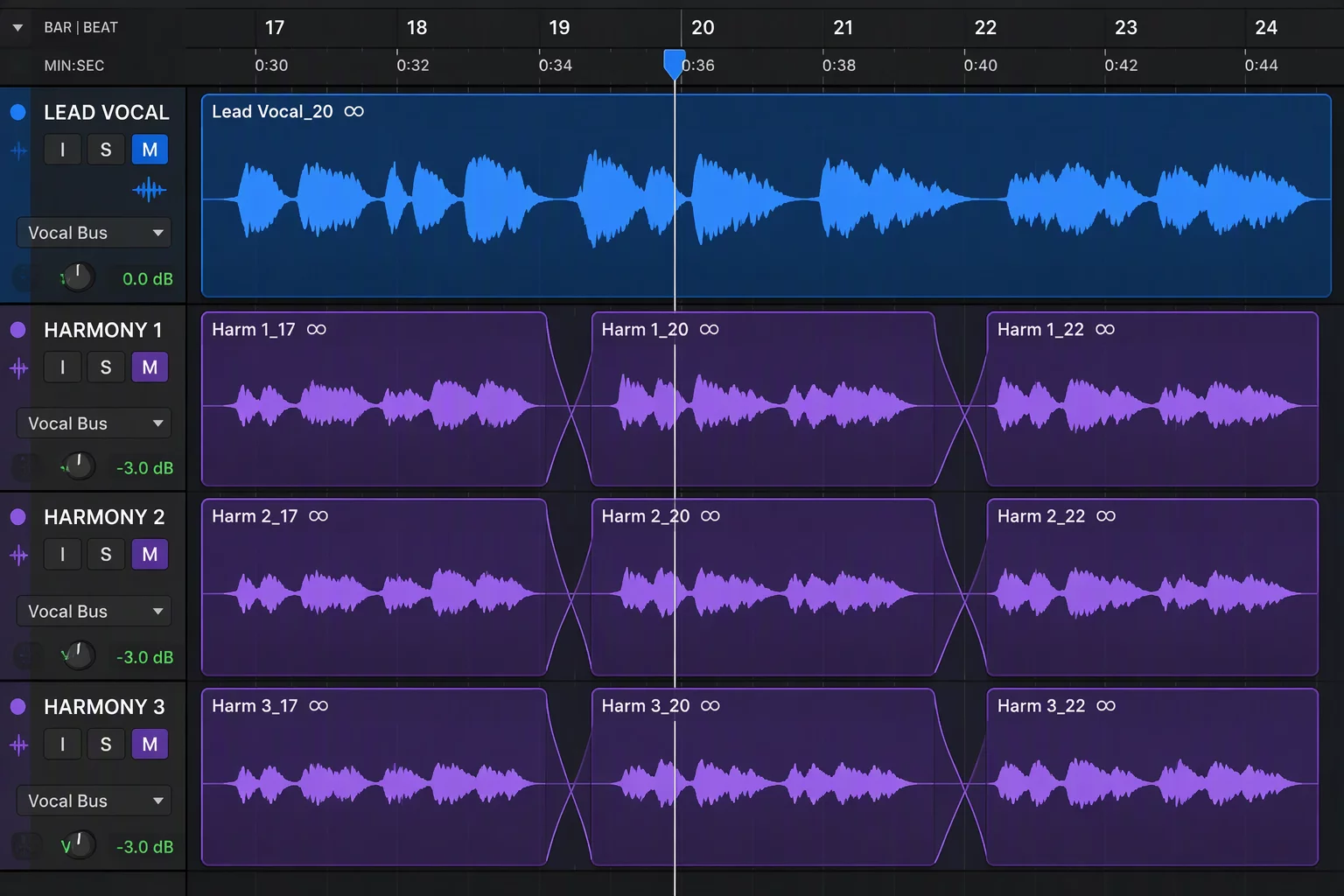
- Collapse Non-Participating Stems: Fold rhythm sub-groups, auxiliary textures, and background harmonies completely into parent folder bars the second focus moves to spot editing.
- Match Track Heights to Precision Demand: Expand transient-critical audio tracks to jumbo or large waveform heights while keeping auxiliary feeds at minimal lane heights.
This dynamic height-and-visibility adjustment prevents visual disorientation. Your peripheral vision monitors the anchor track while your central focus stays glued to crossfades, slip edits, and pitch curves.
Distinguishing Asset Organization from Workflow Focus
Engineers often conflate file management with creative workspace configuration. Pro Tools folder tracks provide a disciplined hierarchical architecture for managing hundreds of individual microphone signals, room mics, and virtual instruments. Yet filing cabinets are built for long-term retrieval, not moment-to-moment surgical execution.
To organize large session structures cleanly, you must separate your archival storage layout from your operational focus map. When you enter a specialized task like rhythm alignment, your workspace should contract to display exclusively the active multitrack and its rhythm guide. Once complete, that branch collapses, returning the workspace to a clean overview state before the next phase opens.
Tactical Steps to Align Your Screen with the Current Task
Implement track layout changes deliberately at the conclusion of every editing milestone. Before touching a single crossfade on a new instrumental pass, evaluate what signals you need to see. Collapse everything else. Save specialized track show/hide arrangements into memory locations or window configurations mapped to numeric keypad shortcuts.
By triggering designated layout configurations with a single keystroke, you transition from drum comping to vocal tuning to bass pocketing without manual vertical dragging. The screen adapts to your task, leaving your auditory discernment unclouded by graphical clutter.
Marcus Vance