The Cognitive Burden of Overpopulated Timelines
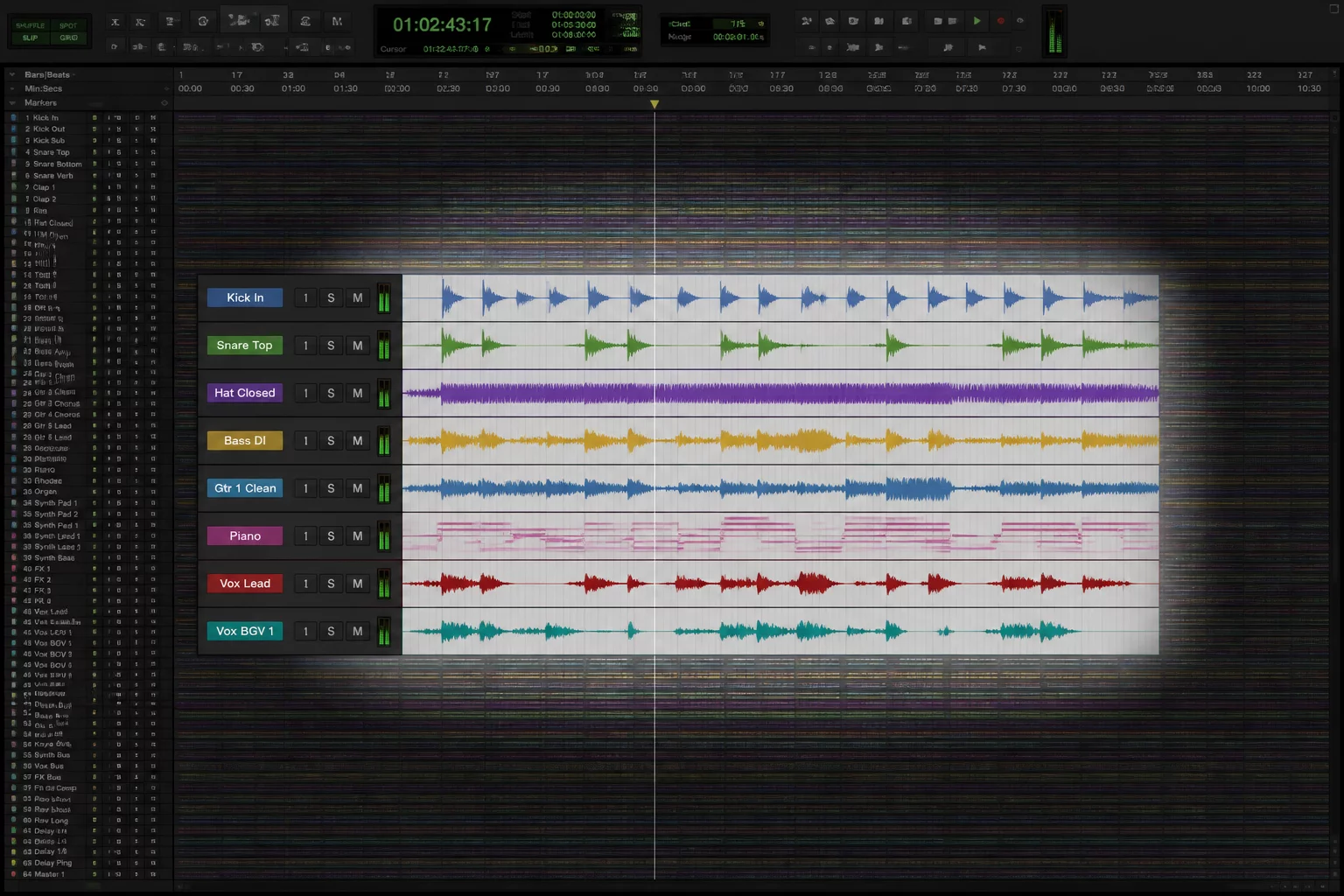
A sprawling session arrived on the mixing desk containing 120 tracks of live drums, multi-mic orchestral passes, stacked synth textures, and layered backing vocals. Attempting to balance vocal pitch corrections while scrolling past 40 channels of percussion immediately proved disorienting. The human auditory and visual systems cannot effectively process over a hundred simultaneous visual waveforms without sacrificing surgical focus.
Navigating large-scale DAW sessions without rigid containment forces the engineer into endless mouse-wheel scrolling. You search for the lead vocal comp, adjust a consonant transient, and immediately lose sight of the primary reference groove. The physical distance between the kick drum transient and the vocal track on a 120-channel screen layout introduces persistent friction that interrupts creative momentum.
When every channel demands equal visual priority, none of them receive genuine critical attention.
To organize large session files, professional workflows separate archival storage from the active task. While every track must remain routed and phase-aligned in the audio engine, only the immediate operational group should occupy vertical screen real estate.
Isolating the Eight Essential Channels
During this specific editing phase, the priority centered squarely on lead vocal cadence, bass locking, and stereo snare pocketing. Out of the 120 tracks active in playback, exactly eight tracks dictated the core sonic balance: the lead vocal comp, vocal guide double, acoustic snare top, snare bottom, kick in, sub bass, stereo mix reference, and click guide.
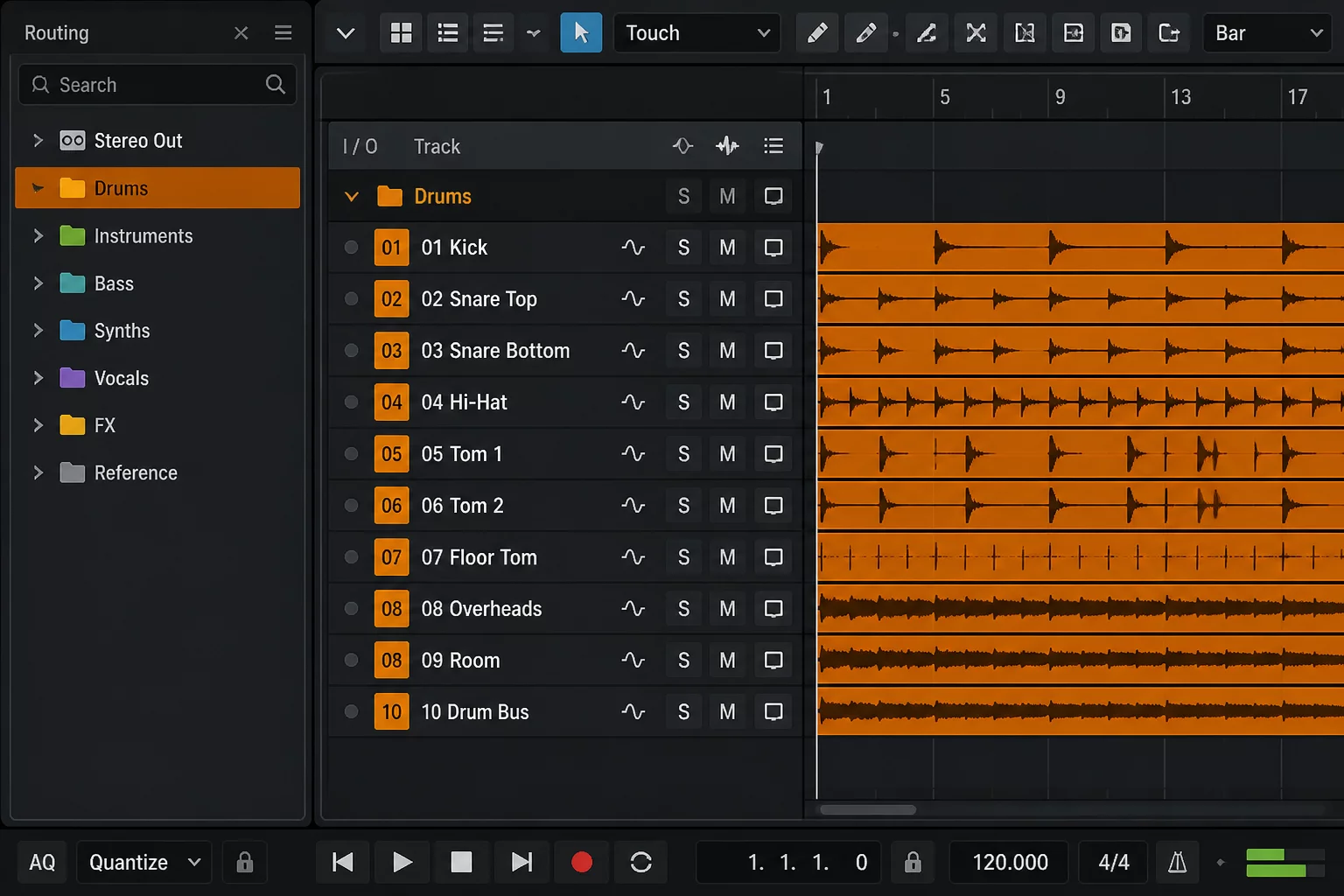
Isolating these channels required dynamic visibility management rather than muting audio channels. Implementing Pro Tools folder tracks allowed 70 rhythm section channels to tuck neatly into two collapsed folder headers, instantly shrinking vertical scrolling by more than 80 percent.
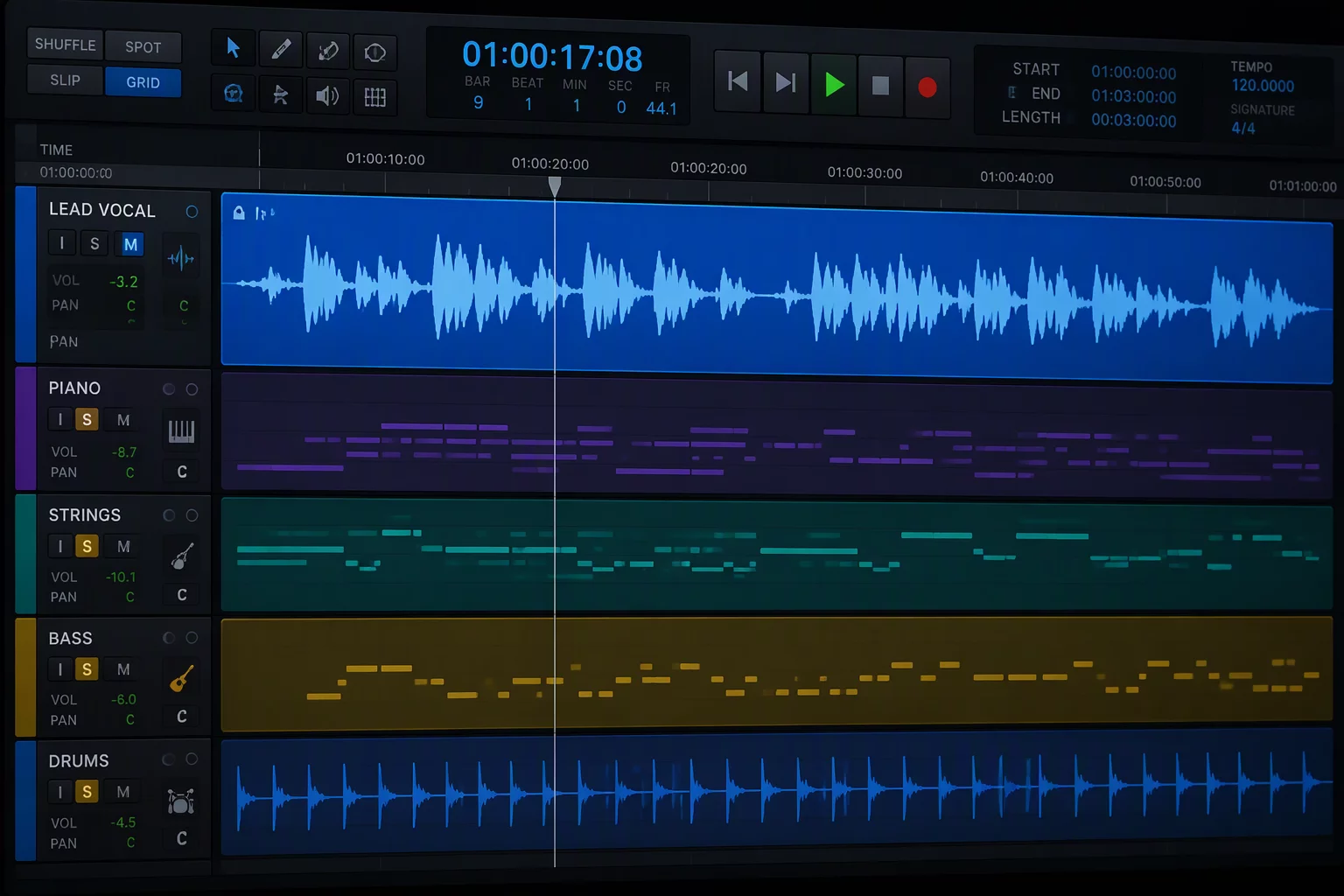
- Lead Vocal Anchor: Pinned to the top boundary to provide continuous pitch and rhythmic reference across every edit.
- Bass and Kick Coupling: Grouped adjacent to the vocal line to evaluate low-end energy collisions in real time.
- Snare Dynamic Pair: Kept visible to establish transient pocketing without exposing auxiliary percussion or room mic noise.
By locking these eight channels into immediate view, alignment decisions happened in seconds rather than minutes. The brain stopped scanning track names and concentrated entirely on subtle transient relationships.
Dynamic Folding and Track Pin Strategies
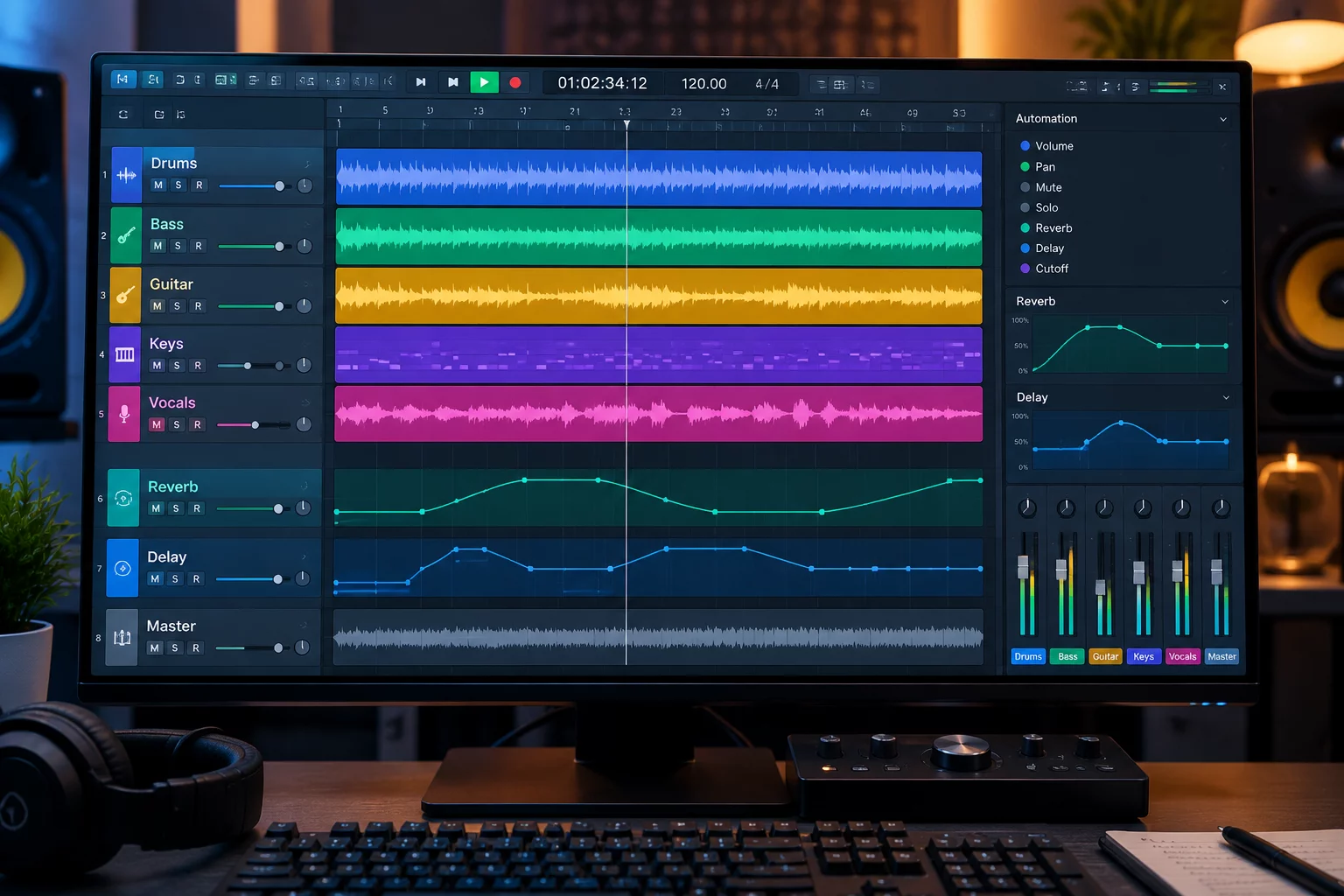
Modern session architecture benefits significantly from a dedicated track pin approach. In conventional layouts, scrolling down to inspect room mics hides your master reference. By applying a track pin to the mix print and primary lead line, those channels hover statically while auxiliary tracks roll past beneath them.
Routing folders serve a dual role: they clean the visual interface and handle sub-mix processing simultaneously. Nesting twenty backing vocal harmonies inside an unexpanded routing folder cleans 1,000 pixels of vertical screen clutter while maintaining full summing bus automation.
Systematic Protocol for Session Transition
When the vocal editing task concluded, the required eight tracks changed entirely. Transitioning to drum phase alignment meant expanding the percussion folder, pinning the kick inside track against the overhead stereo pair, and collapsing the vocal group entirely. The session layout must morph alongside the active task.
Adopting this disciplined focus map ensures that massive track counts never dictate mental exhaustion. You maintain complete control over 120 tracks by interacting only with the precise eight that command your current creative verdict.

Marcus Vance