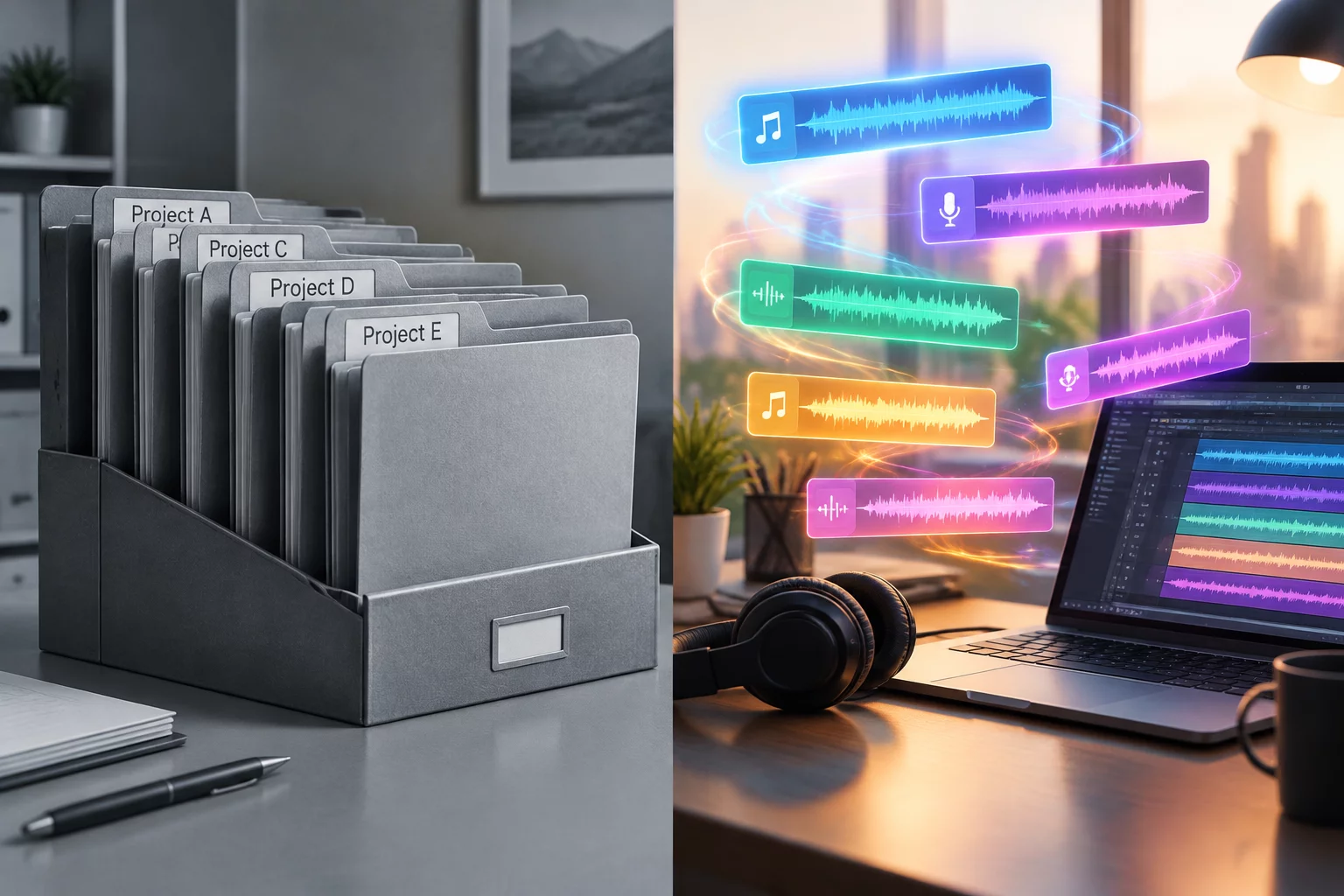
The Structural Difference Between Storing and Seeing
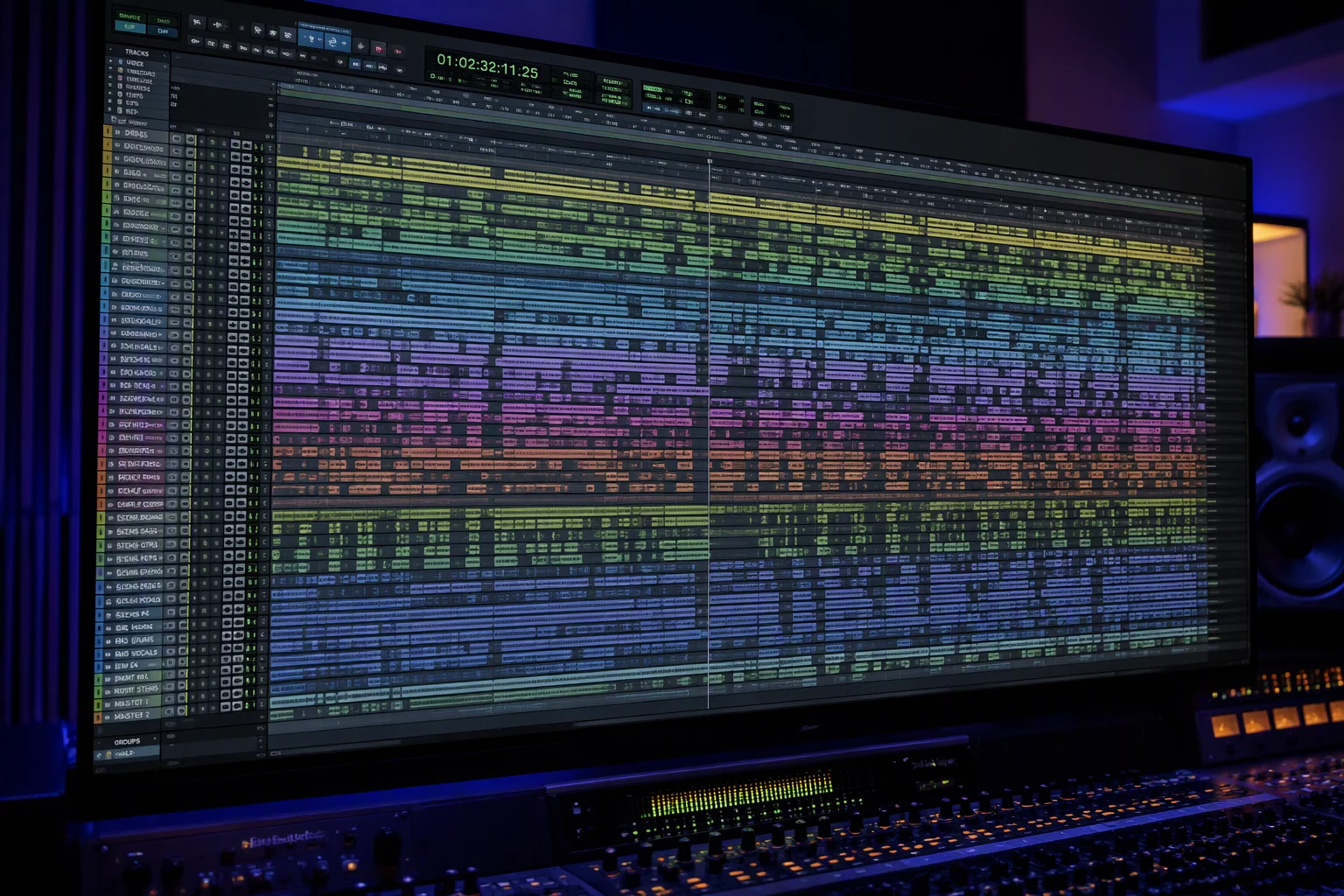
When audio sessions scale past eighty or one hundred tracks, engineering instincts immediately push toward strict taxonomy. We package drums into neat folder tracks, group string sections under collective parent folders, and tuck forty backing vocal layers behind tidy collapsible tabs. The edit window looks immaculate at first glance, free of visual chaos. Yet the moment detailed editing commences, this clean facade collapses into constant hunting and uncollapsing. Storing an asset where it belongs in a library is a categorization challenge, but presenting what an engineer needs in front of their eyes at minute 42 is an attention challenge.
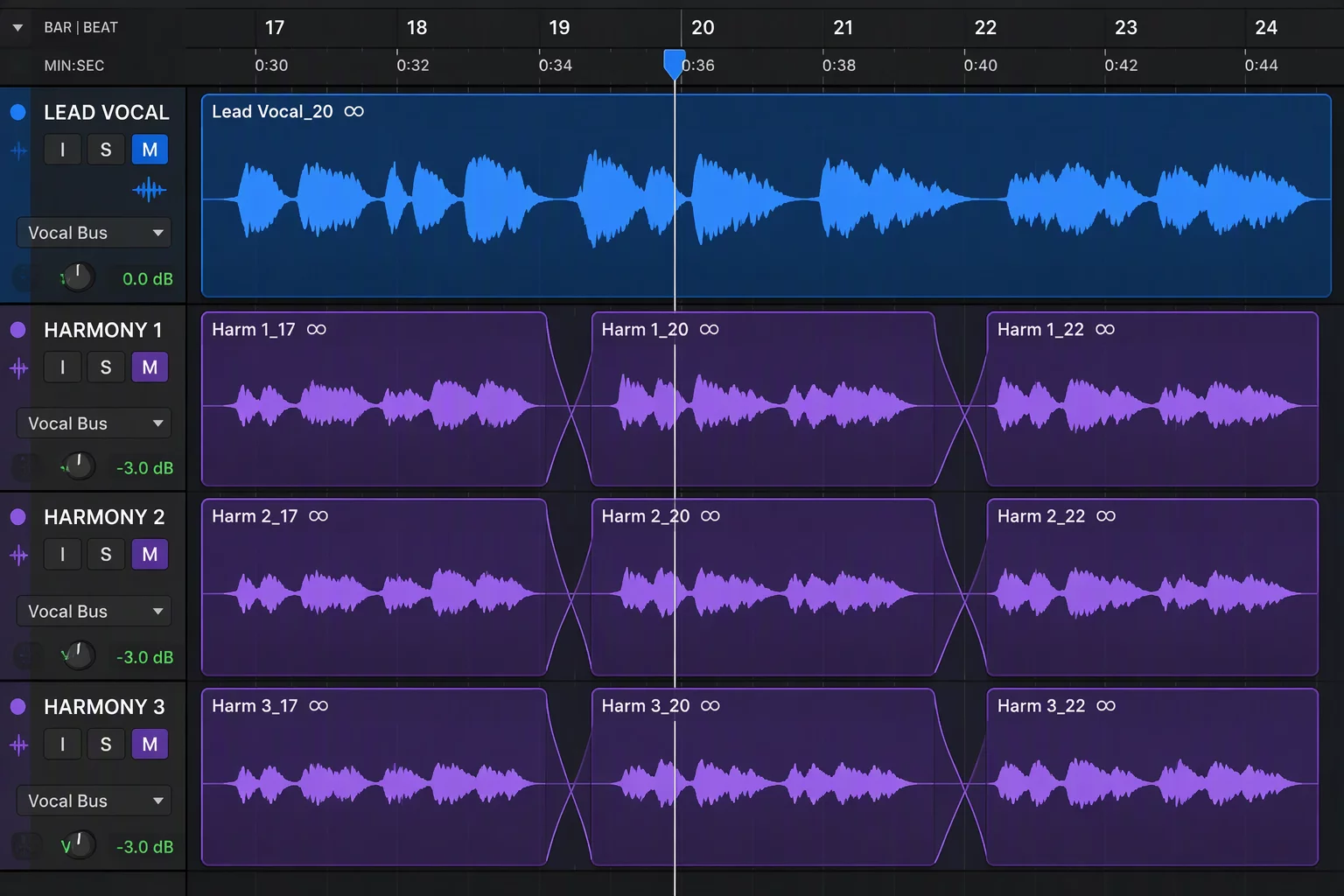
When engineers organize large session files, Pro Tools folder tracks provide indispensable grouping for summing and processing. Folders represent taxonomy and bus routing: they manage phase coherence, group gain staging, and bulk processing. Work focus, by contrast, is purely cognitive. If an editor needs to align harmony doubles against a lead guide vocal, burying the lead vocal inside a closed vocal master folder forces redundant clicking or blind navigation. Mixing engineers often confuse tidy directory arrangements with productive session ergonomics, discovering too late that hiding thirty tracks also concealed the two tracks that needed active vigilance.
A folder answers the question 'Where does this element belong in the audio tree?' Work focus answers 'What two waveforms must my retina compare right this second?'
Separating these two operational imperatives changes how DAW projects are constructed from the opening template. By acknowledging that a folder structure should handle busing and clean rendering while dedicated track views govern active screen space, editors avoid the cognitive trap of perpetually opening and closing folders like file cabinets.
When Mechanical Grouping Clashes with Real-Time Monitoring
The primary failure point of relying solely on collapsible folders happens during cross-functional tasks. Consider a tracking session where a transient-heavy acoustic snare needs phase-matching with an overhead mic and an external rhythm click. In a typical folder-heavy session, the click lives in a utility routing folder at the bottom of the session, the snare sits in an acoustic drum folder, and the reference live mix sits at the top.
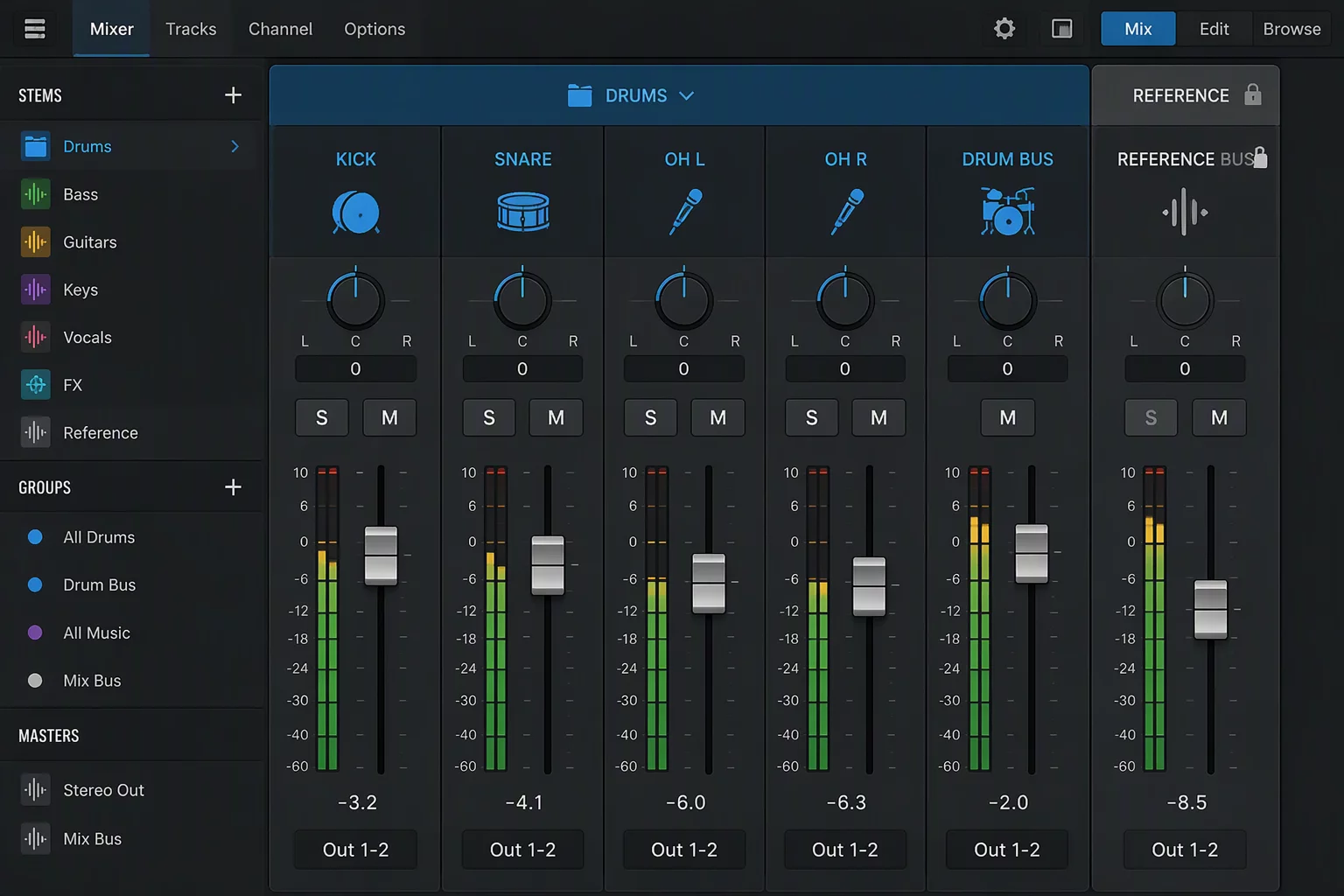
Collapsing non-essential folders to save screen height frequently drags the desired target off-screen. The engineer spends valuable mental bandwidth scrolling back and forth across 2,000 pixels of vertical screen space, attempting to align beats that cannot be viewed simultaneously. Implementing a persistent track pin keeps reference files in view while lower groups remain collapsed. To resolve this friction, seasoned audio operators implement decoupled visibility rules:
- Persistent Reference Anchors: Pin critical guide tracks, click signals, or master dialogue stems outside folder collapse trees so they stay locked in view.
- Contextual Track Isolations: Utilize dedicated track view memory presets instead of manually manipulating folder expansion toggles during active edits.
- Decoupled Routing Buses: Route audio through auxiliary summing folders without forcing the visual tracks into deep nested sub-folder visual containers.
Applying these boundaries ensures that folder containers handle signal management and processing loads, while your physical screen displays only elements pertinent to the task currently underway.
Hierarchy Should Follow Signal Flow, Screen Space Should Follow Task
The audio processing chain has objective physical requirements: low frequencies must be summed cleanly, background dialogues must hit sidechain limiters in unison, and stems must print according to strict delivery deliverables. These requirements govern folder trees and routing buses. Screen real estate, however, is flexible and subjective. It exists to serve human ergonomics, not bus summing architecture.
When these two realities merge inappropriately, engineers end up creating awkward nested folders just to pull two tracks closer together on screen. Then, when the task shifts from comping vocals to automating bass frequency response, the entire layout must be undone. Keeping signal routing independent from visual track show/hide states prevents destructive layout re-engineering mid-project.
Practical Implementation in Modern Professional Sessions
Begin by designing a permanent anchor zone at the top of your DAW edit timeline. Reserve this space for guide vocals, video dialogue sync references, or scratch mix stems that should never be concealed when sub-groups are tucked away. Beneath this static anchor, build your folder hierarchies based purely on logical sub-mix requirements such as drum kits, rhythm guitars, synthesizers, and auxiliary effects returns.
Whenever an edit requires comparing waveforms from disparate folders, avoid moving the tracks across your folder boundaries. Instead, summon them into a dedicated task view or duplicate a temporary playlist lane within an uncollapsed scratch lane. Once the edit is finalized, restore the view. The folder structure remains intact, signal buses never break, and mental clarity remains pristine throughout the session lifecycle.

Discussion & Peer Reviews
No comments yet. Be the first to leave a comment.
Leave a Response