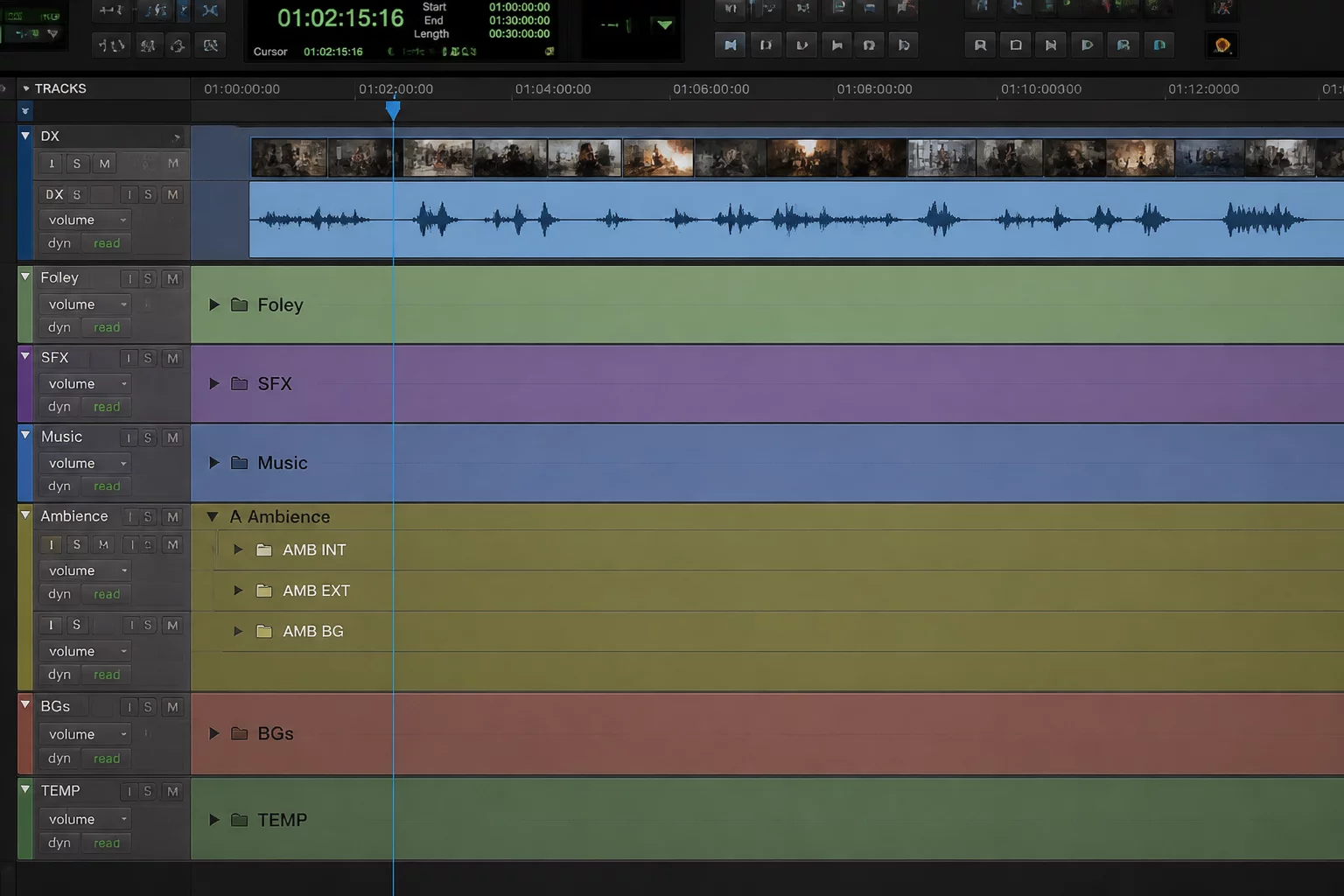
Why Universal Anchor Tracks Fail Inside Collapsed Groups
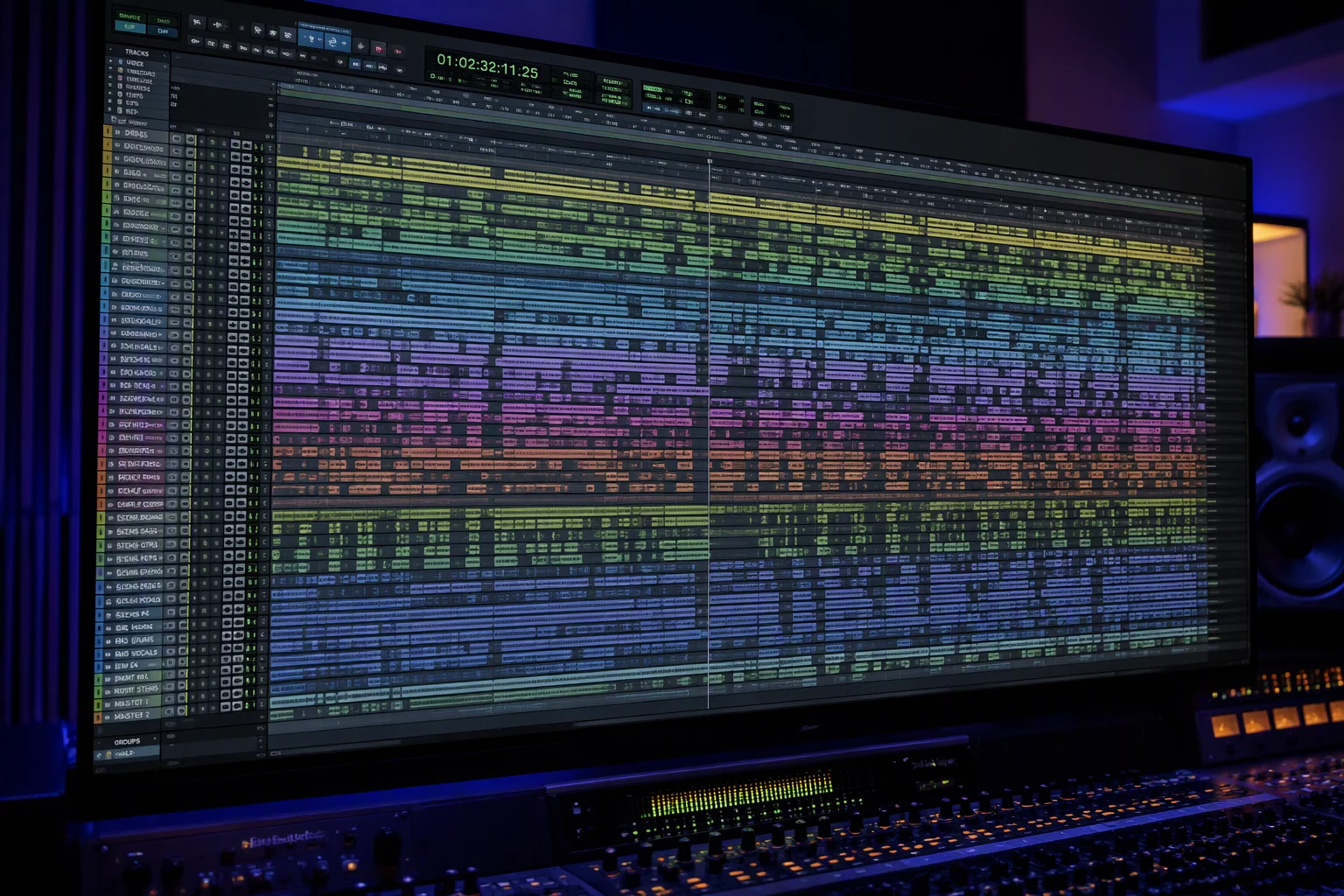
Large sessions inevitably demand consolidation. When 90 or 140 channels populate an edit window, engineers naturally bundle rhythm, synths, and backing stems into neat folder tracks. However, grouping problems start when someone drops a master reference mix, a dialogue guide, or a sync scratch track inside one of those tidy categories. The moment that folder collapses to reveal adjacent instrument groups, the visual grounding disappears.
Track pin strategies and layout discipline prevent this loss. A mixer working on a dense vocal chorus requires constant verification against the lead vocal or stereo rough mix. Burying the anchor inside an instrumental folder forces repetitive unfolding, vertical scrolling, and constant visual hunting. That friction breaks mental immersion and slows down critical editorial rhythm.
An anchor track hidden inside a folder ceases to function as a reference; it becomes an obstacle requiring unnecessary clicks just to confirm basic timing.
The issue is not folder organization itself, but the confusion between archival grouping and situational focus. Organizing tracks by instrument family makes sense for bussing, but operational reference tracks belong to a different operational class. They must stay pinned regardless of which sub-department is currently expanded or muted.
Positioning Anchor Lanes Outside Folder Hierarchies
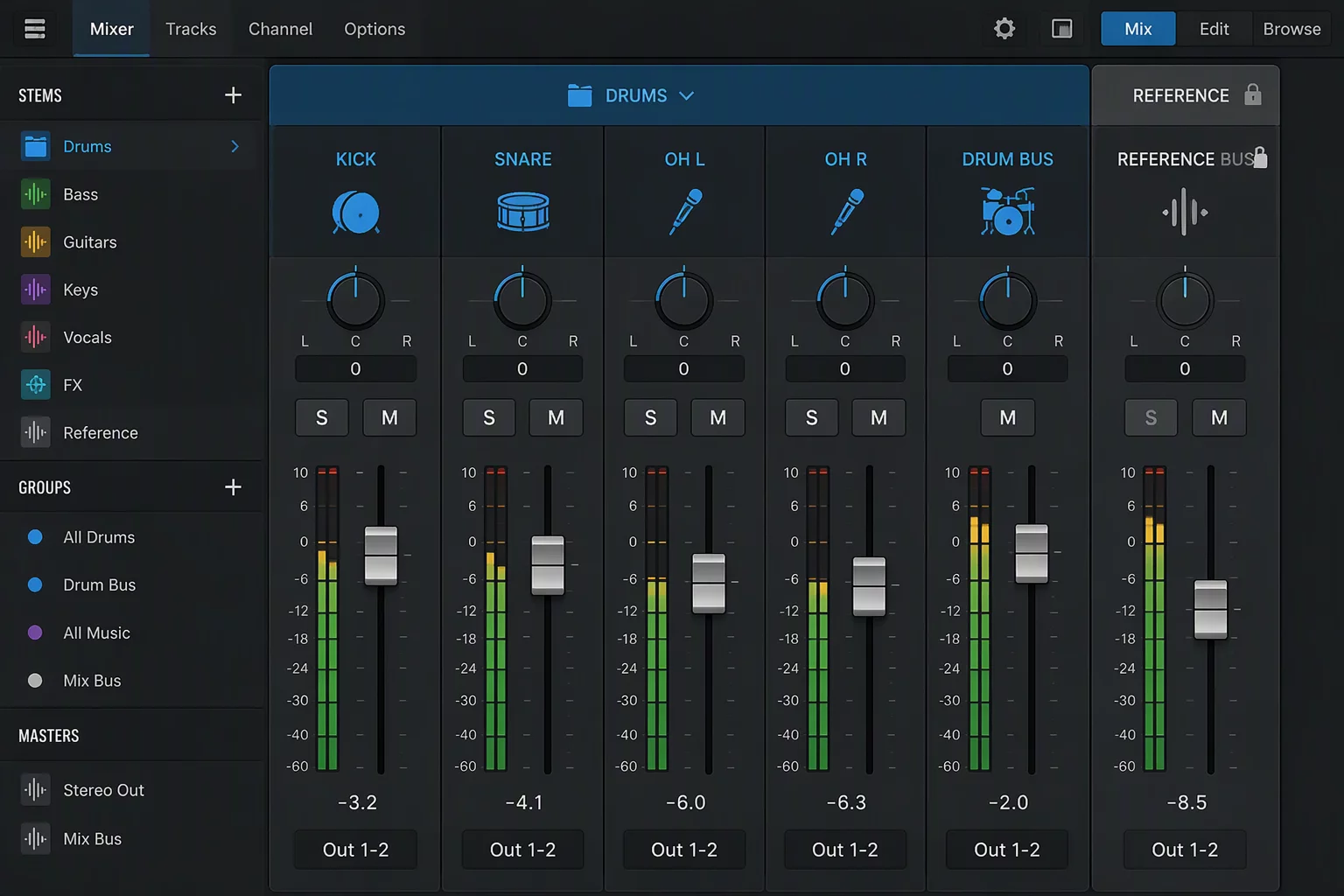
Resolving this structural tension requires an explicit separation of layers. Keep the primary guide track—whether it is a guide vocal, click, master tempo map, or camera guide audio—positioned entirely outside the folder tree. When you organize large session environments, place this channel right beneath the timeline ruler or in an explicitly pinned upper zone.
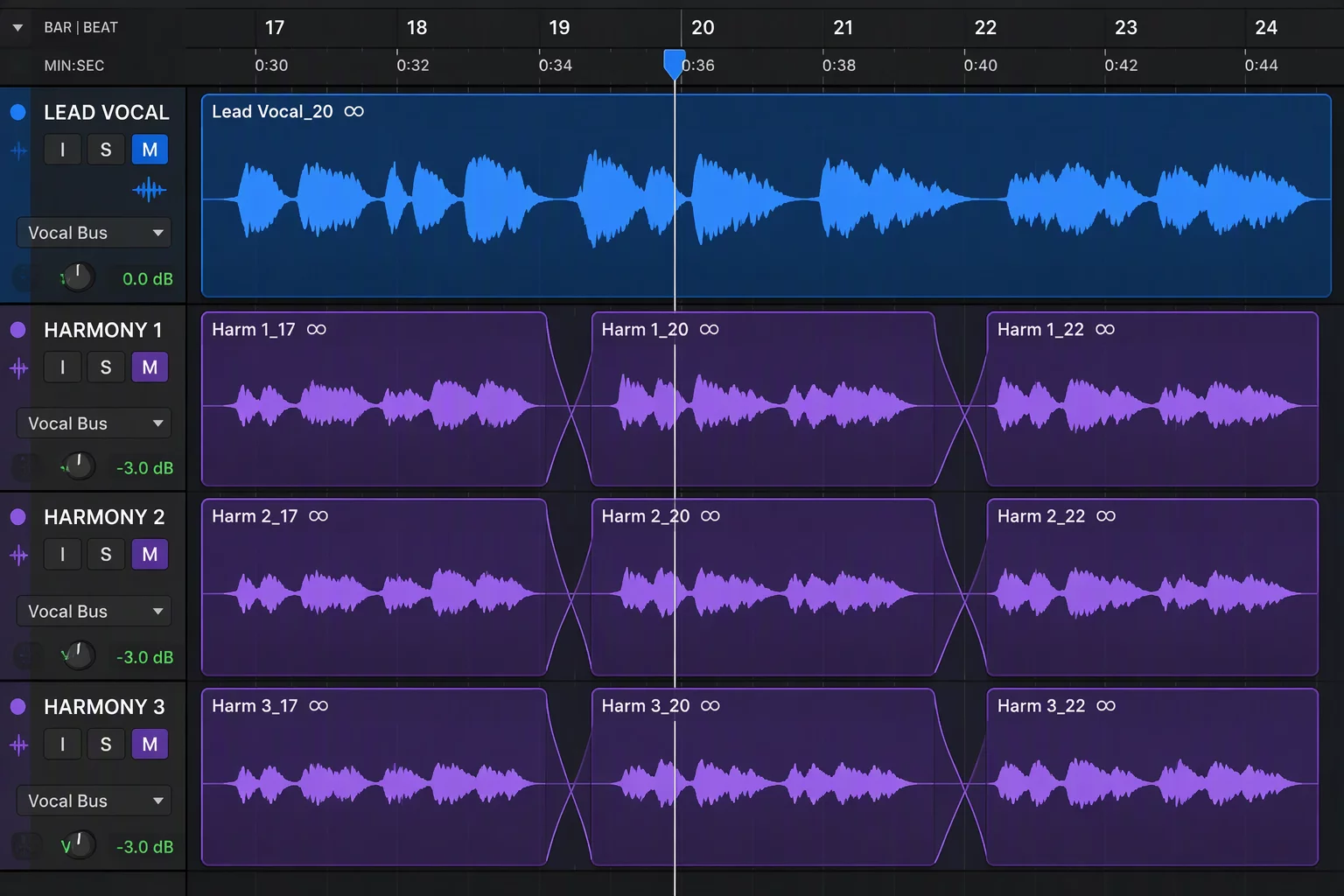
This approach guarantees that no matter which folder you collapse, the anchor remains stable on screen. During harmony editing or drum cleanup, you can fold drum groups or vocal doubles completely without losing sight of the waveform crests that define your arrangement.
- Top-Level Session Placement: Keep the anchor track at the absolute top of the track list, outside any routing or basic folder containers.
- Color Isolation Protocol: Assign a contrasting, high-visibility color marker to the guide channel so peripheral vision identifies it instantaneously.
- Height-Locking Configuration: Lock the anchor track height to medium or small, preventing vertical re-scaling when zooming across nested tracks.
Combining these three practices ensures that while dozens of subsidiary channels expand and collapse during different production phases, the central benchmark stays anchored in place.
Structural Grouping Versus Active Operational Focus
Folder tracks solve visual density, but they do not know what your brain needs in the next ten seconds. When switching from tuning backing vocals to tightening rhythm section transients, the active context changes completely, yet the need for the reference track remains constant. If the reference is buried in a rhythm folder, vocal editing suffers. If it sits in a vocal folder, bass editing lacks an anchor.
Placing anchor tracks into a dedicated global position establishes a persistent horizon line. Engineers navigating 100-track sessions can scroll deep into orchestral layers or sub-mix effects while keeping the timing guide visible at the window boundary, reducing visual search fatigue and preventing misalignment errors.
Step-by-Step Implementation for Daily DAW Workflows
Begin every new template or imported stem session by designating your primary anchor. Route this track directly to your monitor cue or reference bus without passing through instrument sub-masters. In Pro Tools folder tracks workflows, leave this track unassigned to any folder group and park it directly beneath the global marker and tempo lanes.
Test the arrangement by collapsing every single folder in the project. If your reference track remains fully visible, easily solo-safeable, and immediately accessible for waveform scrutiny, your session architecture is resilient. You can now dive into micro-edits with confidence that your spatial orientation remains locked.
Discussion & Peer Reviews
No comments yet. Be the first to leave a comment.
Leave a Response