The Hidden Cost of Infinite Visual Real Estate
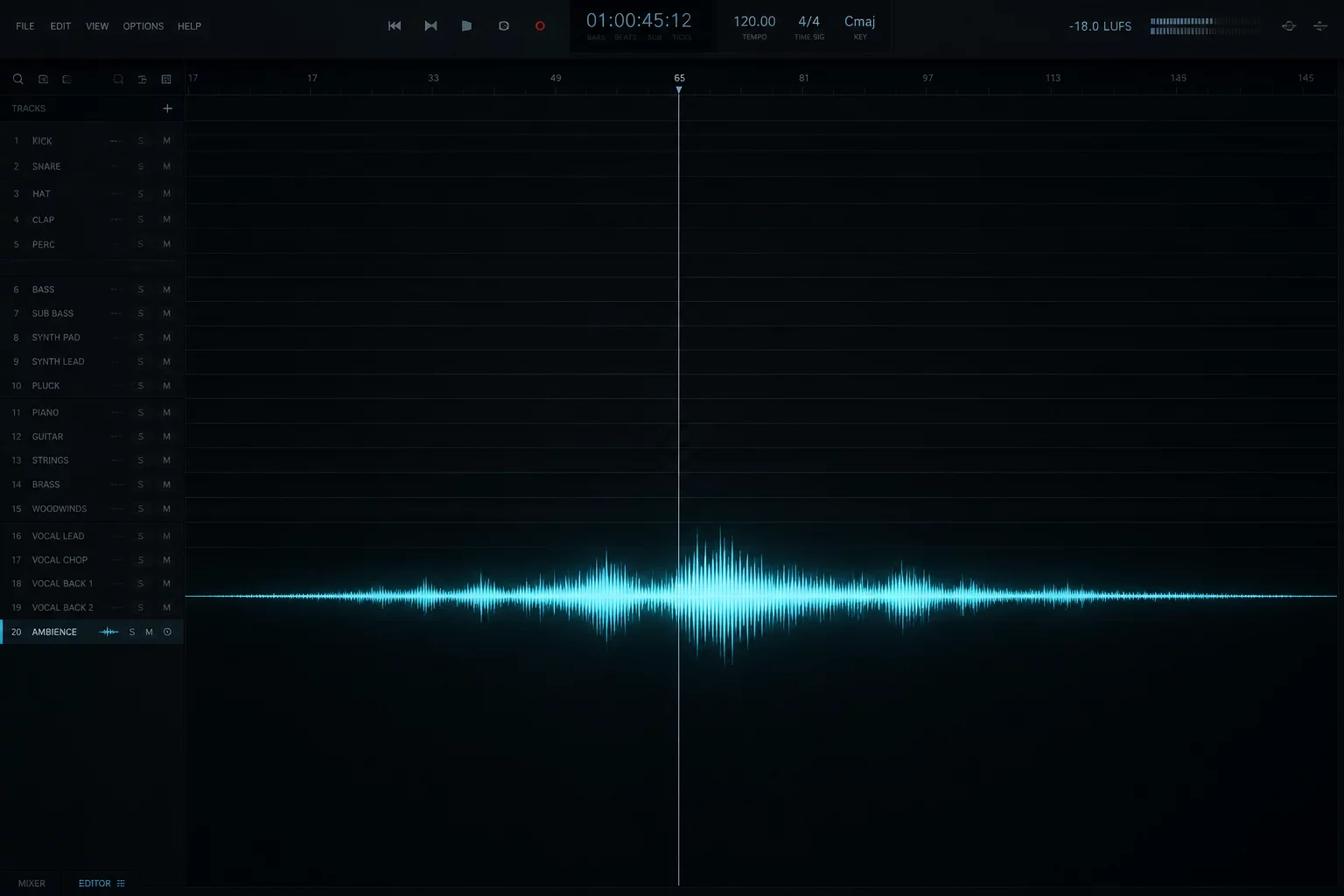
Modern digital audio workstations offer limitless track counts, encouraging engineers to retain dozens of active layers throughout production. While comprehensive visibility seems helpful during tracking, an expansive timeline loaded with eighty or one hundred visible tracks during surgical editing creates constant sensory distraction. Every visible meter flicker, waveform transient, and plugin indicator competes for executive attention. When the brain scans twenty vertical inches of track headers to find one harmony stem, mental momentum degrades into tedious screen navigation.
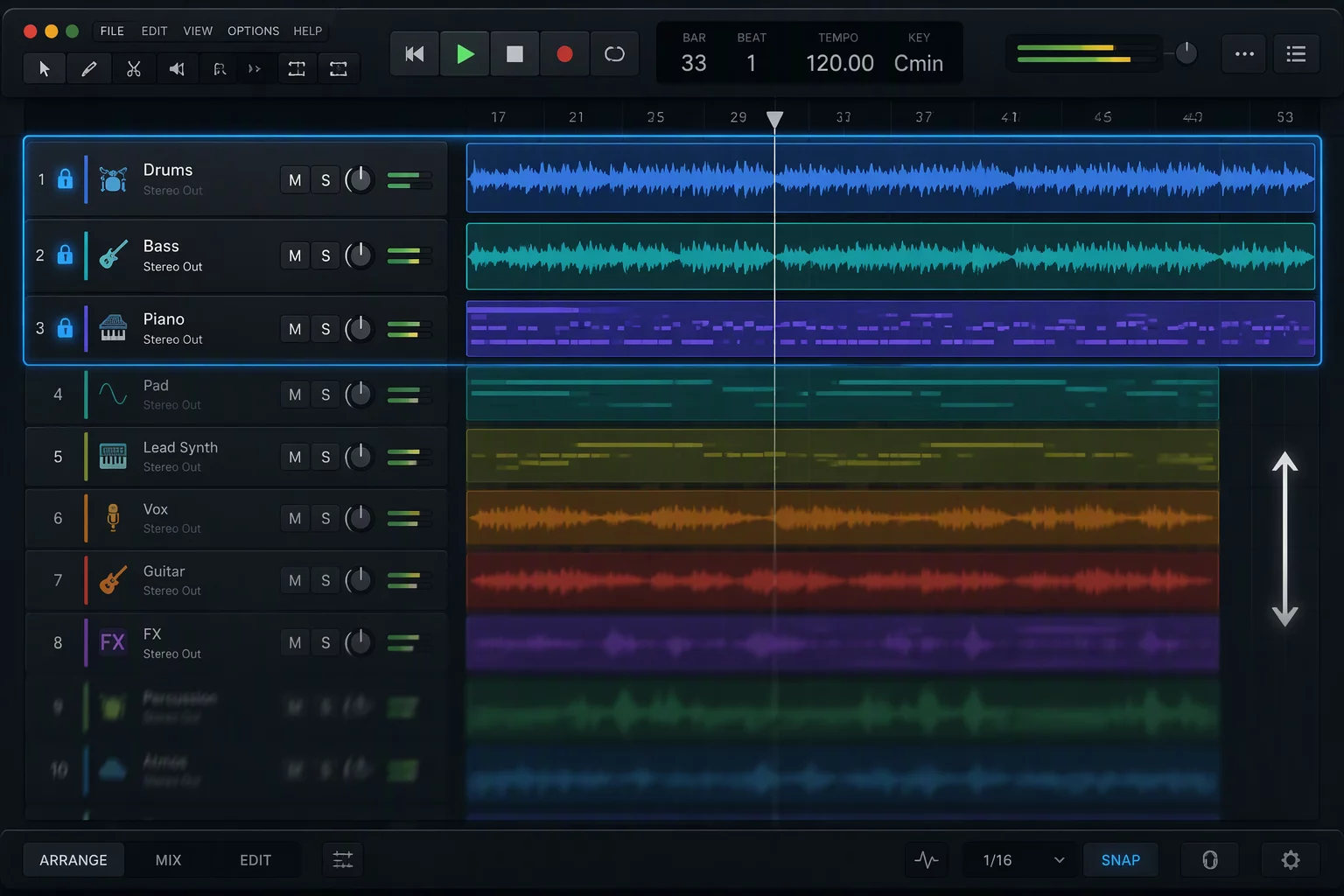
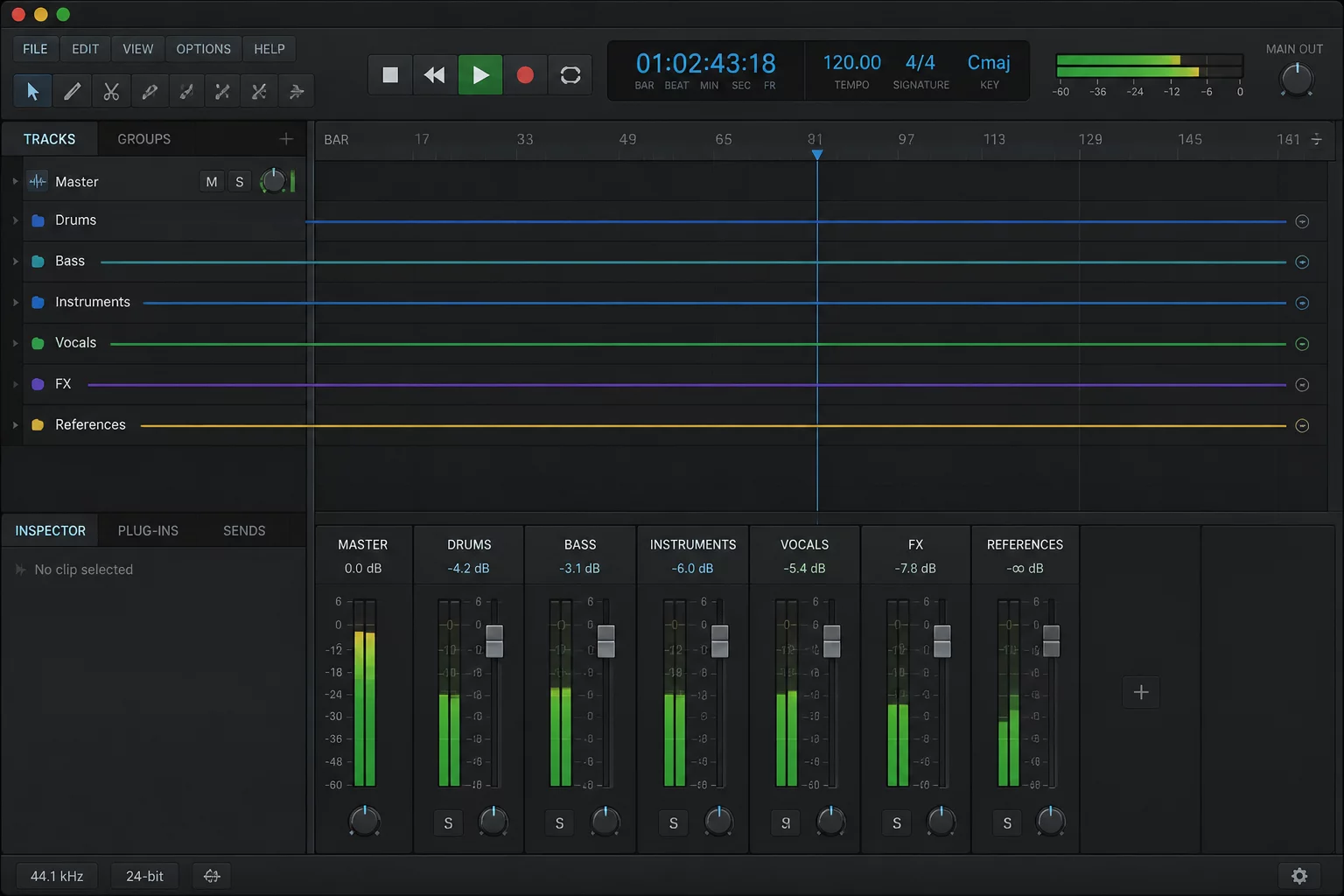
Attention is a finite cognitive resource. An engineer actively fine-tuning lead vocal timing does not benefit from watching fifty drum and percussion lanes oscillate in the lower quadrant of the screen. In fact, peripheral movement constantly draws the visual cortex away from the fine-grained edits under the cursor. Collapsing tracks into concise folder busses re-establishes a clean workspace where only the immediate acoustic task occupies the visual field.
When every channel demands equal optical attention, your auditory discrimination degrades into visual administrative triage.
By closing folder tracks for rhythm sections, ambient textures, or secondary sound effects, you instantly reclaim vertical viewport territory. The remaining active channels can be displayed at full height, revealing waveform micro-dynamics and automation lanes clearly without constant track resizing or wheel scrolling.
The Anchor Protocol: Separating Focus from Context
Collapsing tracks produces immense mental clarity, yet over-aggressive folding introduces a secondary hazard: losing sight of your primary reference points. A common operational error occurs when an engineer folds down an entire session into three massive master groups, accidentally hiding a crucial guide vocal, reference master, or timing grid track inside an inaccessible sub-tier.
To maintain rigorous control, implement the Anchor Protocol. Before folding any secondary group, establish persistent baseline tracks that remain permanently pinned or visually floating at the top of the timeline. These anchor tracks provide constant contextual comparison regardless of which sub-folders are collapsed underneath.
- Permanent Reference Pinning: Keep commercial reference mixes, rough cuts, or video scratch tracks positioned at the topmost edge of the edit window outside any collapsible folder hierarchy.
- Stage-Dependent Folding: Collapse folders according to your current task phase: fold drums and percussion during vocal tuning; fold melodic instrumentation during drum phase alignment.
- Folder Bus Metering: Rely on the summed meter of the closed folder track for gain-staging and signal confirmation without requiring individual channel visibility.
Adhering to these principles ensures that folding tracks enhances clarity rather than creating blind spots. You retain immediate sonic context through folder master meters while confining visual attention strictly to the creative problem at hand.
Structural Hierarchy as an Operational Filter
Effective session architecture divides audio assets into distinct hierarchical tiers. Tier one contains master sum, VCA controls, and reference anchors. Tier two holds broad musical categories such as rhythm section, synths, acoustic guitars, and vocal arrangements. Tier three consists of the individual multi-mic sources or stacked doubles inside those folders. Under normal mixing conditions, eighty percent of tier three should remain collapsed.
When entering a critical listening pass, having high-level folder busses visible allows you to adjust group balance and automation without being overwhelmed by micro-level clutter. Once an anomaly or harsh frequency is identified in the choir bus, unfolding that specific folder reveals the constituent tracks in under two seconds. Correct the balance, re-fold the group, and return instantly to the macro perspective.
Execution Guidelines for High-Density Projects
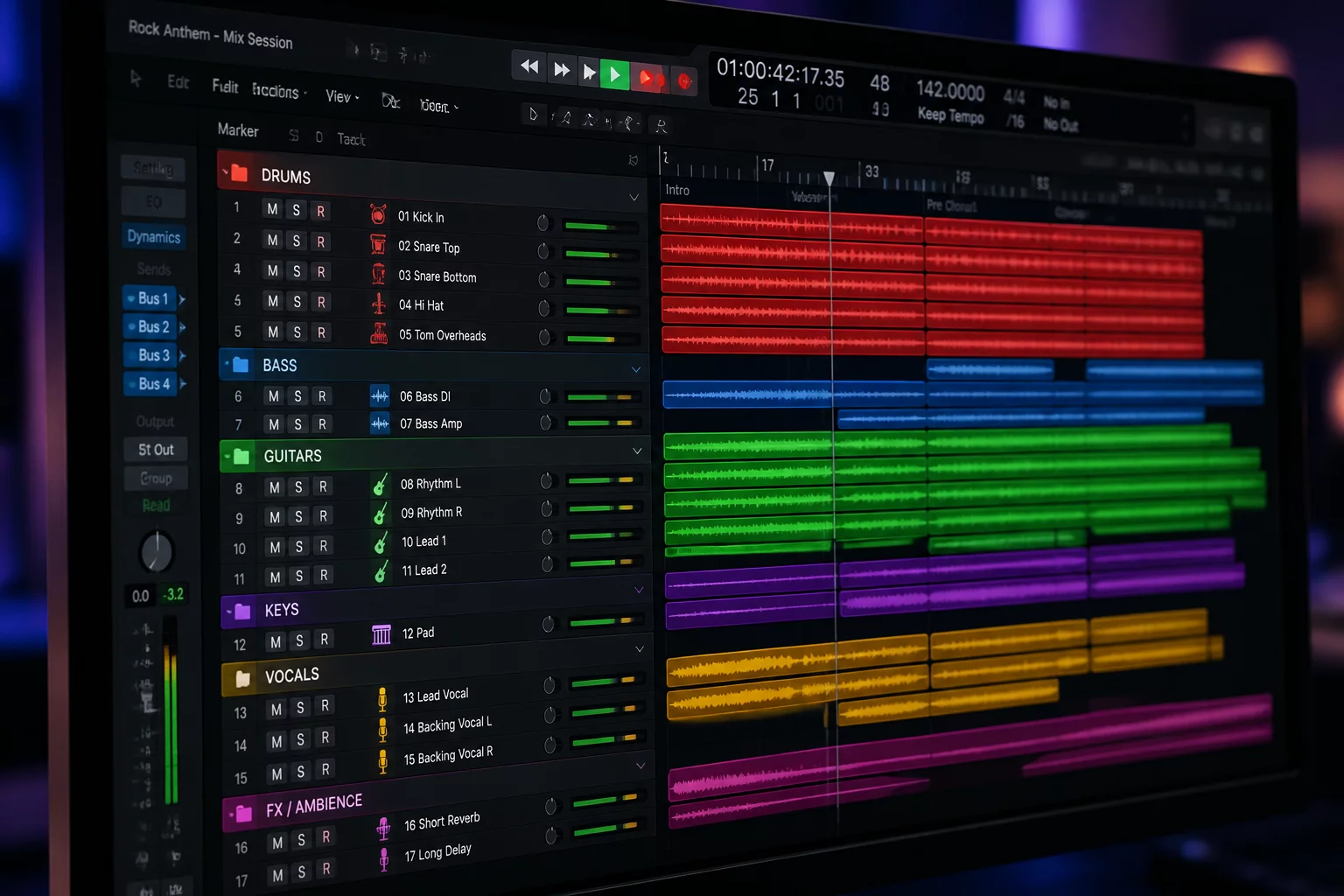
Begin by auditing your current session footprint before opening dynamic plugins or balancing volume. Group related tracks into logical folders—Drums, Bass, Guitars, Keys, FX, Vocals—and assign consistent color codes. Once basic gain-staging is set, close all folders except the specific section scheduled for detailed editing. If your current focus is cleaning up vocal doubles, keep only the vocal folder expanded alongside the pinned guide track.
Train yourself to toggle folder states deliberately rather than scrolling endlessly across one hundred open channels. Assigning global shortcuts to expand or collapse selected folder tracks allows you to switch between surgical detail and holistic structural evaluation in a single keystroke. Over an eight-hour session, this disciplined practice saves hours of physical navigation, preserves auditory objectivity, and delivers consistently polished mixes.
Discussion & Peer Reviews
No comments yet. Be the first to leave a comment.
Leave a Response