Workflow Review
Sound & Desk Journal
“SessionFocus Atlas turns dense 160-track sessions into immediately readable, task-focused workspaces without breaking sub-bus routing.”
Session architecture and track visibility
Explore session-navigation cases about track groups, folder structure, pinned references, large edits, and changing work focus.
Nest detailed sub-mixes into structured Pro Tools folder tracks so you can expand granular takes when editing and collapse them when reviewing stems.
Apply a dependable track pin approach to keep dialogue stems, pitch guides, and reference mixes locked in constant view while traversing long timelines.
Discover proven structural rules to organize large session layouts, avoiding screen clutter and speeding up context switching across critical tasks.
Every case on SessionFocus Atlas starts from that question. Name the task first, then sort the session by how much each track matters to it, not by where the track happens to sit in the folder tree.
Leading professional audio journals and DAW workflow specialists review our track isolation methods, folder hierarchy logic, and visual discipline.
“SessionFocus Atlas turns dense 160-track sessions into immediately readable, task-focused workspaces without breaking sub-bus routing.”
“The disciplined segregation of active editorial lanes and collapsed stem groups establishes a benchmark for dialogue editing clarity.”
“By isolating critical comping lanes while preserving instant access to multi-mic bus folders, engineers eliminate screen confusion completely.”
“An indispensable structure for high-pressure film mixing environments where searching for tracks should never cost valuable seconds.”
Compare how pinned references, deliberate folder nesting, and a named task for every pass keep a large session readable, compared with a layout that simply grows track by track.
| Workflow Dimension | SessionFocus Atlas | Ad-Hoc Layout |
|---|---|---|
|
Critical Track Visibility
Pinned anchors and constant references
|
Persistent Anchor Routing
Lead vocals, guide dialog, and mix references remain locked at the top seam regardless of folder depth or vertical scrolling.
|
Lost in Deep Trees
Essential reference files get buried underneath 90+ loose audio lanes, requiring continuous searching during playbacks.
|
|
Folder Structures & Groups
Hierarchy and layout scalability
|
Logical Modular Nesting
Color-indexed functional folders that collapse cleanly to show only active stems without breaking signal routing or submix buses.
|
Disorganized Stacking
Unlabeled color schemes, arbitrary track sorting, and flat arrangements that overwhelm screen space on single-monitor rigs.
|
|
Task Focus Switching
Edit, tune, balance, and review cycles
|
Instant Task Presets
Curated view states isolate current work targets (e.g. vocal comping or drum phase alignment) while collapsing inactive background stems.
|
Static Workspaces
Manual track hiding and endless vertical dragging each time the operational phase switches from tracking to editing.
|
|
Focus Reset Between Stages
Edit → mix → review
|
A Focus Map per Stage
Each stage gets its own map: which tracks stay pinned, which folders open, and which groups collapse when the work moves on.
|
Stale Layout
The edit layout is still on screen during the review pass, so the tracks that matter now sit under the ones that mattered an hour ago.
|
Before you rebuild a session with a hundred tracks or more, answer these six questions. They separate how the session is stored from what you actually need to see for the task in front of you.
Name the task first: a dialogue edit, a harmony comp, a review pass. Then list the tracks that task cannot be done without. In most large sessions that list is short, often under ten tracks.
Decide which references the task is checked against: a guide vocal, a picture reference, a temp mix. Pin them to the top of the Edit window so they stay put while you scroll through deep folders.
Alternates multiply quickly. Keep them on playlists or in a collapsed folder, so the lane you are comping stays on screen and the alternates stay one click away.
Over-nesting hides as much as it organizes. Two folder levels are usually enough; deeper trees make it hard to tell what is collapsed, and why.
Before you collapse a folder, check whether it holds a track the task depends on. A drum folder that also contains the reference mix should not fold away with the room mics.
An edit layout is rarely the right layout for a review pass. Plan the next focus state now: what gets unpinned, which folders reopen, which ones close.
SessionFocus Atlas is an independent educational publication about session organization, track visibility, and work-focus decisions. Here is what you will find on the site, and what sits outside it.
Guides and case studies about keeping the right tracks in view in large audio sessions.
SessionFocus Atlas is not affiliated with Avid and does not provide any of the following.
Measure how repetitive timeline scrolling, obscured stems, and constant track searches consume productive studio hours every single week.
Calculations reflect standard 5-day active studio cycles across 48 annual operational weeks.
Clear structural strategies to organize large session projects, isolate primary tracks, and maintain continuous creative clarity.
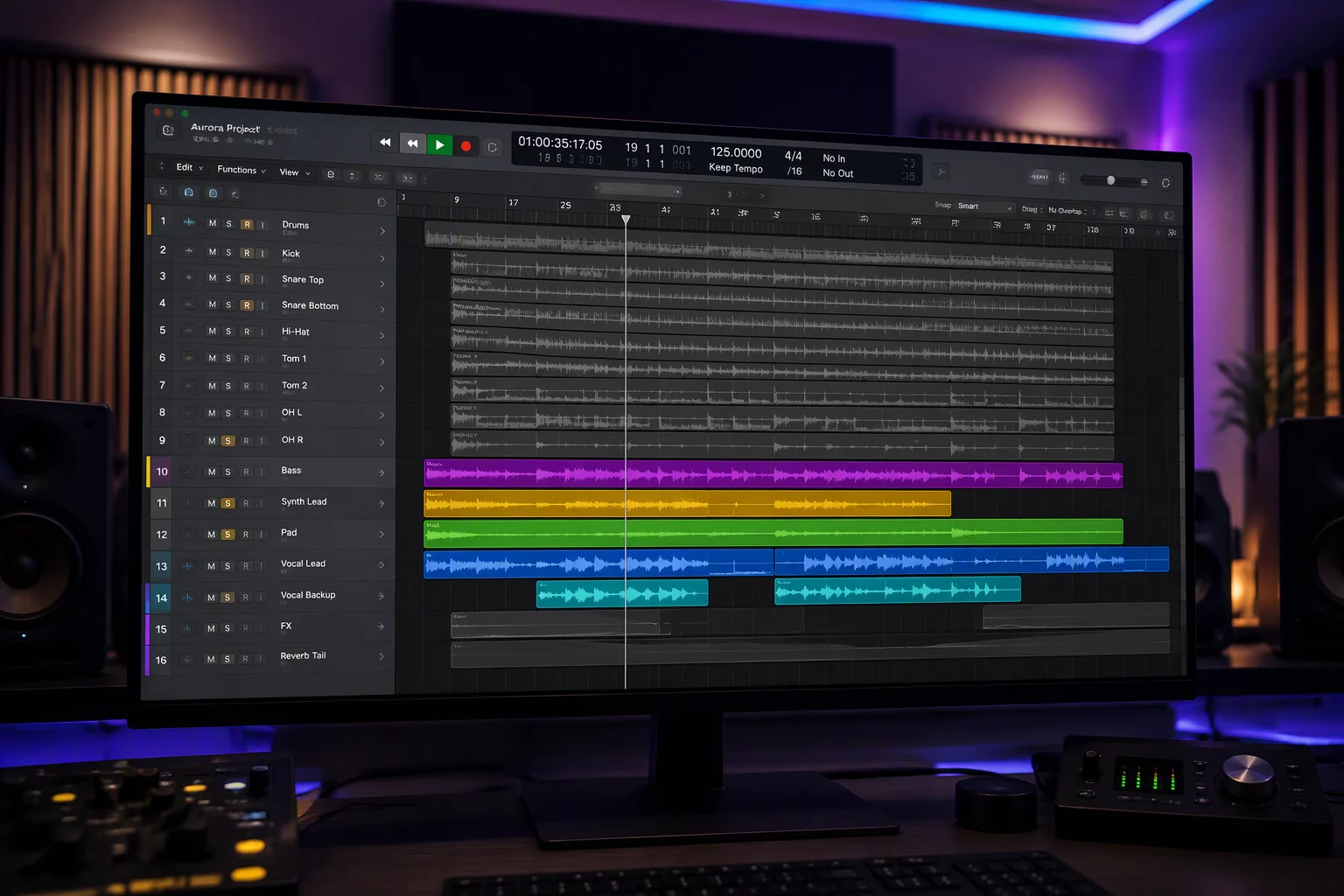
Isolate active audio channels and spotlight critical editorial tracks so your current task stays unobstructed during intensive passes.
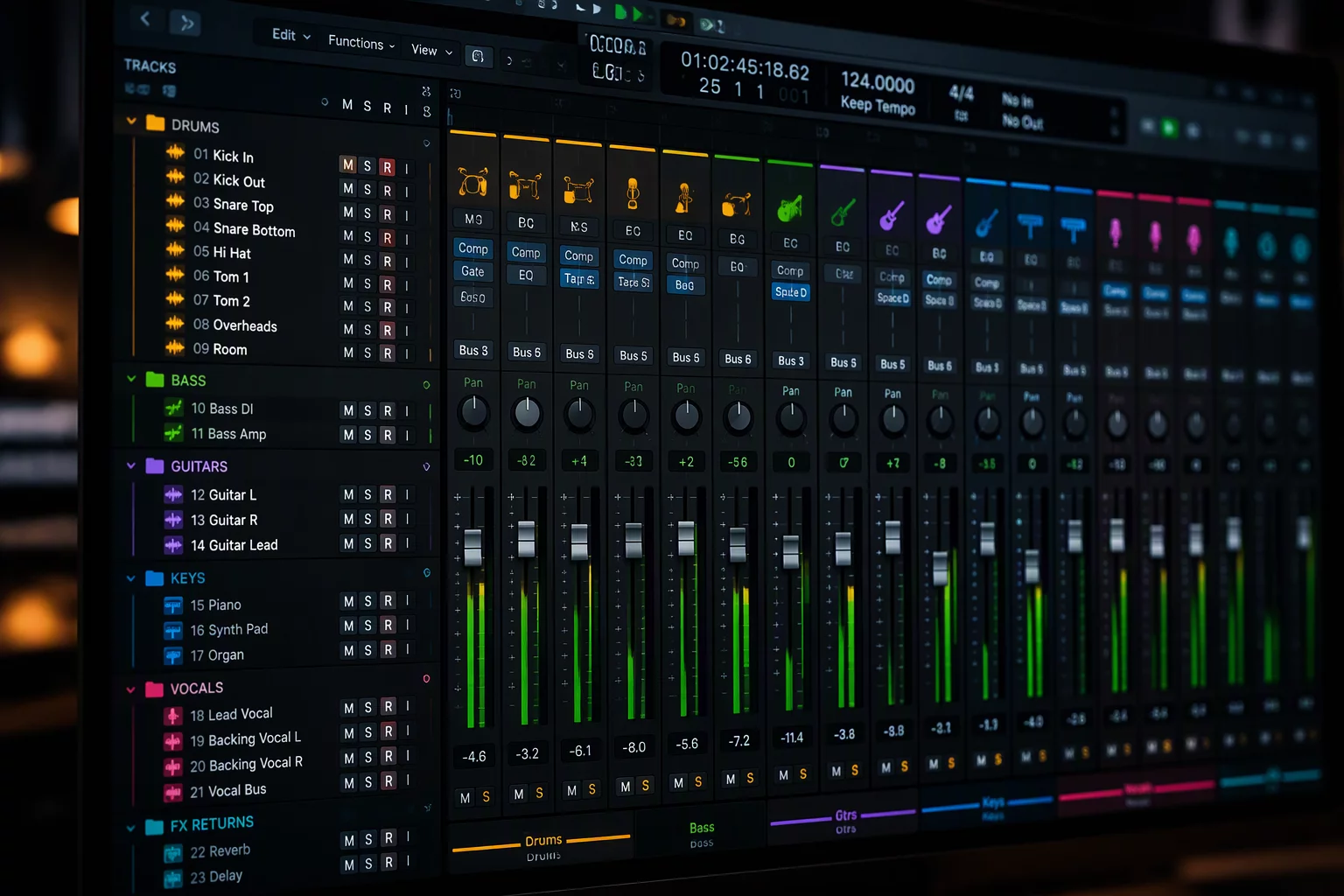
Tame secondary layers by structuring Pro Tools folder tracks that bundle auxiliary stems cleanly without losing bus context.
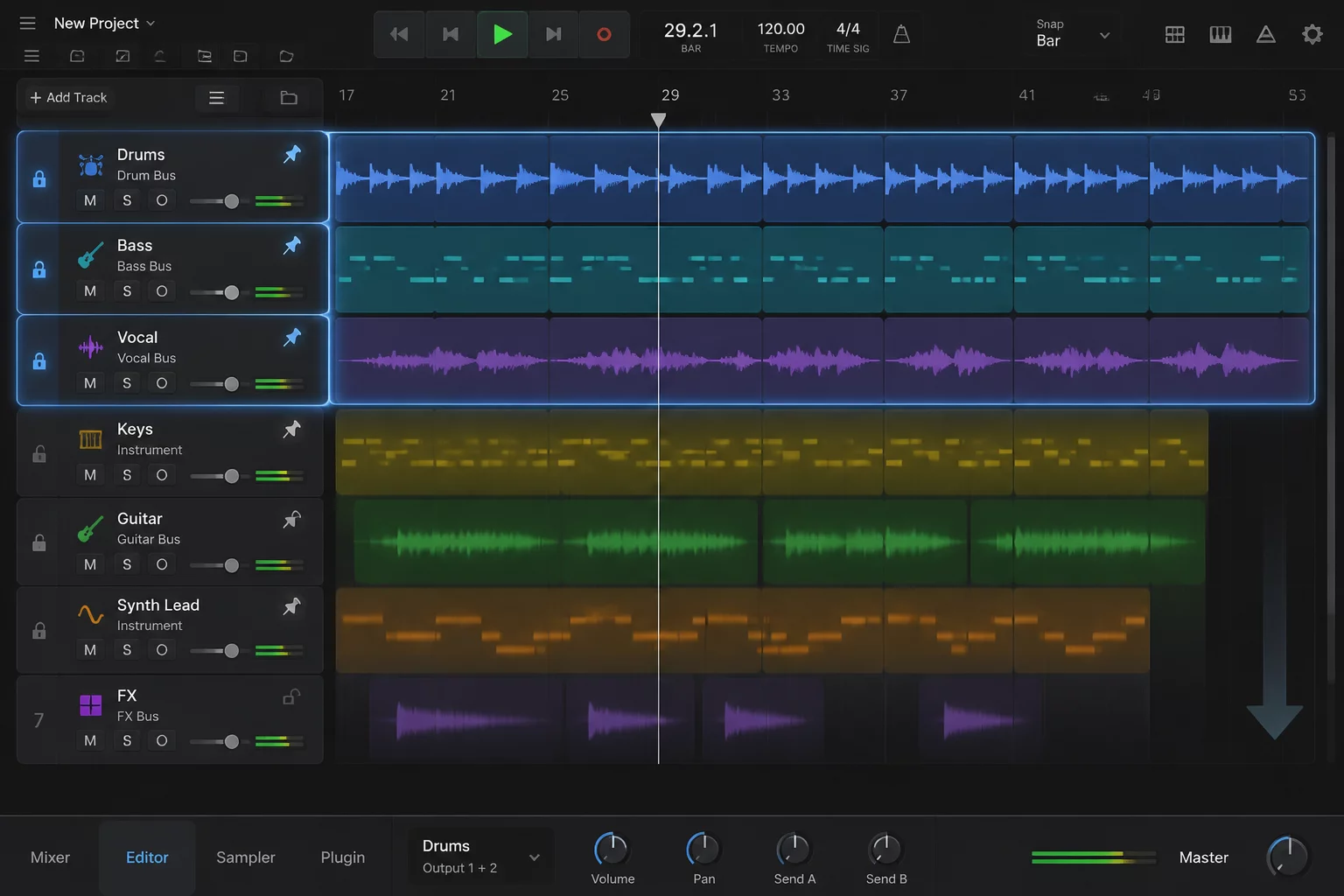
Establish persistent track pin behaviors so mix references, dialogue guides, and print tracks never roll off the timeline display.
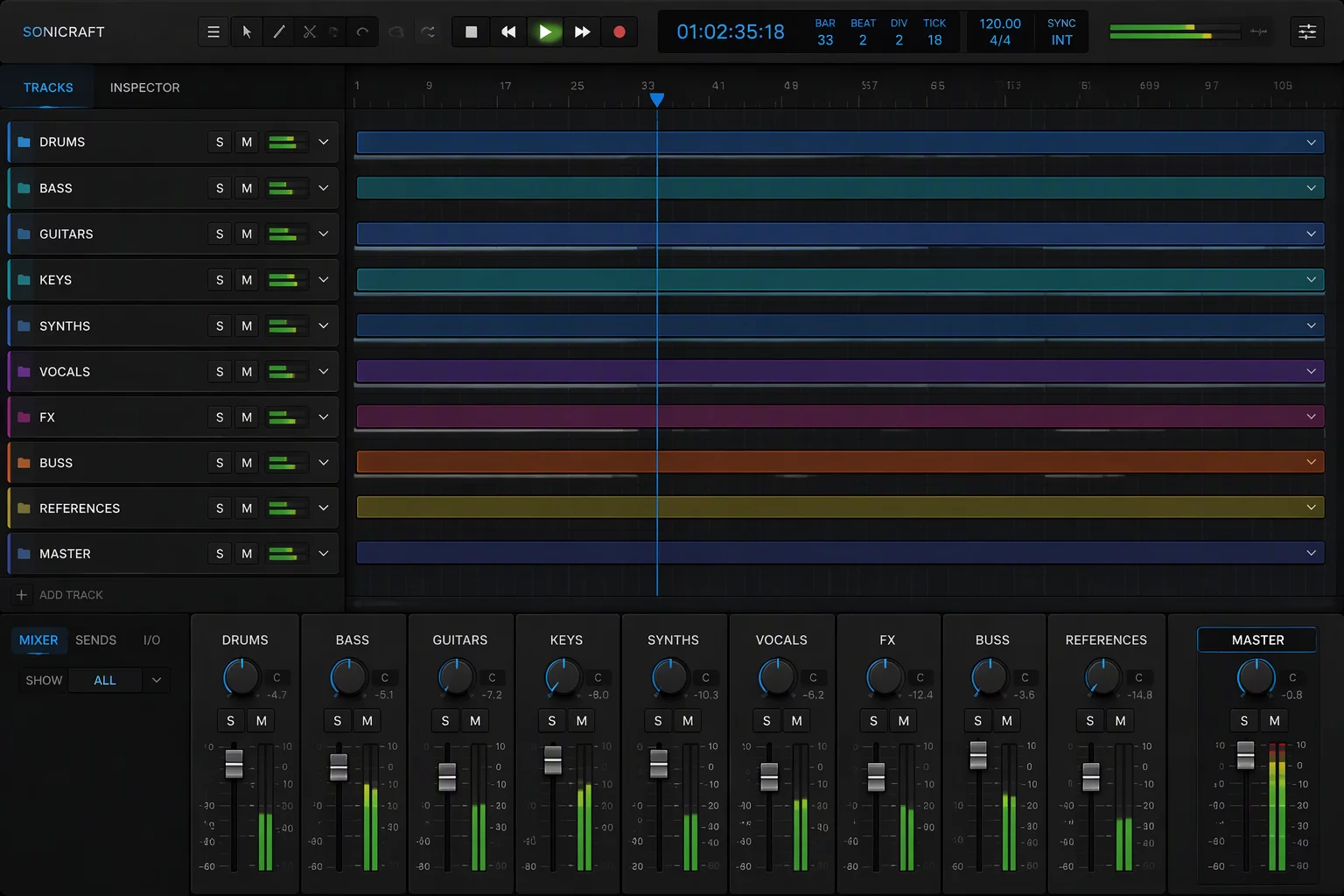
Reclaim vertical screen estate by collapsing completed audio passes and auxiliary stems as you organize large session timelines.
Master complex arrangements with precision layouts. Learn how to organize large session templates, manage Pro Tools folder tracks cleanly, and utilize track pin methods to isolate vital signals instantly.
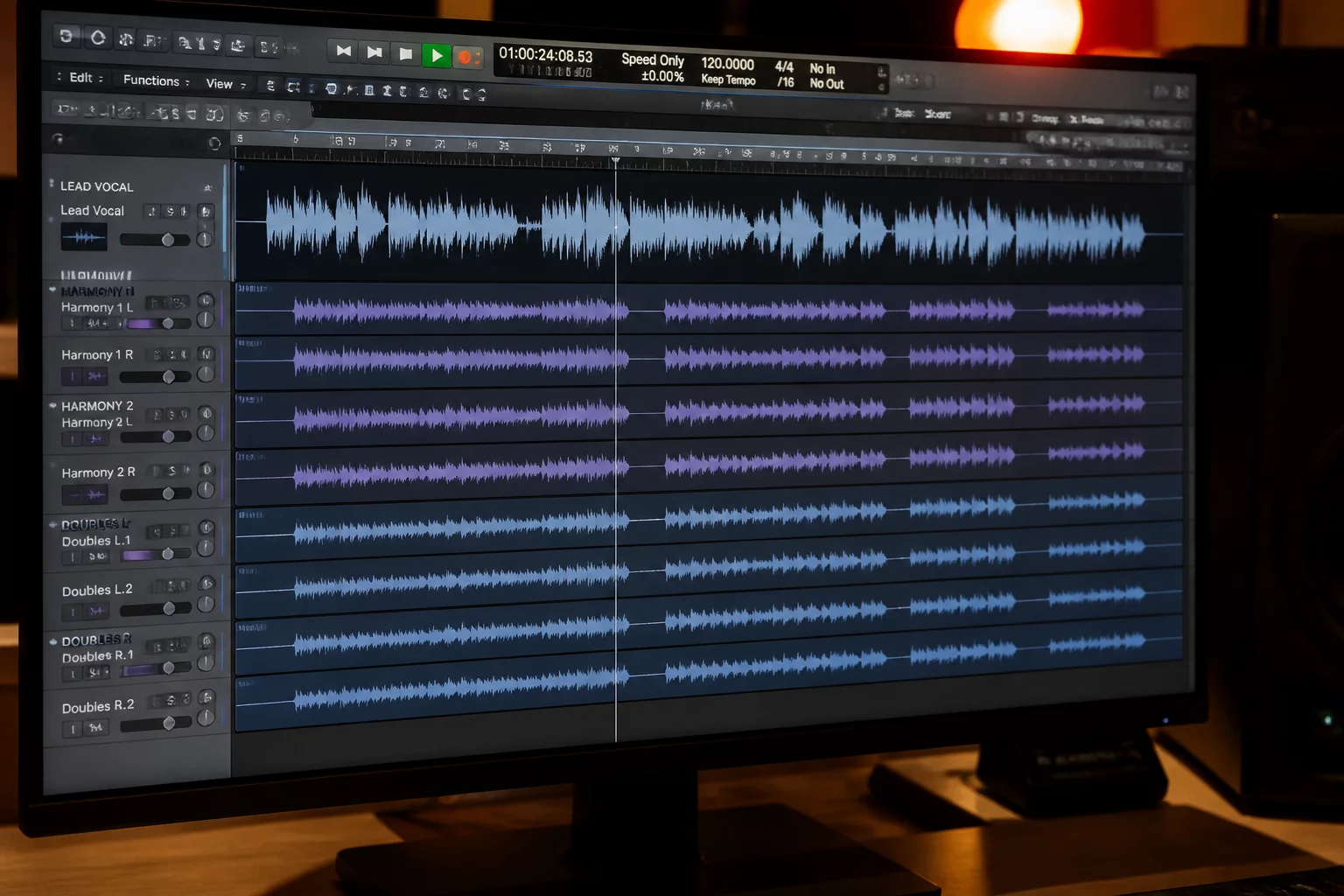
Maintain absolute visual lock over main leads while tuning dense background stacks, keeping harmony passes aligned without visual distraction.
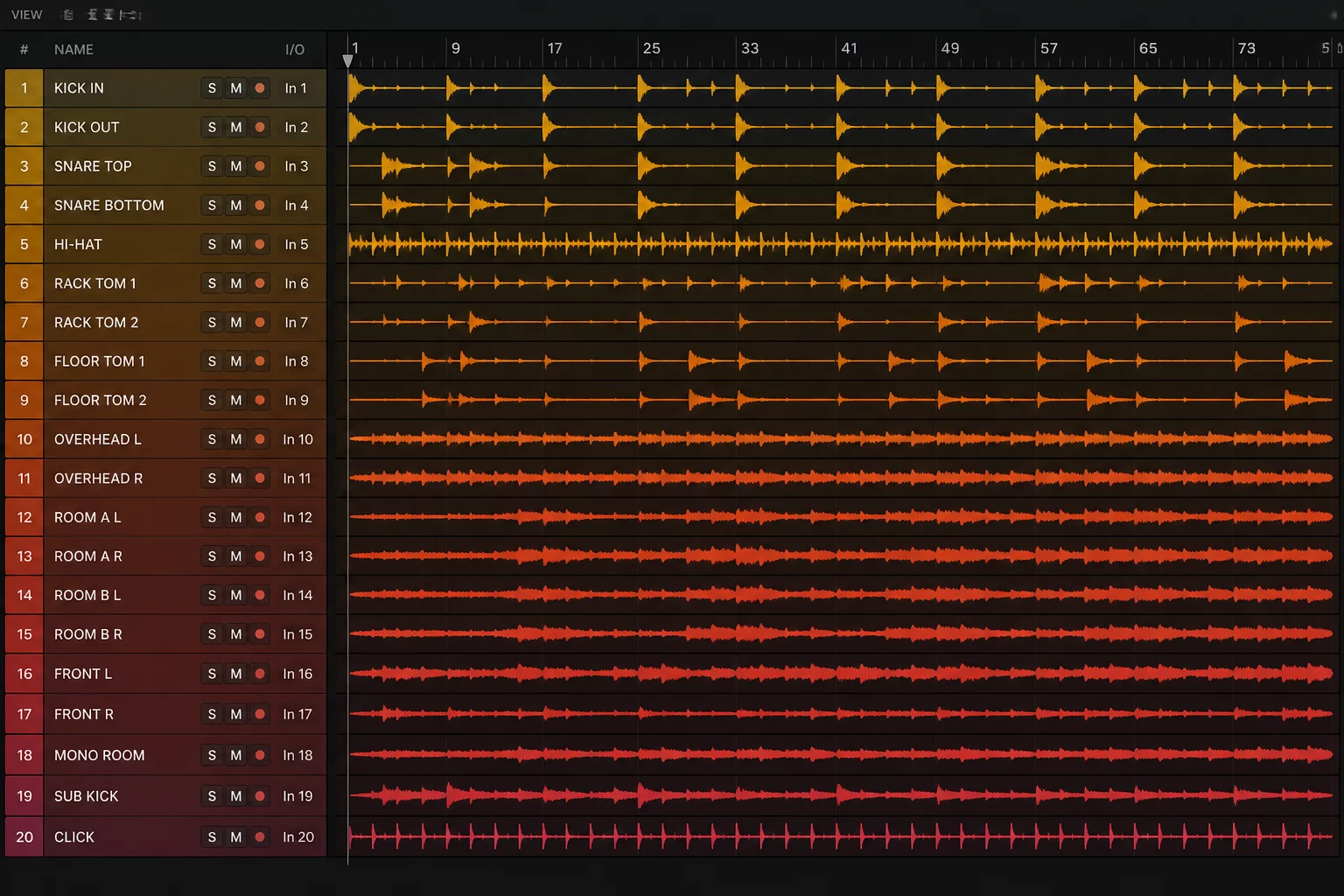
Group multi-microphone drum sets cleanly. Collapse room arrays during phase checks while keeping overhead balance and kick punch instantly accessible.
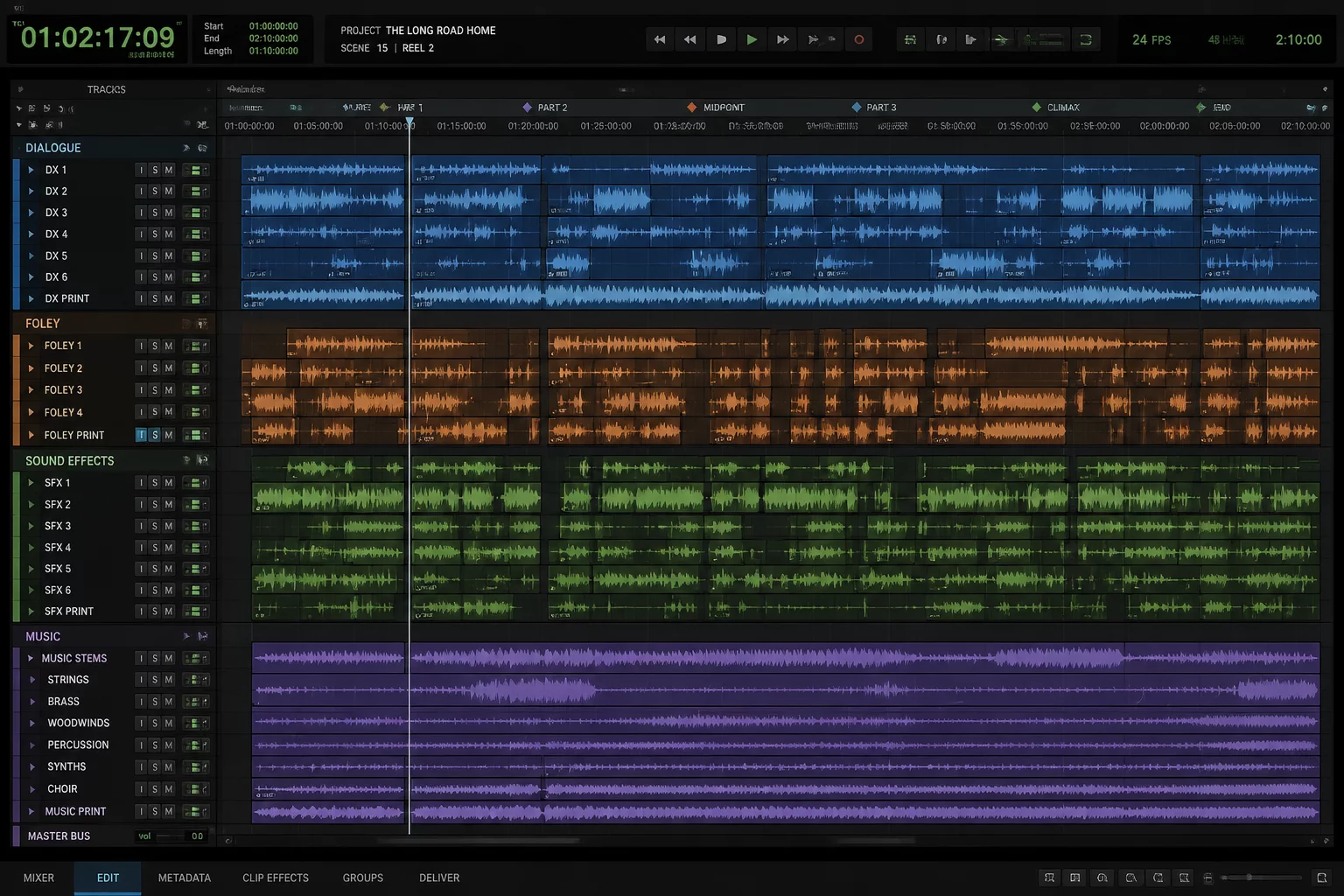
Separate dialogue stems, Foley groups, and orchestral cues into nested hierarchies designed for high-speed editorial and sound design revisions.
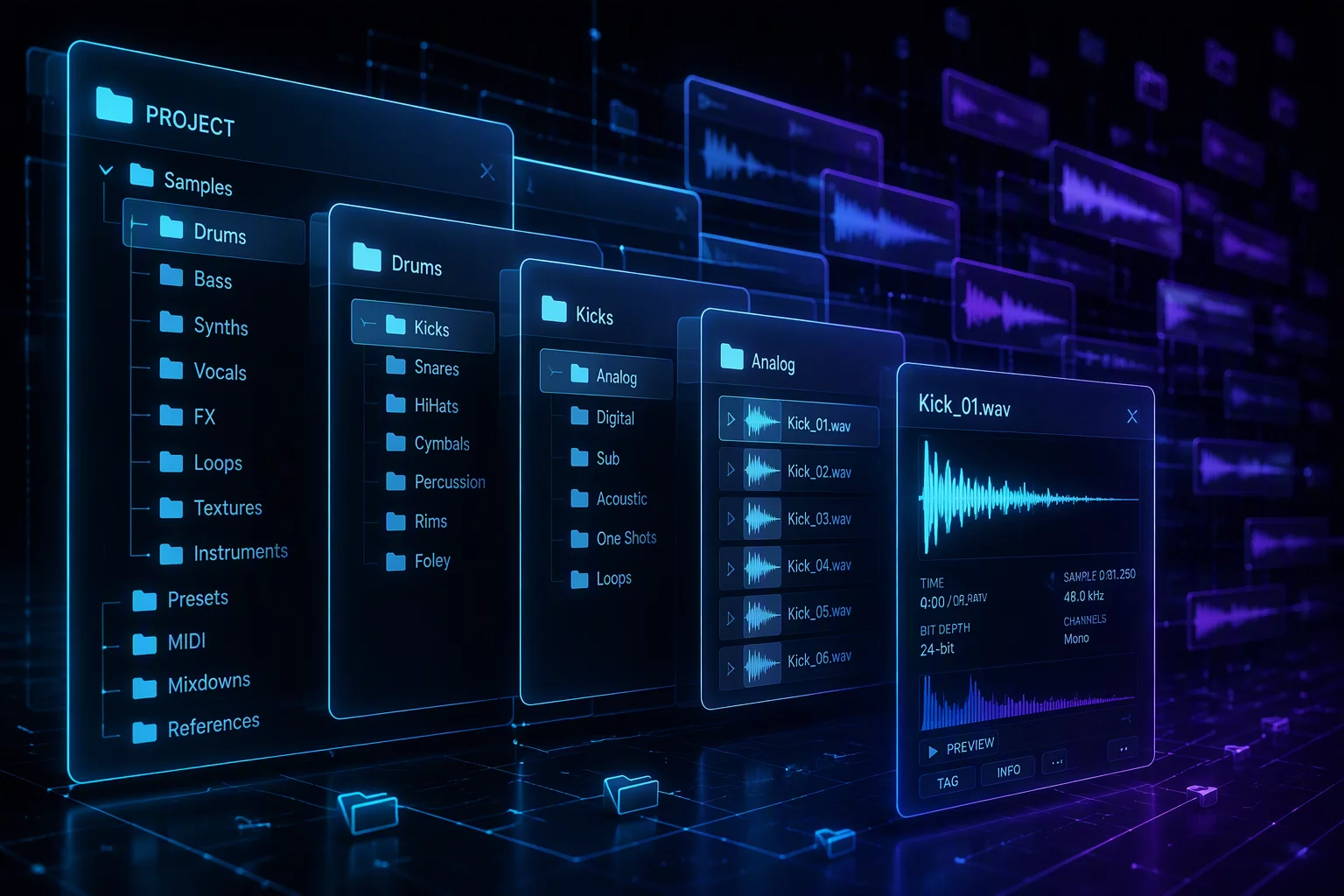
Build structured folder templates that minimize vertical scrolling overhead without burying routing buses or reference stems during mix stages.
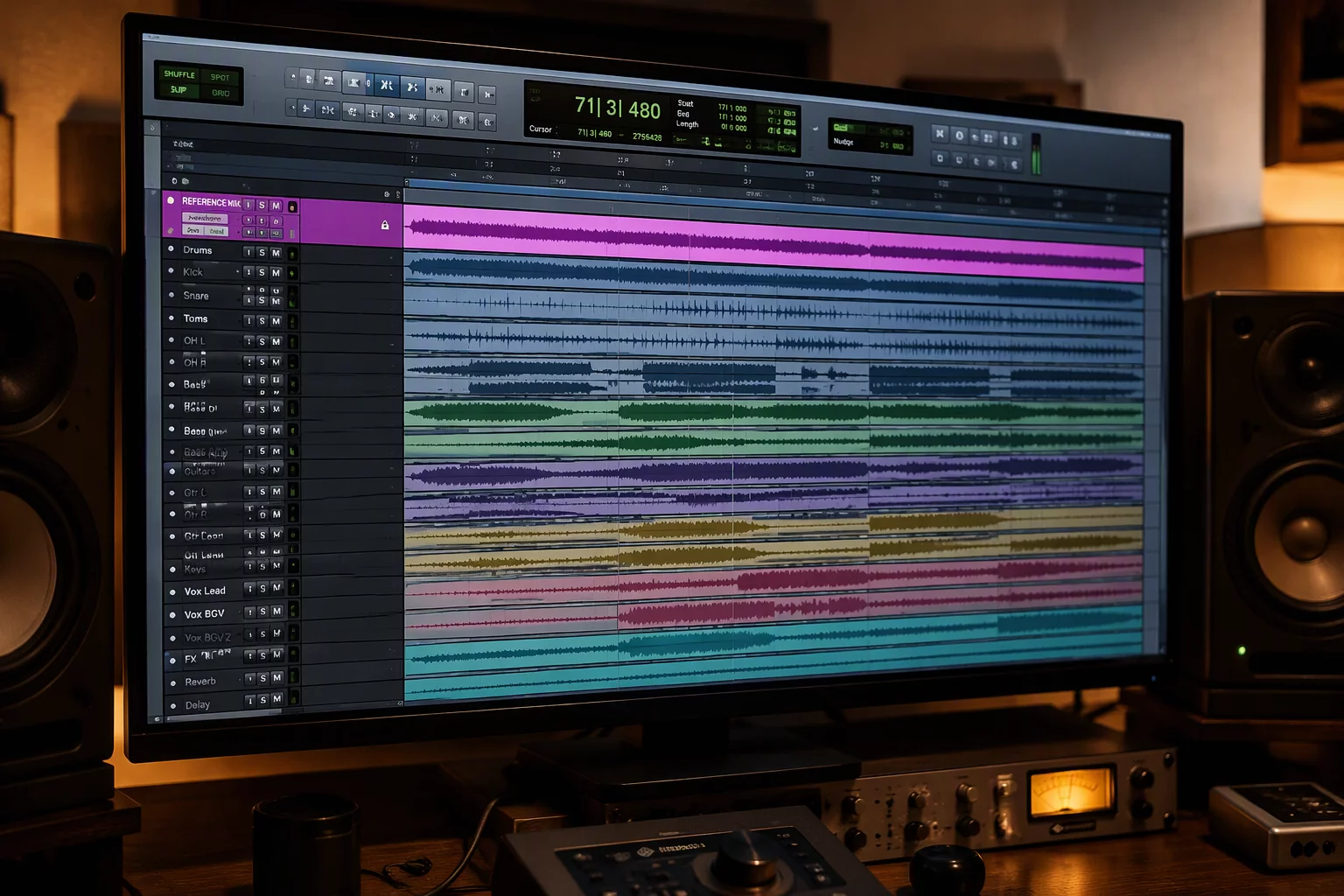
Keep the guide, the reference mix, and the picture locked in view while folders open and close around them, so every edit is checked against the same anchor.
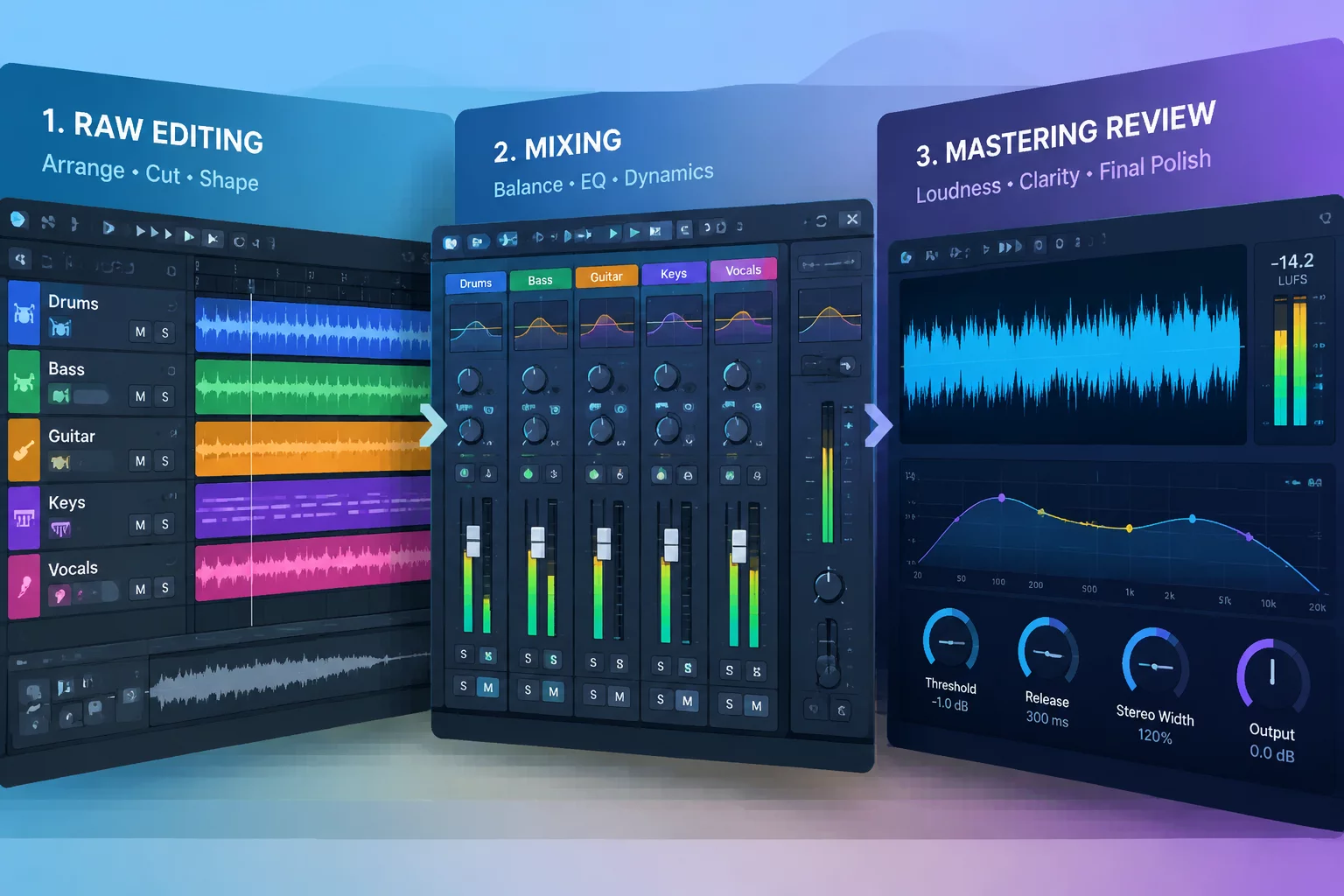
Move from edit to mix to review without dragging the previous layout along: each stage gets its own pinned tracks and its own collapsed groups.
A 148-track episode split into six groups. The task is a dialogue edit, so only the dialogue folders open up. Three references stay pinned, and everything the edit never touches folds away.
Explore practical architectures built to organize large session templates, manage Pro Tools folder tracks, and lock critical lanes with track pin workflows.
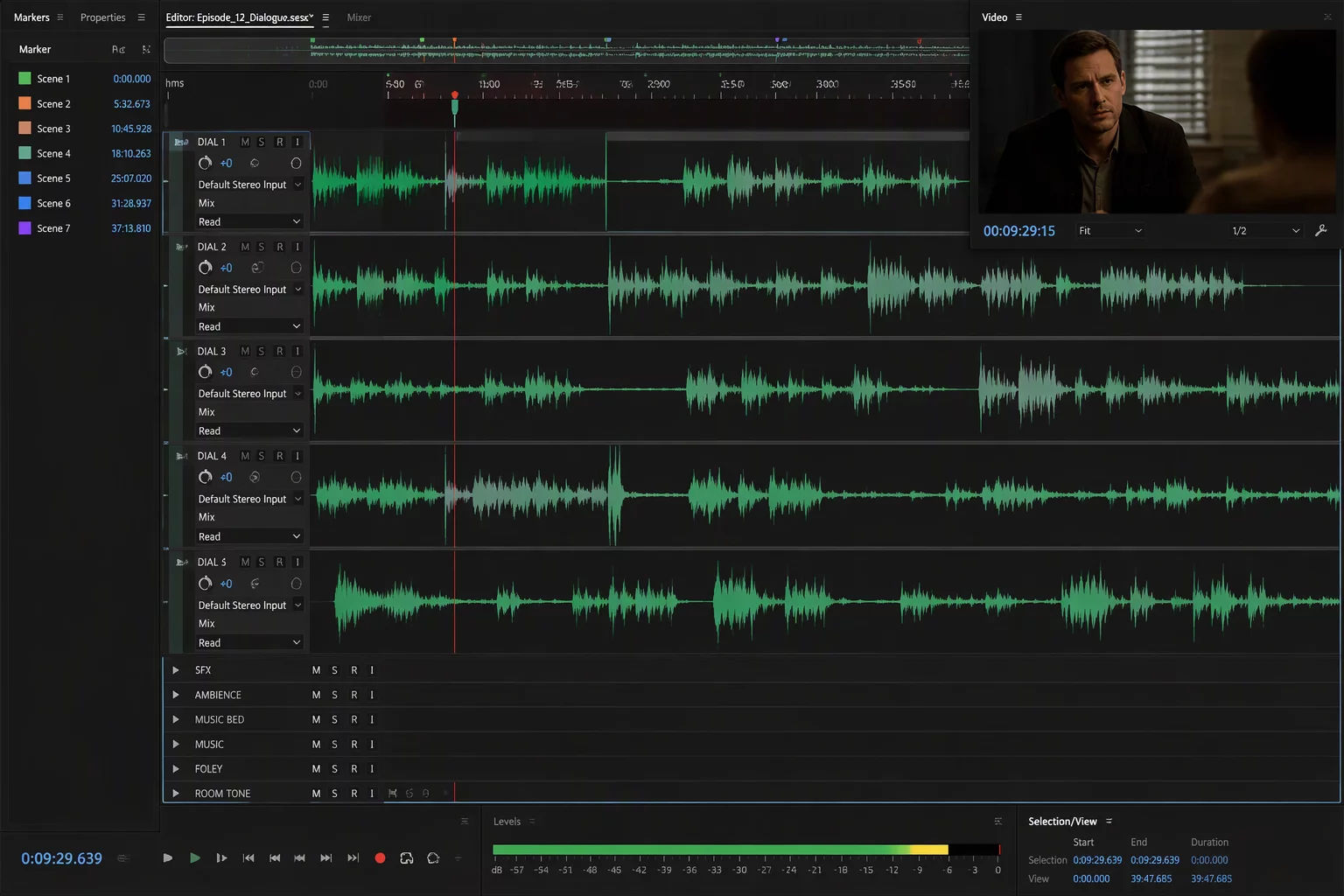
Isolate production boom and lavaliers while keeping room tone pinned above collapsing soundtrack stems.
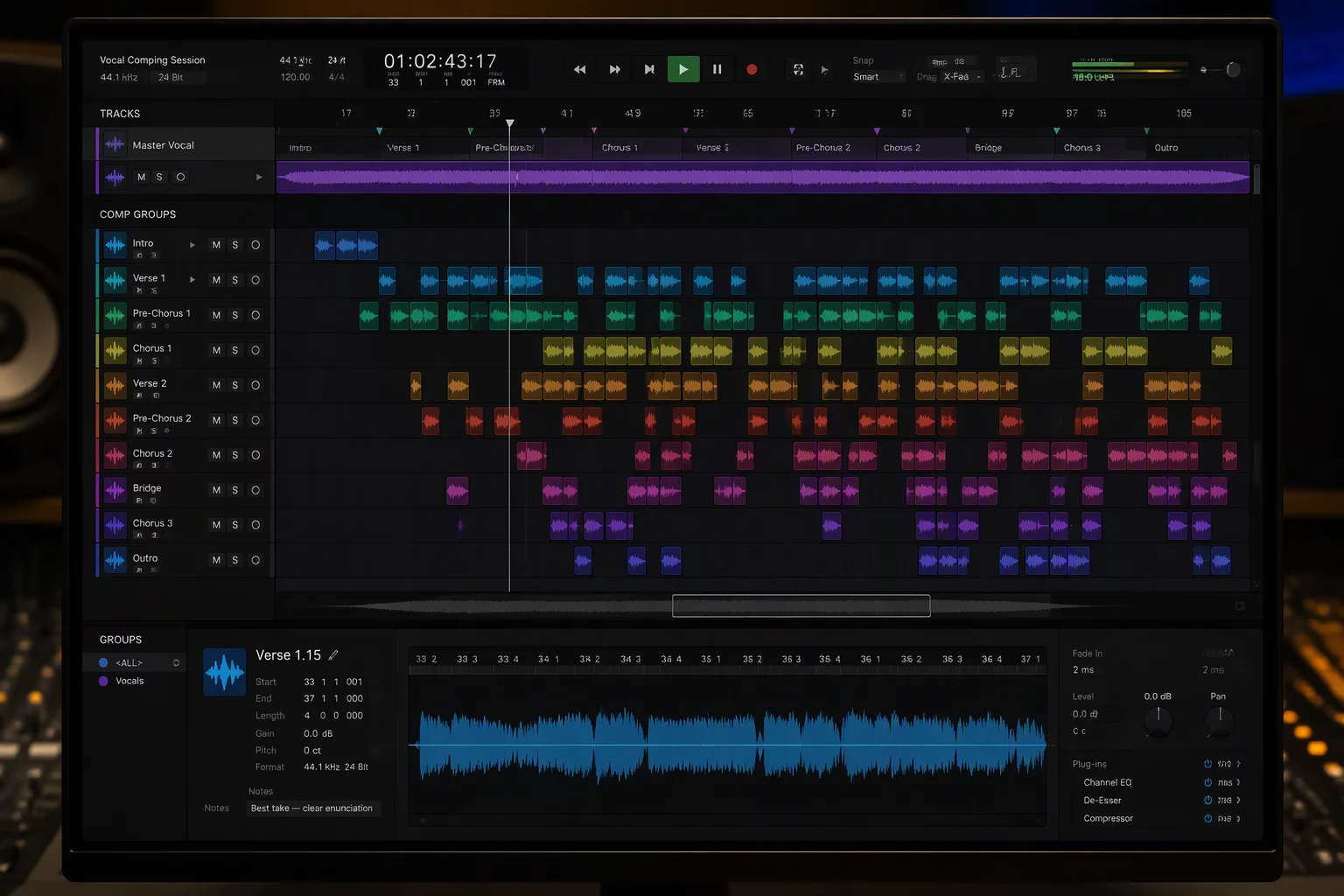
Maintain the primary lead track in permanent sight across thirty harmony lanes without horizontal or vertical friction.
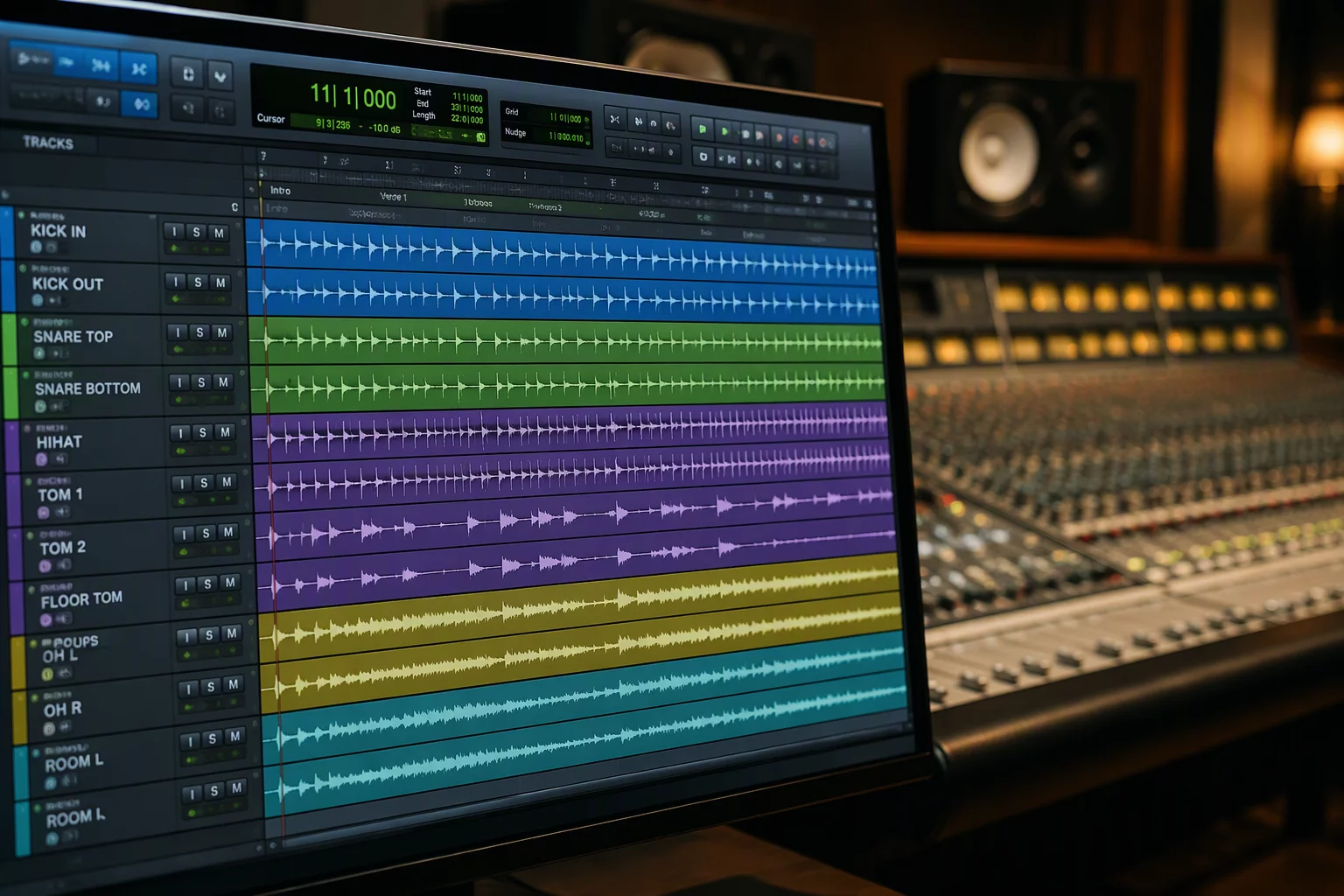
Nest twenty acoustic channels inside manageable routing folders while locking overhead phase reference meters.
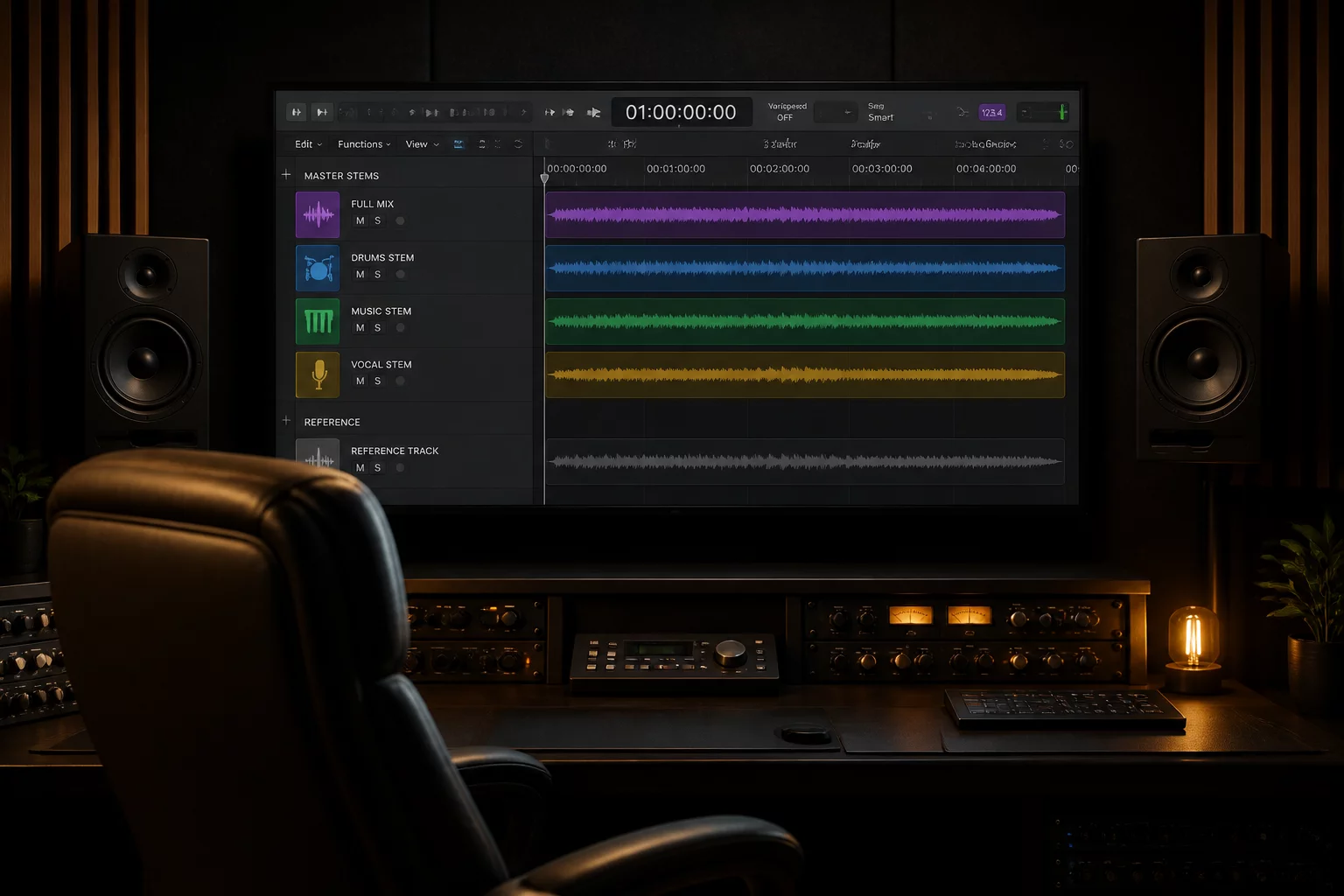
Switch instantaneously from microscopic surgical track edits to high-level playback stems for client sessions.
Practical field guides and layout strategies for sustaining visual clarity across demanding multi-track environments.
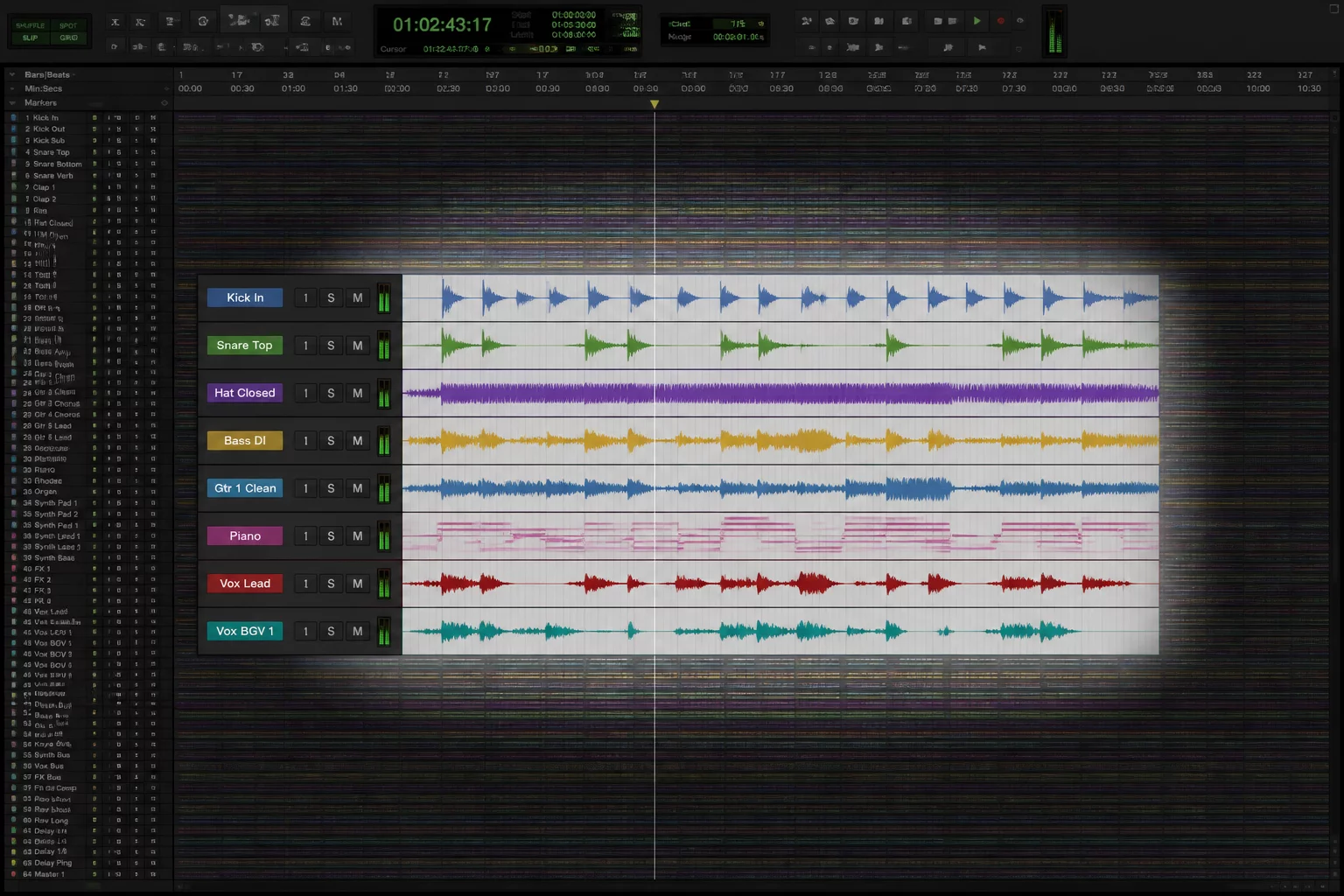 2026-08-12
Streamline overloaded sessions by isolating active tracks and managing background clusters efficiently.
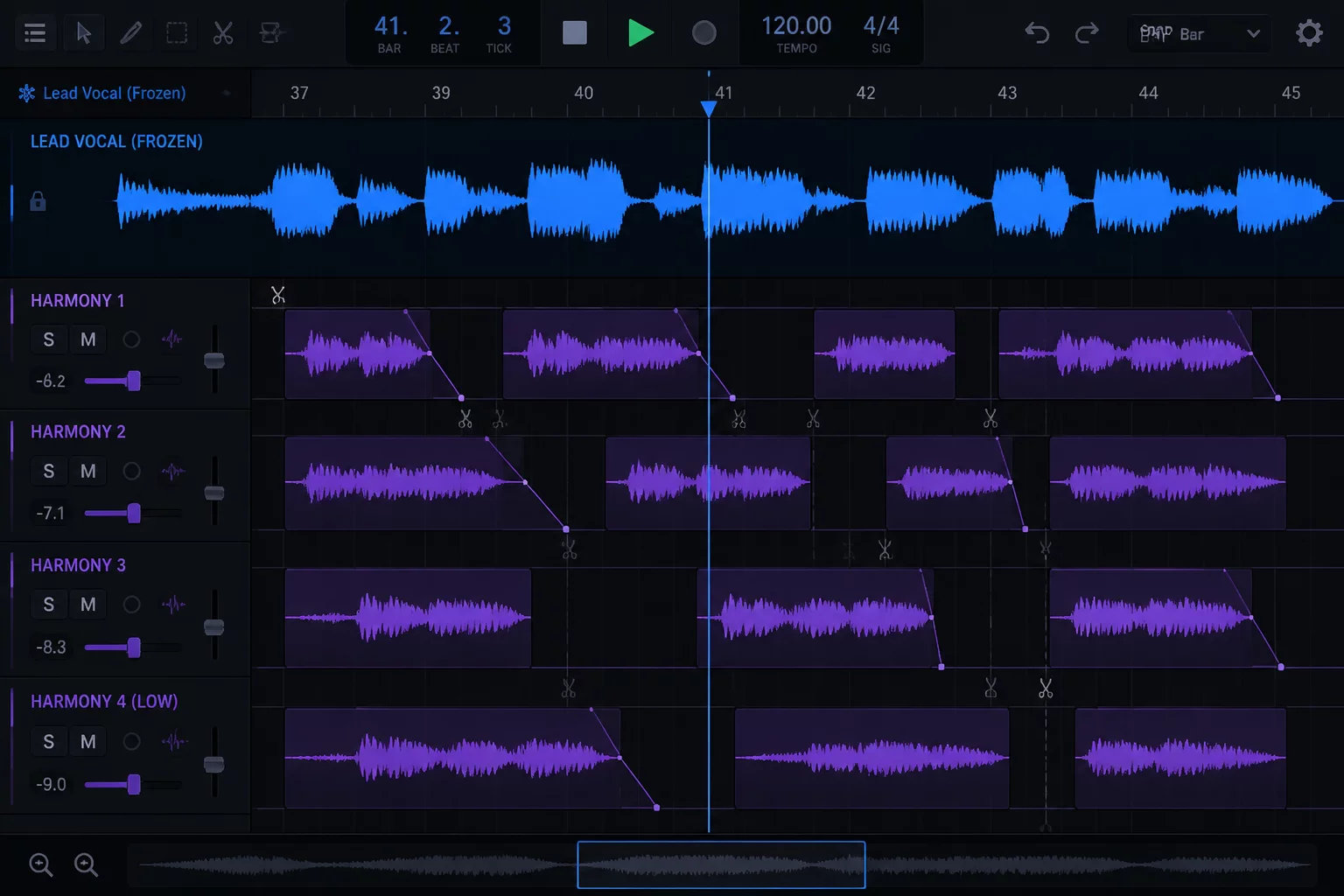 2026-08-20
Maintain pitch references and timing anchors pinned at the top while editing dense vocal harmony layers.
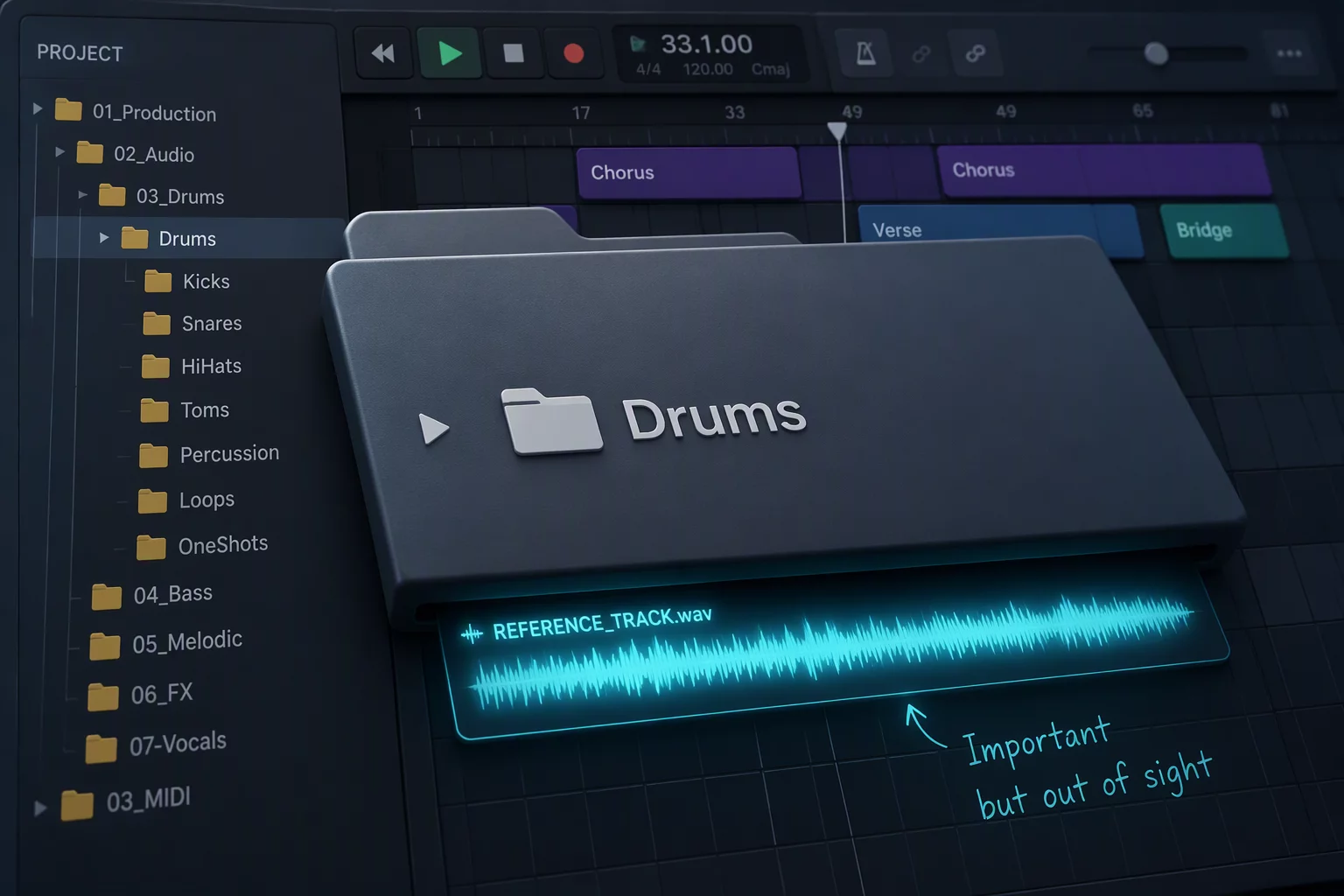 2026-09-02
Avoid common folder track pitfalls where essential phase and guide tracks get hidden during active mixing.
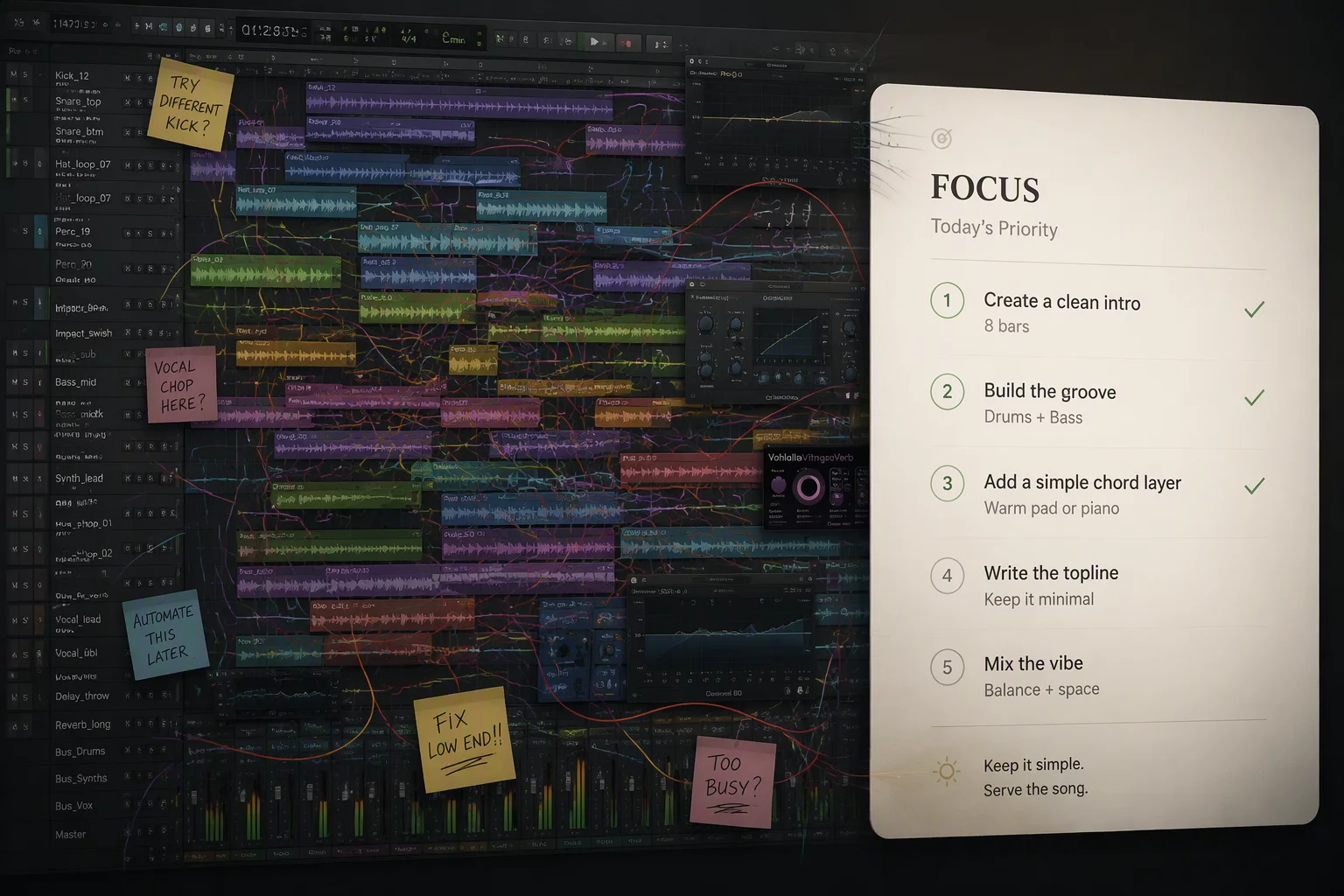 2026-09-15
Reconfigure digital audio workspace views dynamically to avoid mental fatigue across production stages.
Consult directly on complex track layouts, folder hierarchy design, and track visibility pinning for high-count post and music productions.
Mon – Fri: 09:00 AM – 07:00 PM EST
Structured DAW consultations by appointment.
Share your workflow friction, track counts, or DAW session architecture requirements.